________________________________________________________________________________________________________
1592025400 – Vers. 1.0 - 89 -
11.3 How to set-up the VISOPROG program
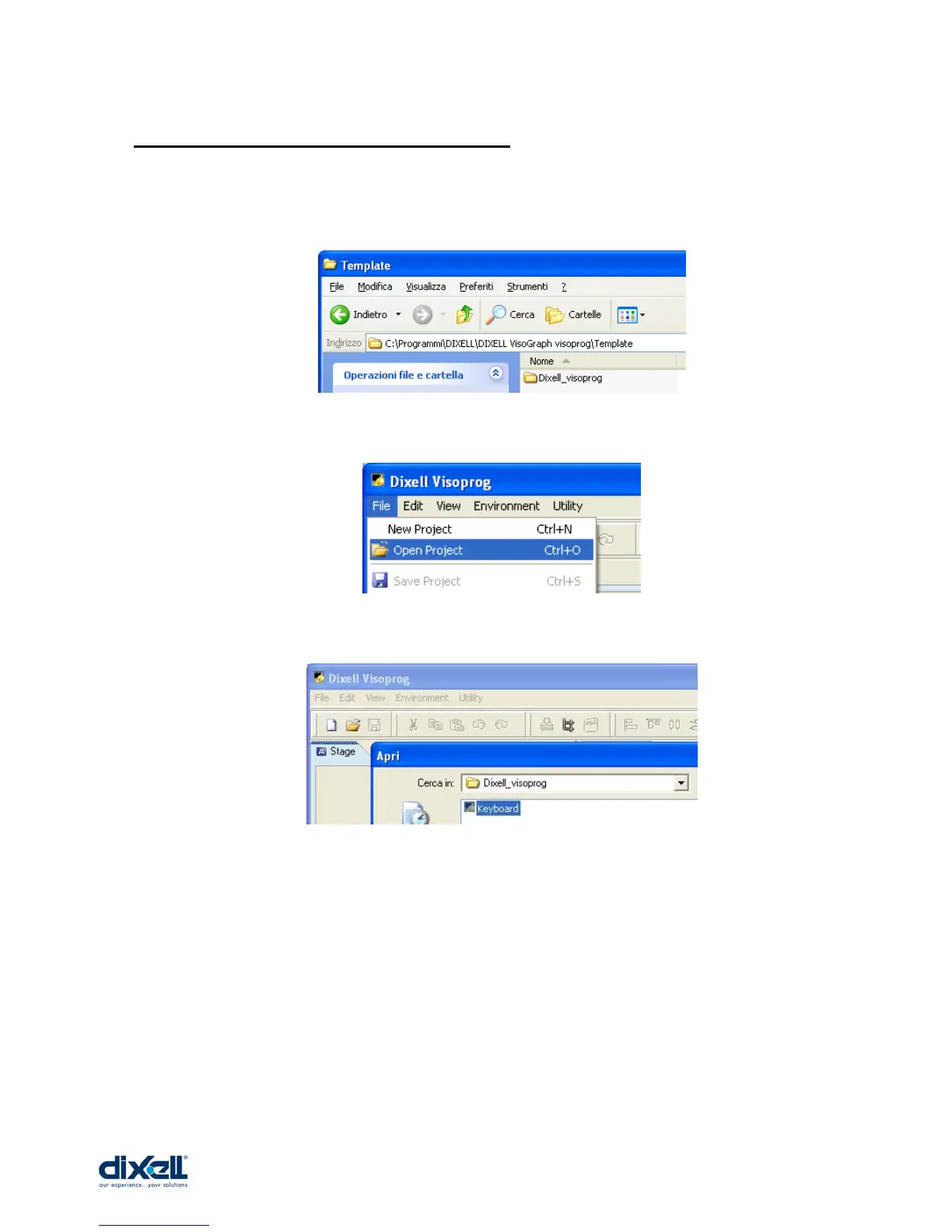
Before to set-up the program it is necessary to open a project.
In the CD you can find the project “Dixell_visoprog” that you have to copy inside the folder
“C:\Programmi\DIXELL\DIXELL VisoGraph visoprog\Template” in your computer.
Open the project copied just now:
And choose the file “Keyboard”:
Now we have to sep-up the program with some information:
• Language to use.(Environment Æ Language)
• Connection between Visoprog and iPRO. (Environment Æ Instrument)
• Project options (File Æ Options)















 To Next Page