________________________________________________________________________________________________________
1592025400 – Vers. 1.0 - 33 -
6.5 Start with the new Project
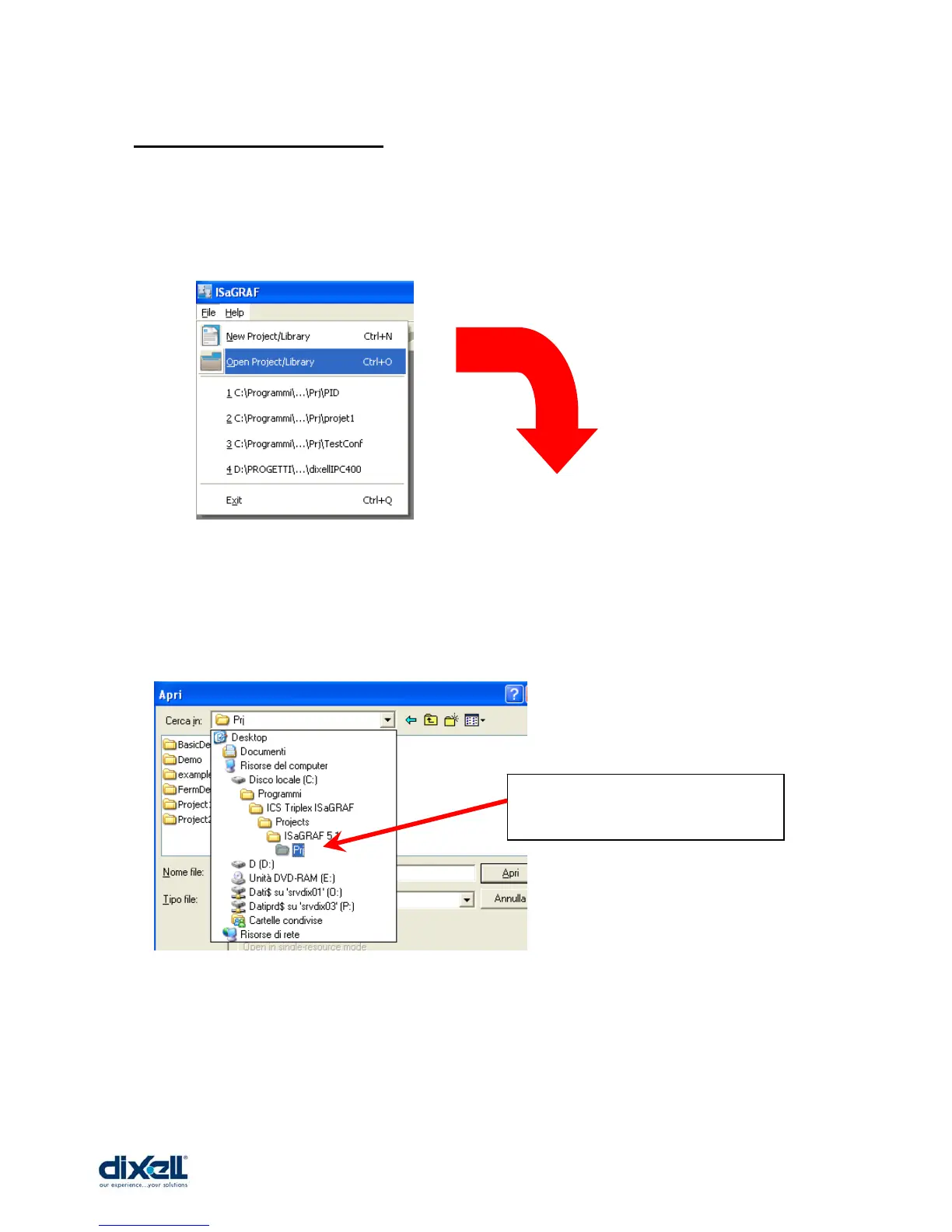
Launch the ISaGRAF program and select:
File -Æ Open Project/Library
The file to open is inside the project that we have saved in:
• C:\Programmi\ICS Triplex ISaGRAF\Projects\ISaGRAF 5.1\Prj
Double click on Prj
This is the folder where your
project has been saved















 To Next Page