________________________________________________________________________________________________________
1592025400 – Vers. 1.0 - 80 -
With this procedure, starting from an existing file, it is possible to create a new
“isadix” file with a different password.
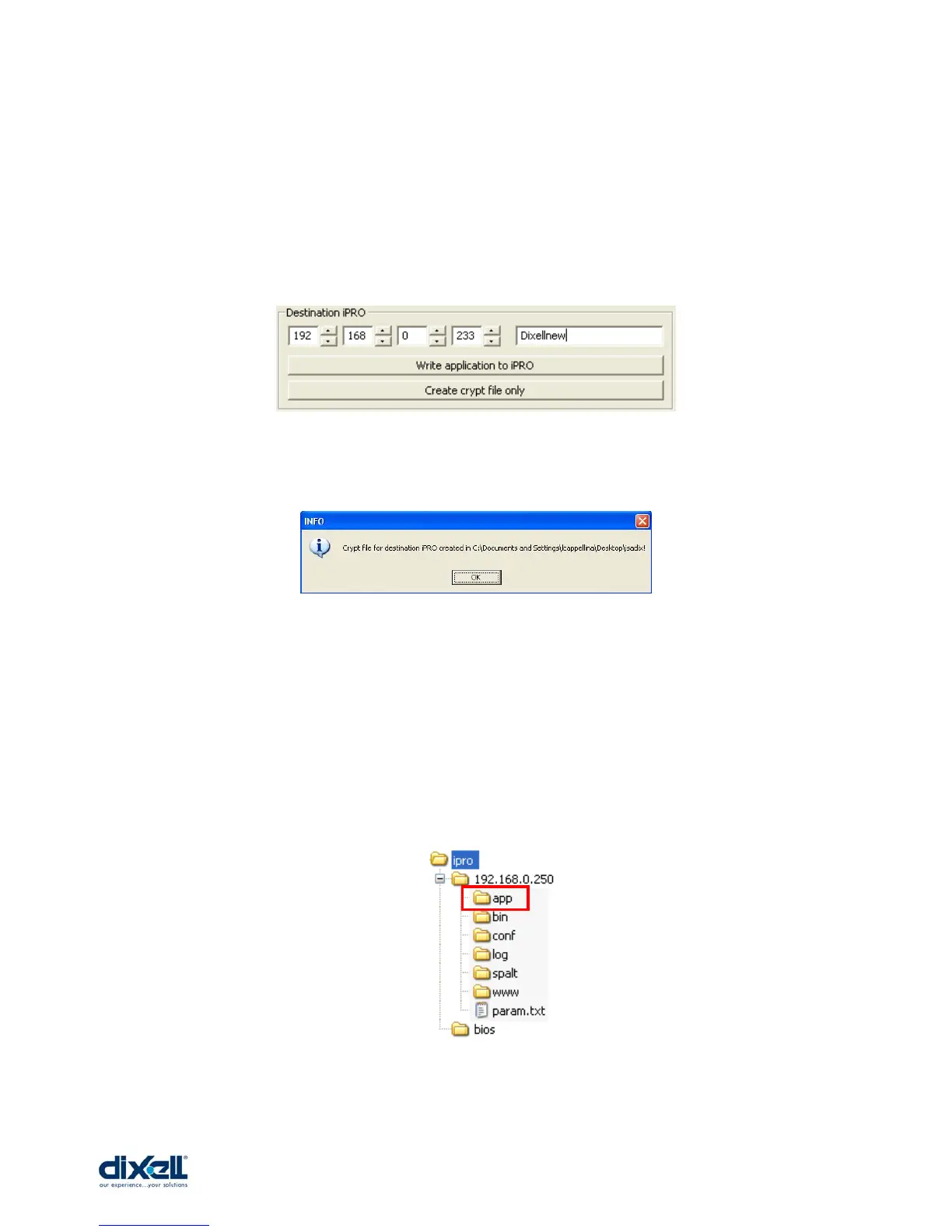
Write the new password.
Then click on “Create crypt file only”.
Choose the file, for example the name “app_file”; the message that appear is:
This mean that the new isadix file has been created with the new password.
• From USB to iPRO
All the isadix files created can be downloaded directly in the iPRO using the USB
key. It is enough to put the file isadix inside the folder “app” in the USB.
For each iPRO and each “app” folder it is possible to use only one isadix file.















 To Next Page