________________________________________________________________________________________________________
1592025400 – Vers. 1.0 - 139
-
15. ADMINISTRATOR SITE
Inside the iPRO, as default, there is a Website where is possible to get some information
about the configuration, the working status and the variables value.
To see the website launch, in your browser, the command:
• http://192.168.0.250/panel (if your IP is different, write the correct one)
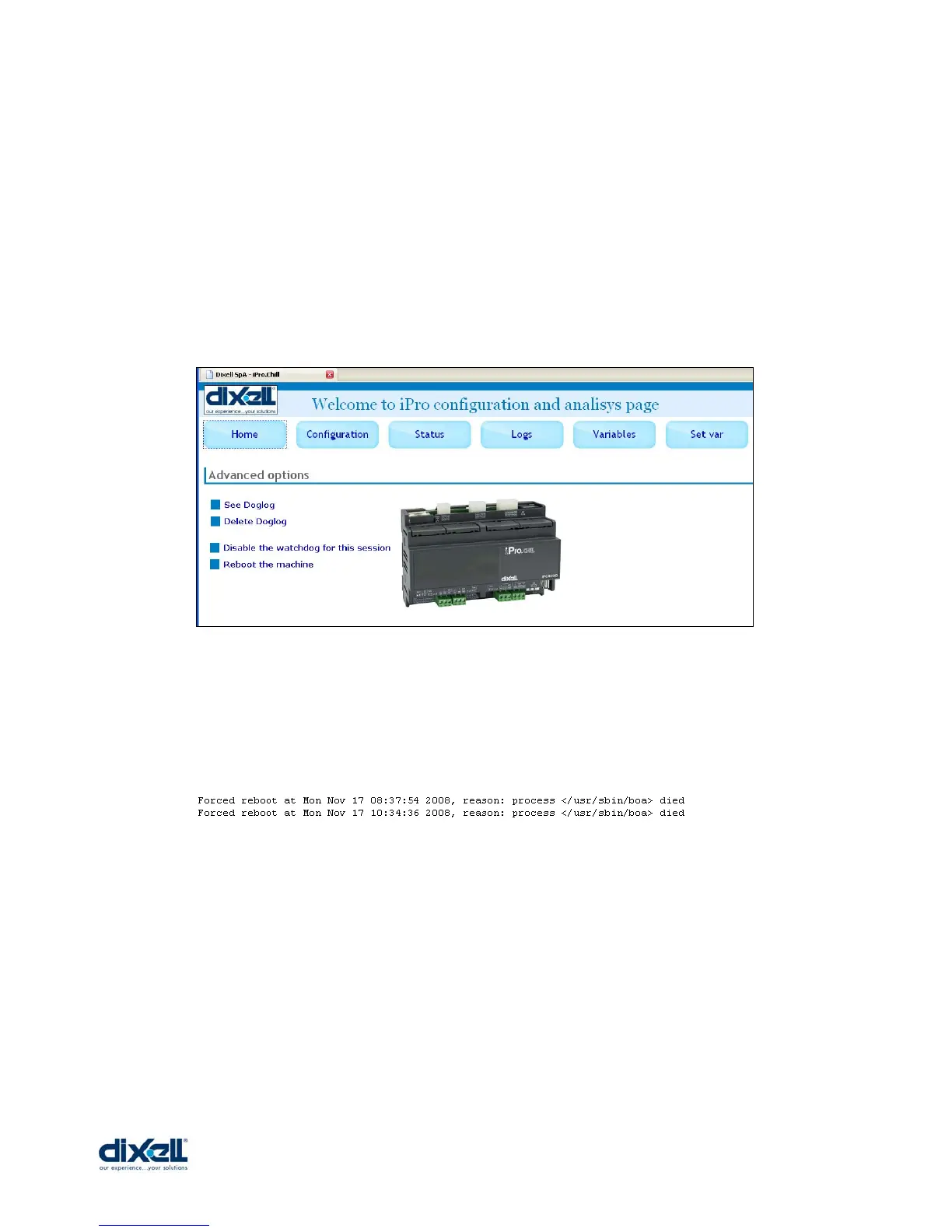
The “HOME” window will appear:
The command that you can use in this first page are:
• To see and delete the Doglog.
You can check if there have been failures or reboots of the system; here below an
example of reboot message:
• Disable the Watchdog.
The default status of Watchdog is enable; this control reboot automatically the
system when some malfunction happens.
BE AWARE: this control has to be disable “manually” only during the test or debug of
your application. To enable the control reboot the iPRO.
• Reboot the machine.
This command restart the iPRO.















 To Next Page