________________________________________________________________________________________________________
1592025400 – Vers. 1.0 - 84 -
Inside each IP folder the structure is always the same; it is also possible to create, inside the
IP folder, only the folder that you need. For example if you have to download a new bin file
for the Visograph, it is enough to create only the “bin” folder.
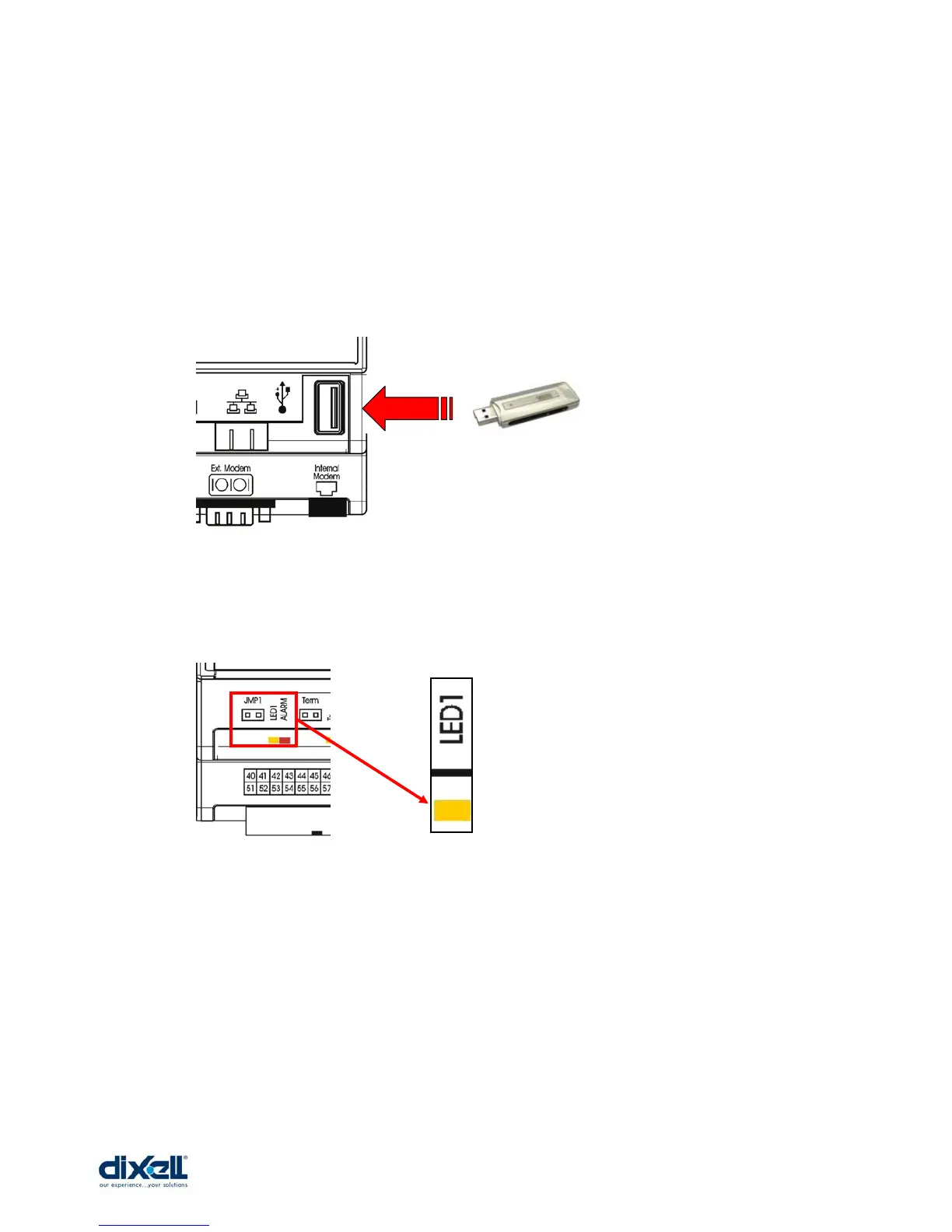
To download or upload the files the procedure is the following:
• Introduce the USB key in the usb port of the Ipro.
• When the yellow led will blink, the file has been downloaded or uploaded; now you
can remove the USB key.
• If necessary the iPRO will reboot automatically.















 To Next Page