________________________________________________________________________________________________________
1592025400 – Vers. 1.0 - 60 -
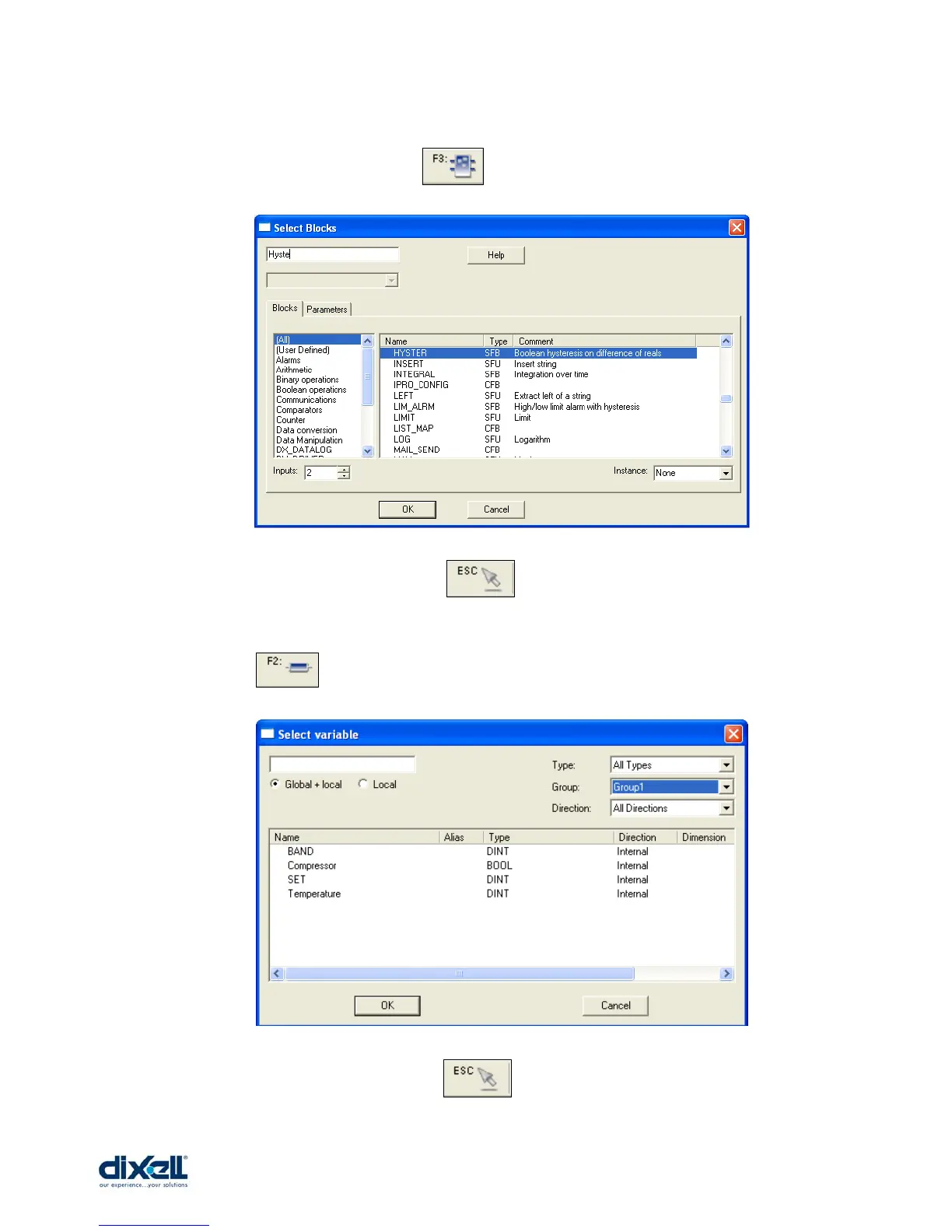
Once the FBD is open, we have to put the elements of our application; the first element is
the Hysteresis block. Click the icon and then positioning it in the window.
With the tab here below select the block and then press OK.
To confirm the operation click the icon .
The other elements to put are the variables (defined in the Group1).
Click the icon and then positioning them in the window.
With the tab here below you can select the variables.
To confirm the operation click the icon .
The connect the variables with the block as showed here below:















 To Next Page