________________________________________________________________________________________________________
1592025400 – Vers. 1.0 - 92 -
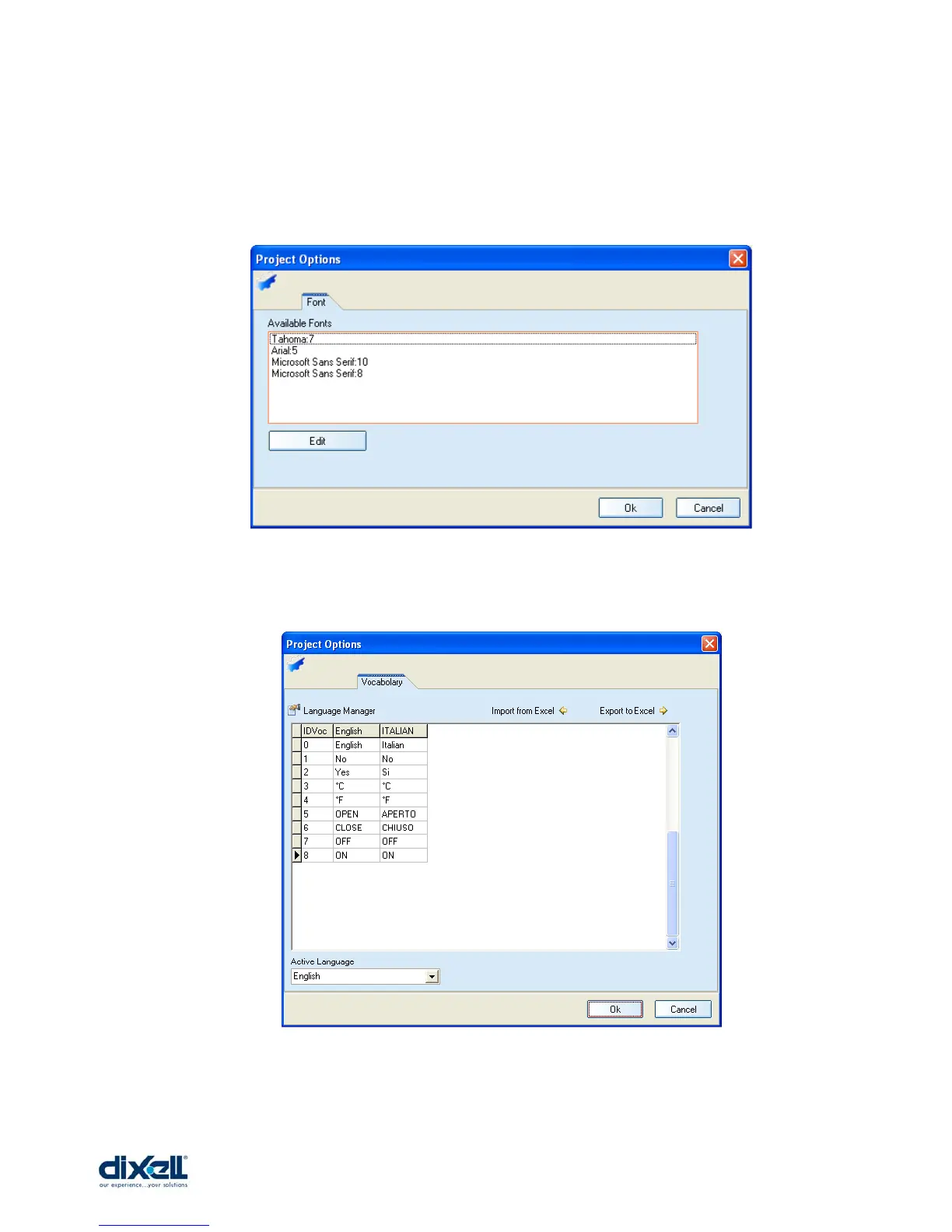
In this window you can define the fonts of your project; for each project you can choose 4
fonts. In every moment you can change the fonts (click on Edit and choose the new one),
but pay attention that in your project the previous font will be updated automatically with the
new one.
In this window you can define the languages to use in your user interface. For each project
you can use up to 5 languages and this file can be manage as an excel file.















 To Next Page