Simga2N Traction Advanced Manual– V1.3 Page 113 (166) ©2021 DMC GmbH Herten Germany
Example
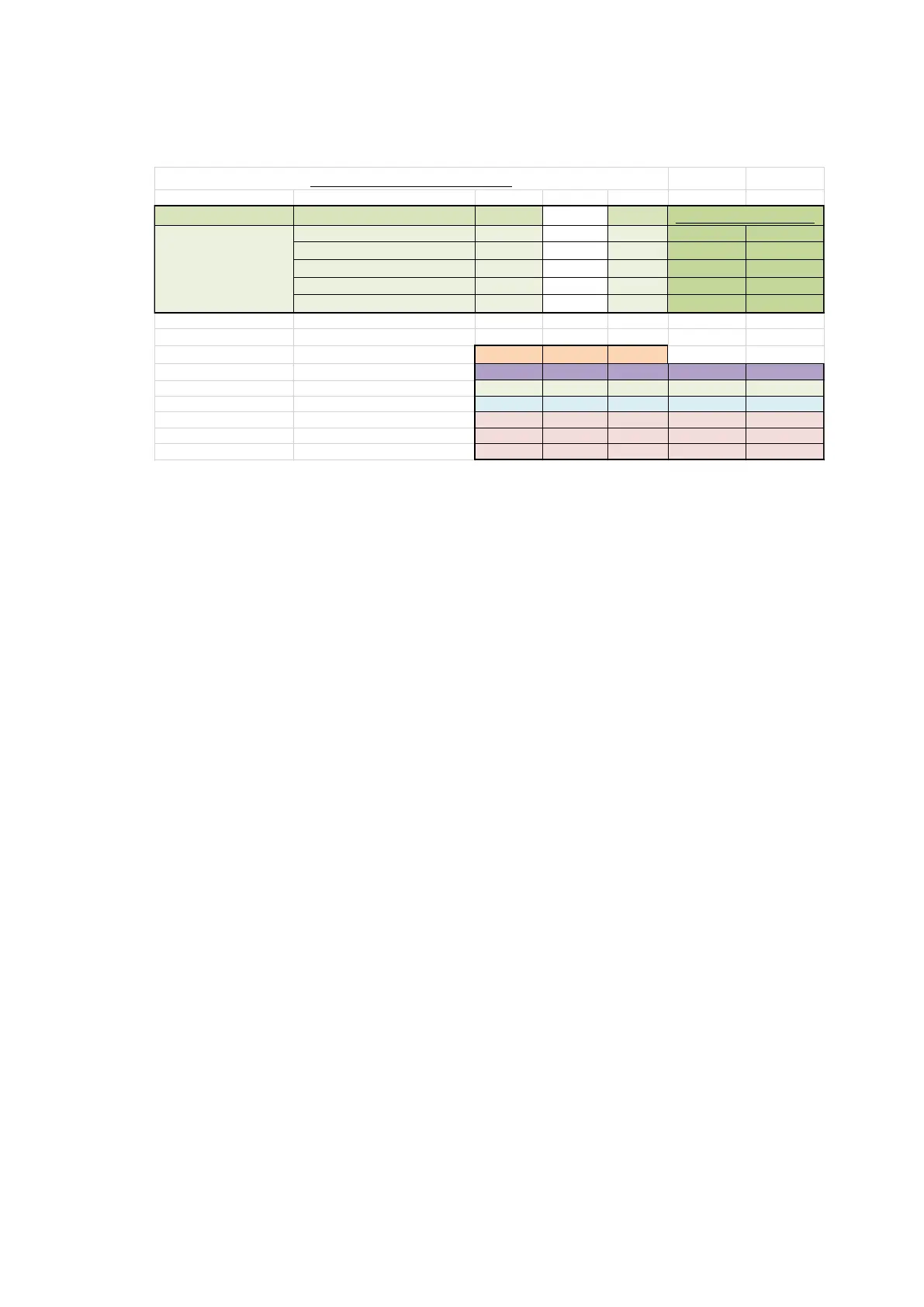
An example of the MS Excel sheet is given below.
According to the sheet, 400 Arms is allowed to flow through the motor for a maximum time of 20 s. After that
the I
2
t will cut back the current to the first step (63 %, 250 Arms).
Then 250 Arms is allowed to flow through the motor for a maximum time of 80 s. Then the I
2
t function will cut
back current to the second step (40 %, 160 Arms).
To reach the final step, 160 Arms is allowed to flow for 500 s, and after that, 120 Arms for 75 min.
The I
2
t starting temperature
The I
2
t function will only be in operation when the temperature of the motor is above this starting temperature.
When the motor temperature is below this starting temperature, the I
2
t function is completely reset. Thus, the
maximum drive current is allowed for the maximum time as set by the I
2
t step 0.
Disabling the
I2
t function
The I
2
t function can be disabled by setting the “I
2
t time” in the “Menu 5 “Limits Setup”” to zero (0) seconds.
Other limits
The controller may have other limits in effect (e.g. controller temperature limit, motor temperature limit or
low voltage limit). The module which is limiting the most, will apply the limit. The “Drive torque limit” will then
show the limit of the corresponding module.
Example
• Controller temperature limit 50 %
• I
2
t feature 80 %
• Applicable limit → 50 %
• Applicable module → Controller temperature (indicated by ‘CT’).
Step 0 T1 T2 T3
I_max [A] 400 250 160 120
I_offset [A] 300 150 60 20
t [s] 20,00 80,00 500,00 4500,00
t [min] 0,33 1,33 8,33 75,00
t [h] 0,01 0,02 0,14 1,25



 To Next Page