F6300 Power System Simulator User Guide
72A-2337-01 Rev. B 11/05 B-3
9. Double-click the MS-DOS icon on the desktop to open an MS-DOS window.
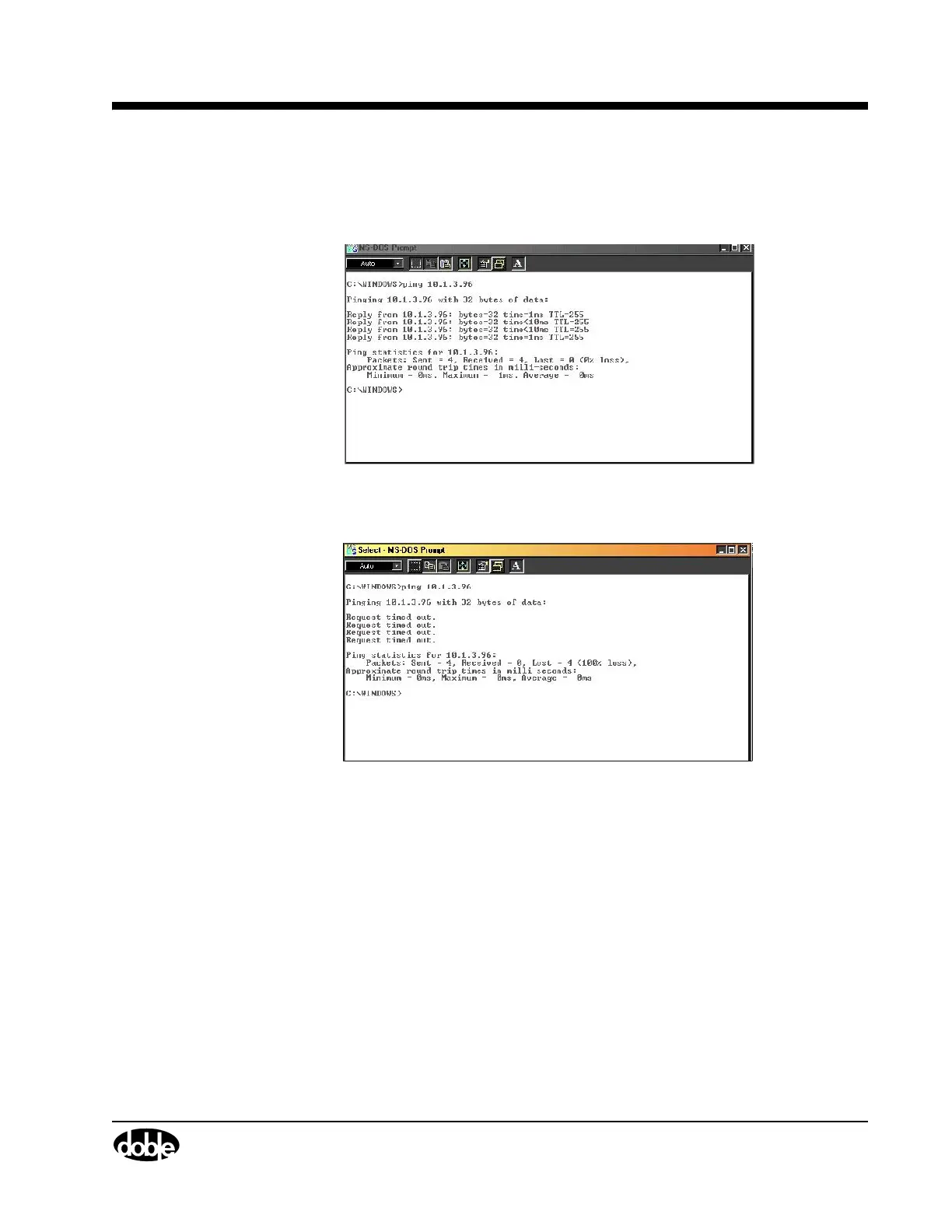
10. Type ping after the prompt, followed by a space and the IP address of the F6300:
• If the connection is working, four replies from the F6300 appear (Figure B.4).
Figure B.4 Working F6300 Replies
• If the connection is not working, four time outs appear (Figure B.5).
Figure B.5 Non-working F6300 Replies
If the ping is unsuccessful, check the network connections, terminators, connecting cable,
and network properties. Then try again.



 To Next Page