Operation Frigo
14
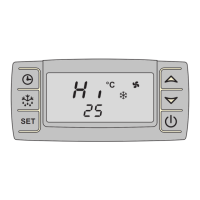
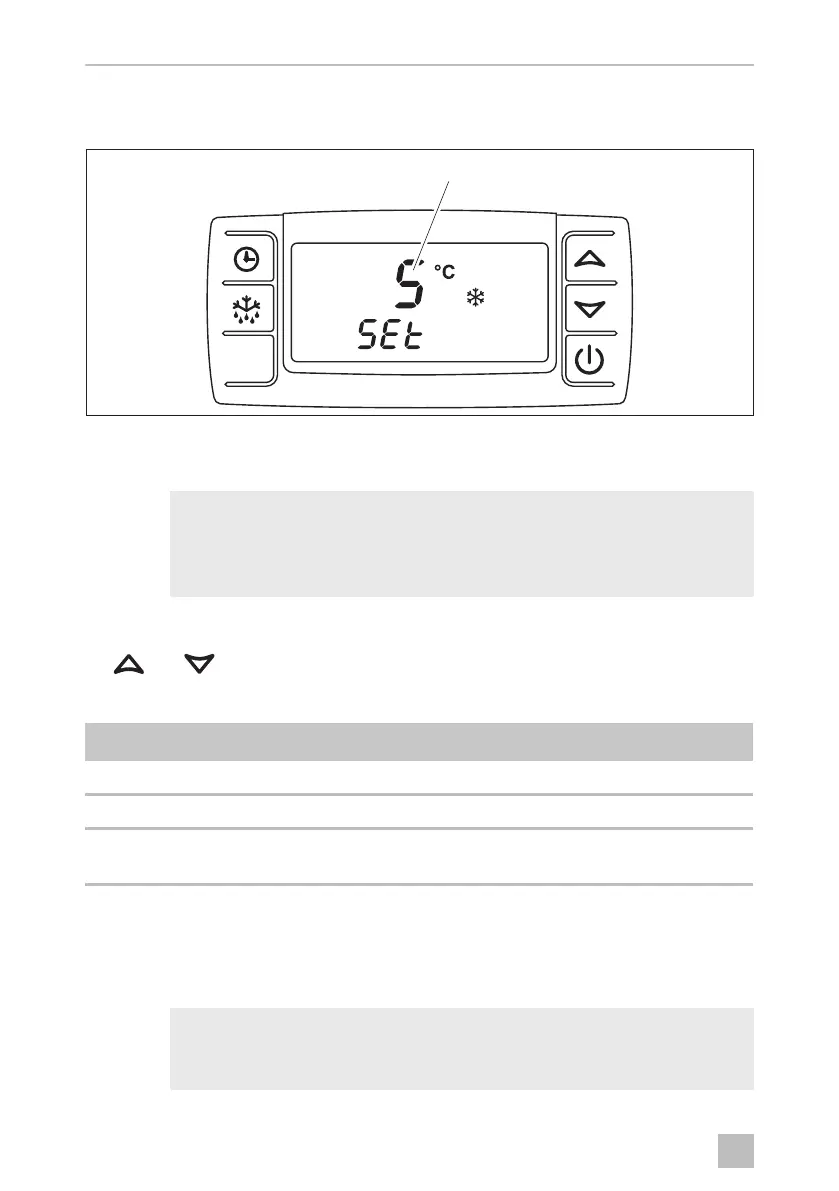
Changing the target temperature in the loading area
➤ Hold down the button for 2 seconds.
Figure 8: Changing the target temperature
✓ The target temperature (1) appears on the display and the °C symbol flashes.
I
➤ Within 15 seconds, change the target temperature in 1 °C steps using buttons
and .
The target temperature can be set depending on the system:
➤ Briefly press the button.
✓ The set temperature is saved and applied as the desired target temperature for
the cooling area.
I
NOTE
If no button is pressed for 10 seconds, the control unit switches back to
displaying the loading area temperature and the target temperature is
not changed.
System type Temperature range for the cooling area
Cooling unit for chilled goods: Between max. +40 °C and min. +0 °C
Deep freeze unit: Between max. +40 °C and min. -20 °C
Loading area temperature
control:
Between max. +12 °C and min. +0 °C
NOTE
The target temperature must be set to correspond to the storage tem-
perature for foods (see chapter “Storing fresh food” on page 25).
SET
1
)ULJR2VERRN6HLWH'RQQHUVWDJ)HEUXDU


 To Next Page
 Loading...