Frigo Operation
13
5.5 Controlling the loading area temperature
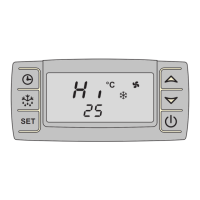
Reading off the actual and target temperature value
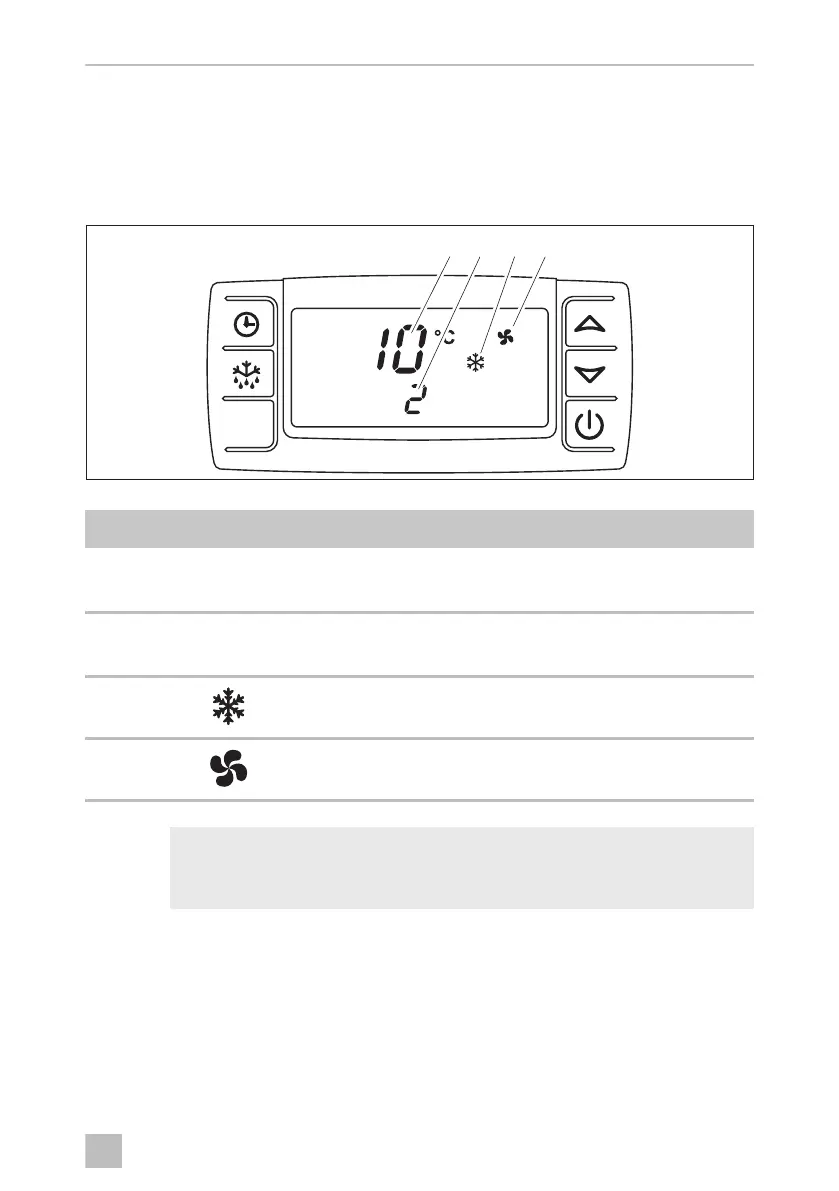
After the cooling system has been switched on, the display shows the loading area
temperature (1) and the target temperature (2).
Figure 7: Temperature indication
I
Item Symbol Meaning
1
I0
The display indicates the current loading area temperature
in °C.
2
2
The display indicates the target temperature in °C.
3 The cooling system starts.
4 The evaporator blowers run.
NOTE
The evaporator blower switches on or off depending on the condition of
the system.
)ULJR2VERRN6HLWH'RQQHUVWDJ)HEUXDU


 To Next Page
 Loading...