Operation Frigo
18
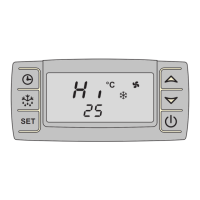
Deleting the measured temperatures
➤ Press the button or the button.
✓ On the display, “Hi” or “Lo” is briefly displayed, followed by the measured and
stored temperature.
➤ Hold down the button for longer than 3 seconds.
✓ “rSt” flashes on the display.
✓ The current loading area temperature is shown on the display.
5.8 Displaying elapsed operating hours
➤ Press the button.
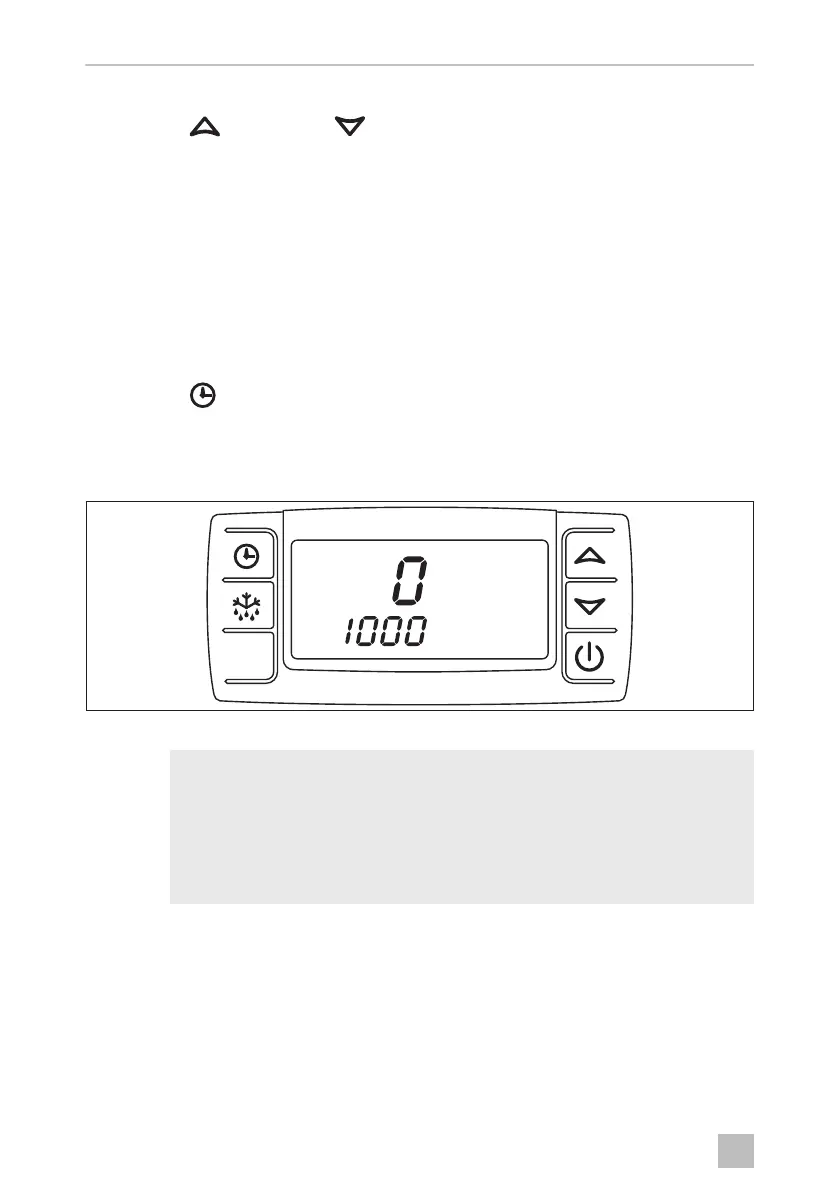
✓ The display shows the ten thousand operating hours that have already elapsed.
The number of operating hours is made up of the top line (steps of ten thousand)
and the bottom line (steps of one).
Figure 11: Displaying the elapsed operating hours
I
NOTE
If “SEr” appears on the display, maintenance must be performed. Initial
maintenance should be carried out 100 operating hours after start-up.
All other maintenance should be carried out after every 1000 hours of
operation.
During maintenance, the operating hours are reset.
SET
)ULJR2VERRN6HLWH'RQQHUVWDJ)HEUXDU


 To Next Page
 Loading...