74 Instructions for use Isolette 8000 plus SW 5.n
Getting started
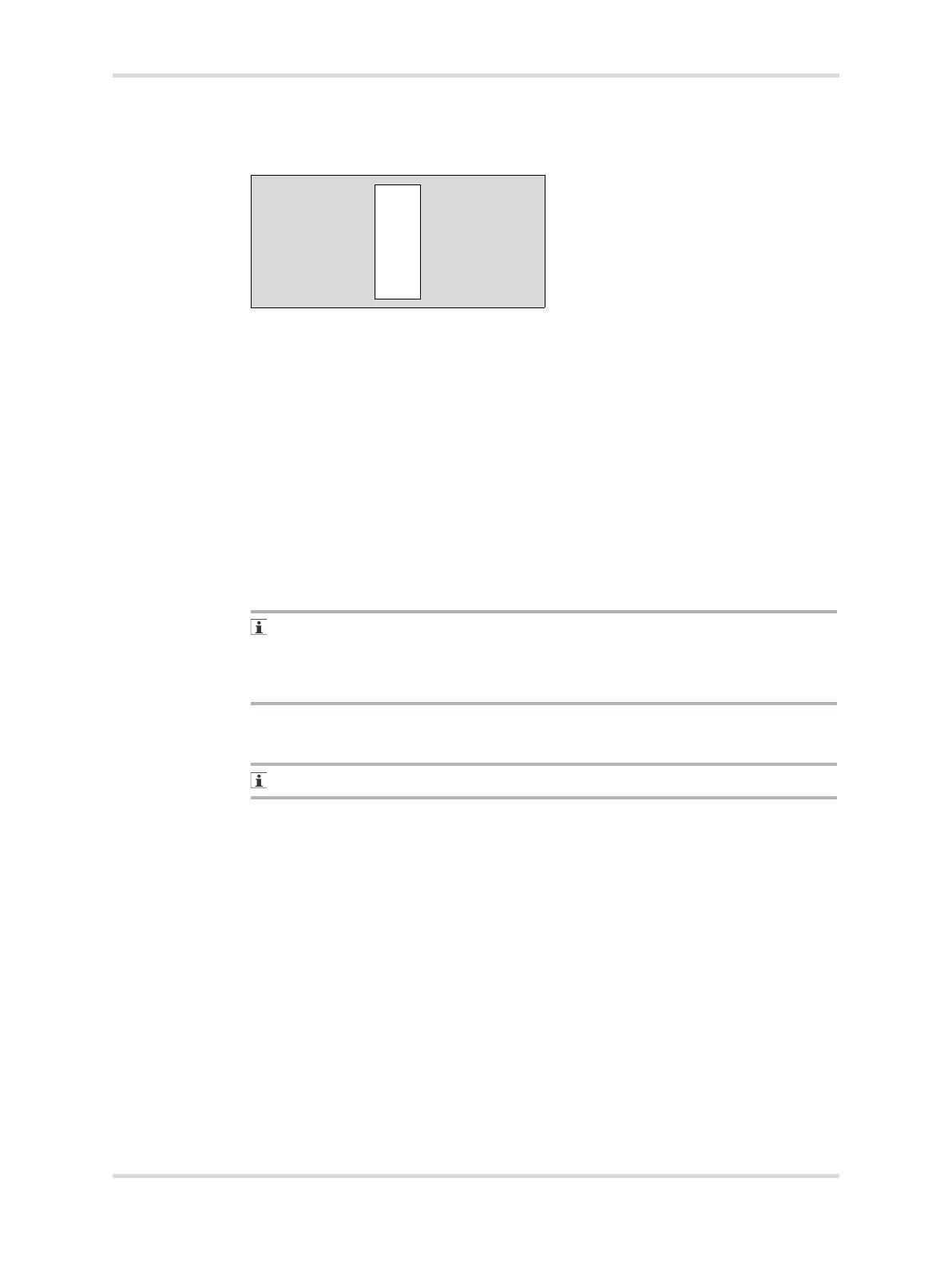
7.2.5.2 Deutsches Institut für Normung (DIN)-compatible rail (D) (cross section
shown):
Verify that all DIN-compatible accessories are properly secured to the DIN-
compatible rail when in the locked position.
7.2.6 Servo oxygen system (option) functional check
Perform the servo oxygen system functional check before the system is first placed
into service and after any disassembly for cleaning or maintenance.
1 Place a calibrated oxygen analyzer inside the hood at the center of the bed.
2 If necessary, unlock the keypad.
3 Activate the oxygen system (see Turning the oxygen mode on or off on page
90).
4 Set the oxygen set point to 45% (see Setting the oxygen set point on page 91).
✓ The oxygen analyzer reads 45% ± 5% within 5 minutes.
If the oxygen analyzer and the oxygen display do not read 45% ± 5% within
5 minutes, contact a local service representative.
The ± 5% accuracy applies to devices calibrated to 21% oxygen. Devices
calibrated to 100% oxygen are accurate to ± 3%.
7.2.7 Humidification system (option) functional check
Ambient relative humidity must be <40% to perform this check.
Perform the humidification system functional check procedure before the system is
first placed into service and after disassembly for cleaning or maintenance.
1 Ensure that the reservoir is full.
2 Ensure that the condensation management system (if installed) is installed
properly.
3 Place the probe of a calibrated hygrometer inside the hood 10 cm (4 inches)
above the center of the bed.
4 Pre-warm the incubator to 35.0 °C (95.0 °F).
5 Activate the humidification system manual mode (see "Selecting the humidity
mode" on page 87).
6 Set the humidity set point to 50% (see Setting the humidity set point in manual
mode on page 89).
✓ Within 30 minutes, the hygrometer and the humidity display both read 50% ± 6%
relative humidity (RH).
083














 To Next Page