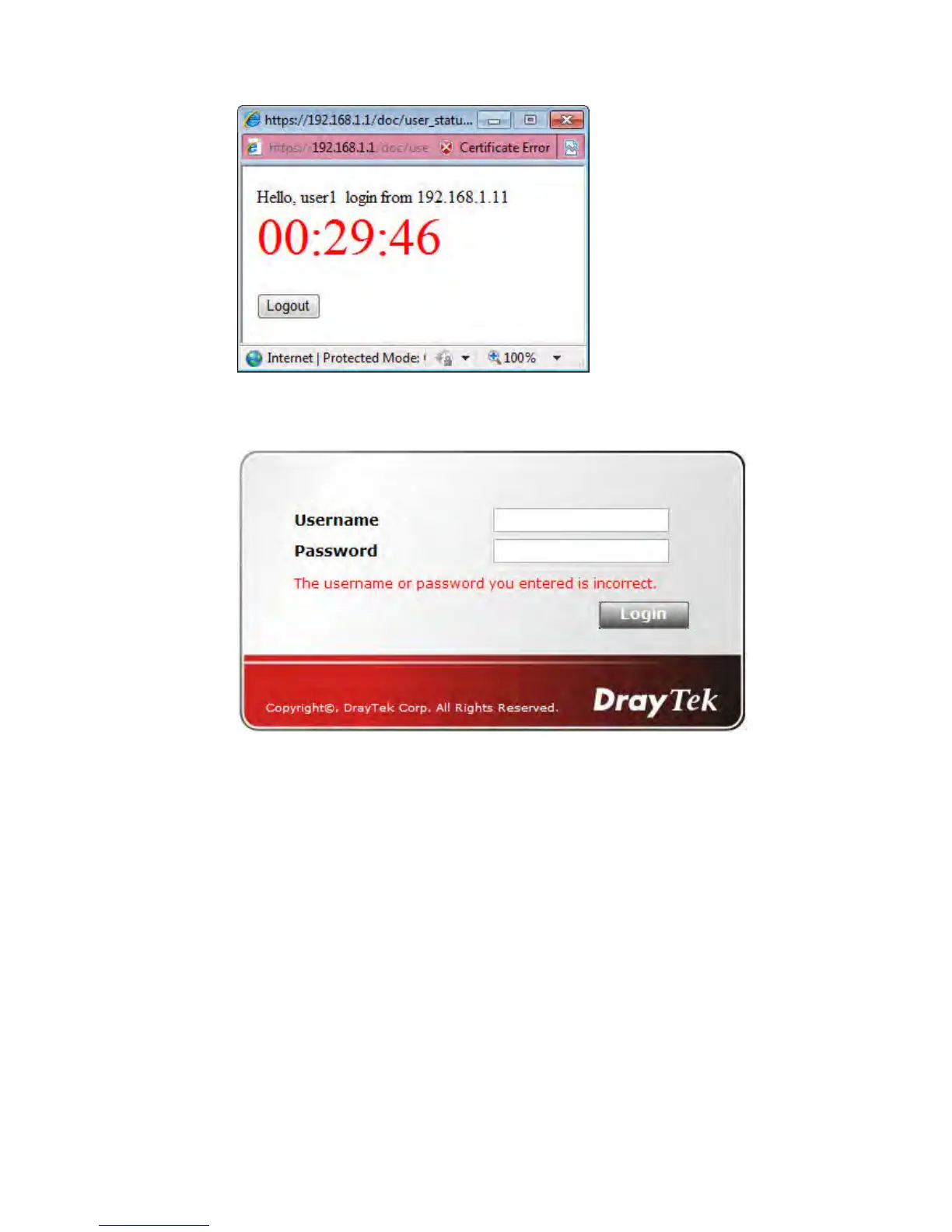
Note, if you block the web browser to pop up any window, you will not see such window.
If the authentication is failed, you will get the error message, The username or password
you entered is incorrect. Please login again.
In above description, you access an external web site to trigger the authentication. You
may also directly access the router’s Web UI for authentication. Both HTTP and HTTPS
are supported, for example http://192.168.1.1 or https://192.168.1.1 . Replace
192.168.1.1 with your router’s real IP address, and add the port number if the default
management port has been modified.
If the authentication is successful, you will get the Welcome Message that is set in the
User Management >> General Setup page.














 To Next Page