option 2 and Valve 2 type (refer to Vent valve control on page 91). Aux output 1 has
default settings for a normally open vent valve and Aux output 2 has default settings for
a fan.
Edwards nEXT air coolers and vent valve accessories (refer to Accessories on page 123),
which have the corresponding connector fitted, are pre-configured to Aux output 1 and
Aux output 2 for convenience and to provide plug and play ability. nEXT vent valves are
pre-configured to Aux output 1 and the default setting for vent options 1 are
appropriate for this type of accessory. nEXT air coolers are pre-configured to Aux output
2 and the default setting for vent options 2 are appropriate for this type of accessory.
Bare wire versions of the nEXT air coolers and vent valve accessories are available, which
are not pre-configured. This enables any combination of accessory to be used and
independently configured and controlled on Aux output 1 and Aux output 2.
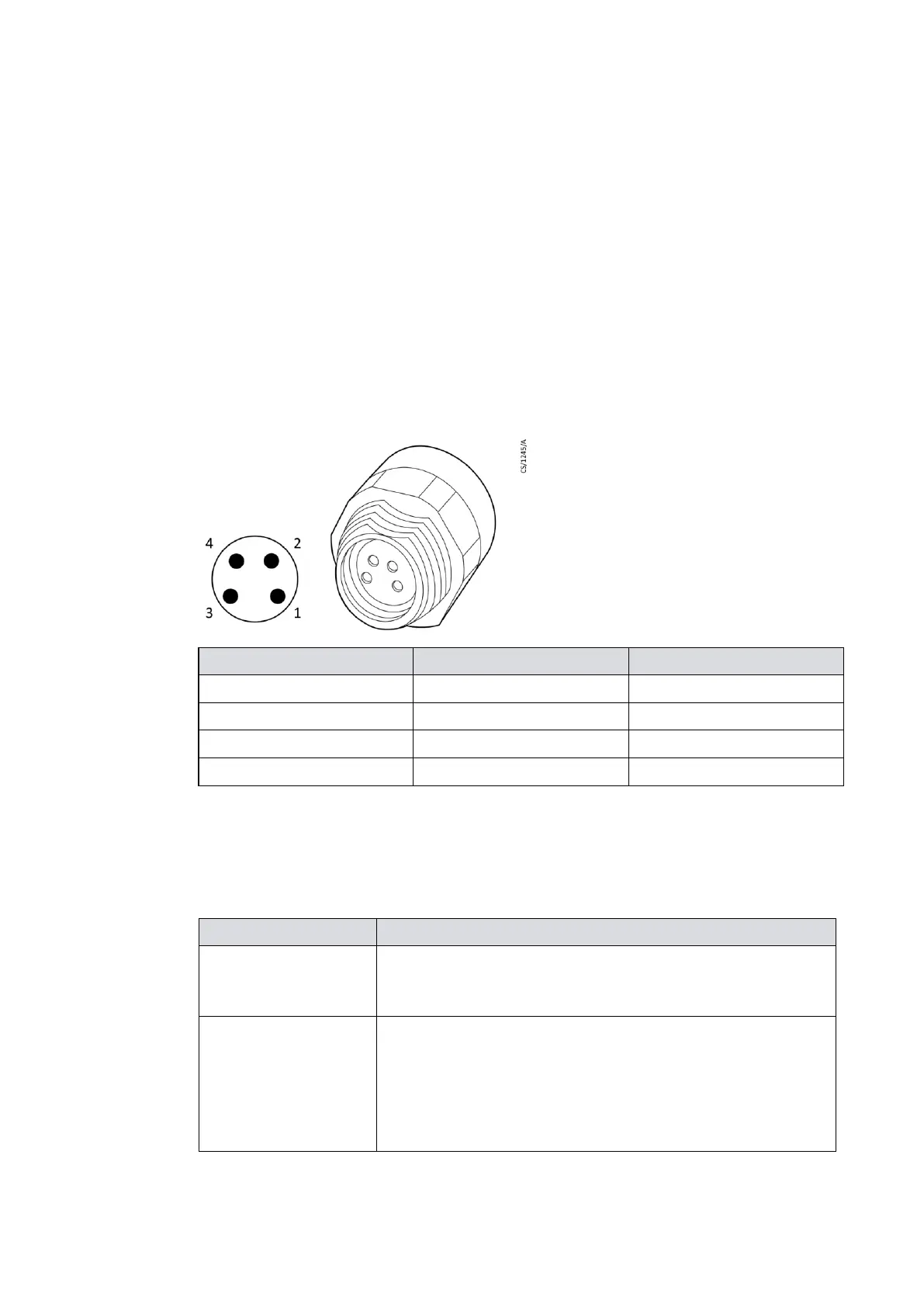
Figure 21 Valve connector
This green LED illuminates when the pump rotational speed is
above the normal speed setting, irrespective of whether the
pump is accelerating or decelerating.
This yellow LED flashes with a 50% duty cycle at the rotational
frequency of the pump motor. At high speeds it appears con-
tinuously illuminated. The LED switches off when the
rotational speed is very low or stopped. If a service is due, this
LED flashes in a sequence to indicate which service operation
is required. Refer to Fault finding on page 110.












 To Next Page