B8J200880_E - Fault finding
Table 32 Example decoding of system status words
Status of bit (in example)
Speed is below normal speed
There is no active start command
Speed is below 50% of full rotational speed
The pump is not in parallel control mode
The pump is not in serial control mode
There is no controller internal software
mismatch
Controller passed internal configuration and cal-
ibration operation
The timer has not timed out
Overspeed and overcurrent trip not activated
Pump internal temperature measurement
system is fine
Serial enable has not become inactive during
serial control
11.6 Service information
If using the serial communications link, additional information about the pump, such as
pump type and internal controller software versions, can be accessed. This information
is particularly useful for service personnel to determine the model of the pump.
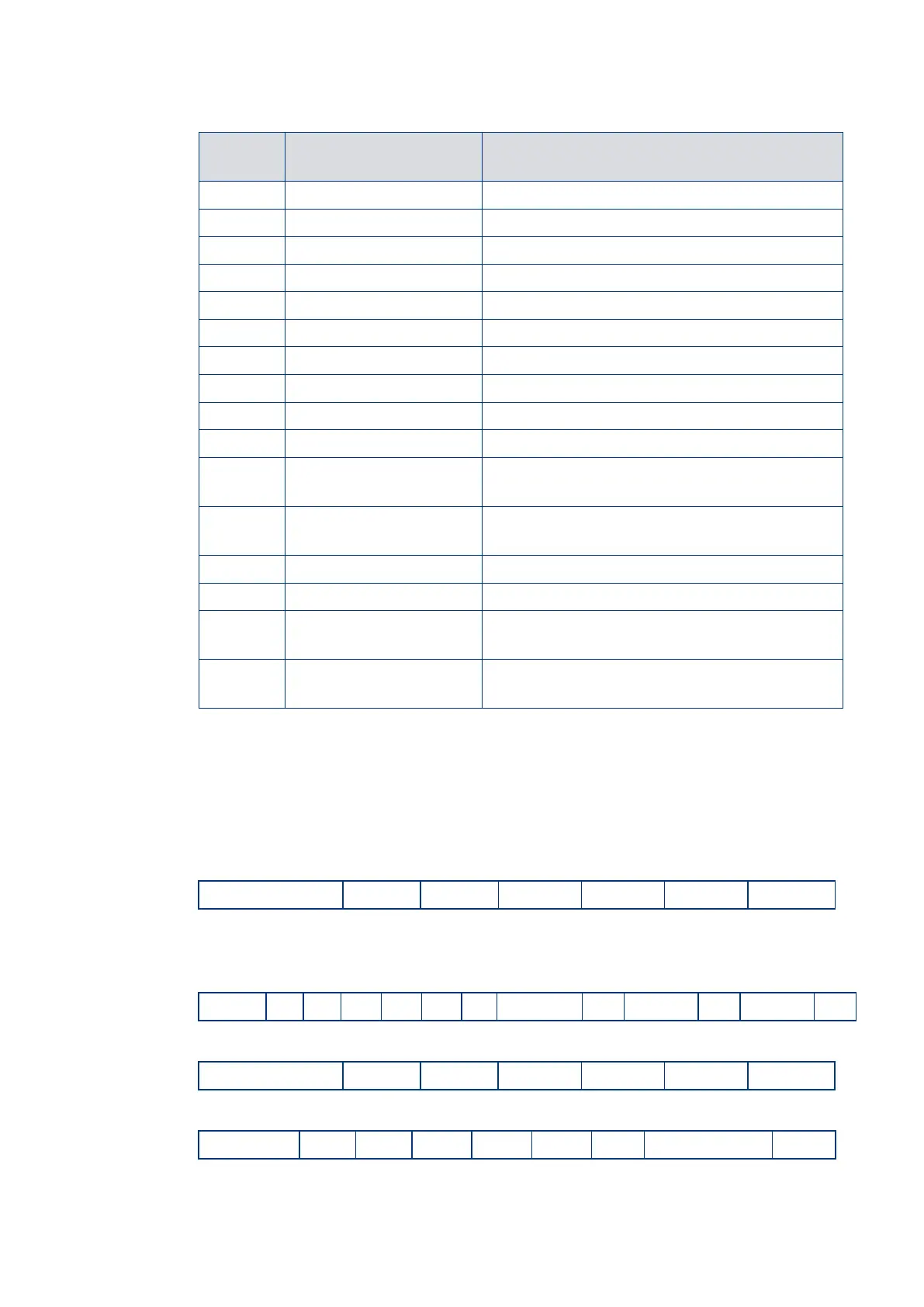
Send the following query to find out pump type:
The reply is as follows, where String 1 is the pump type, String 2 is the DSP software
version number and String 3 is the designated full speed of the pump (in
revolutions per second):
Send the following query to find out the PIC software version:
The reply is as follows, where String 1 is the PIC software version number:












 To Next Page