B8J200880_E - Configuration
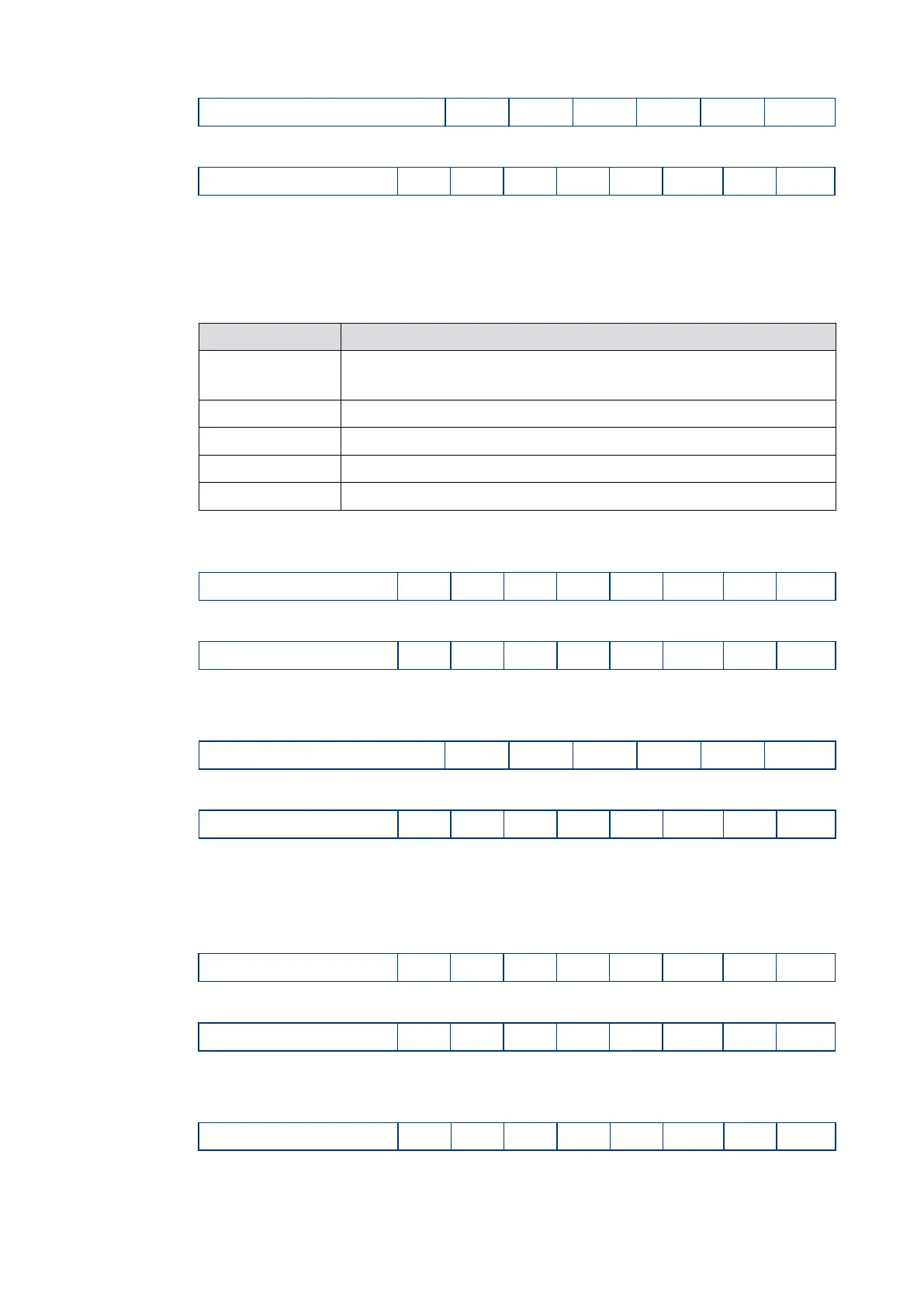
The reply will be as follows (where d=0 means disabled and d=1 means enabled):
6.1.9 Analogue signal options
The analogue output can be used to monitor one of five different parameters.
Table 18 Analogue signal options
Description of analogue output number
Measured pump rotational speed. This is the factory default
setting.
Measured motor temperature
Measured motor controller temperature
Measured bearing temperature
To configure the analogue output, send the following command (where the character ‘d’
denotes the option number.
The reply will be as follows:
The analogue output signal setting is now stored in memory within the nEXT pump.
To check which analogue output signal setting is enabled, send a query as follows:
The reply will be as follows:
6.1.10 Electronic braking options
Refer to Electronic braking on page 19 for a full description of the electronic braking
feature. To enable Electronic Braking, send the following serial command:
The reply will be as follows:
The state of the Electronic Braking option is stored in memory within the nEXT pump.
To disable the Electronic Braking again, send the following serial command:
The reply will be as follows:












 To Next Page