119
Reduces waste from jobs printed with less-than-optimal quality.
Text and Graphics Quality (Engine Specific)
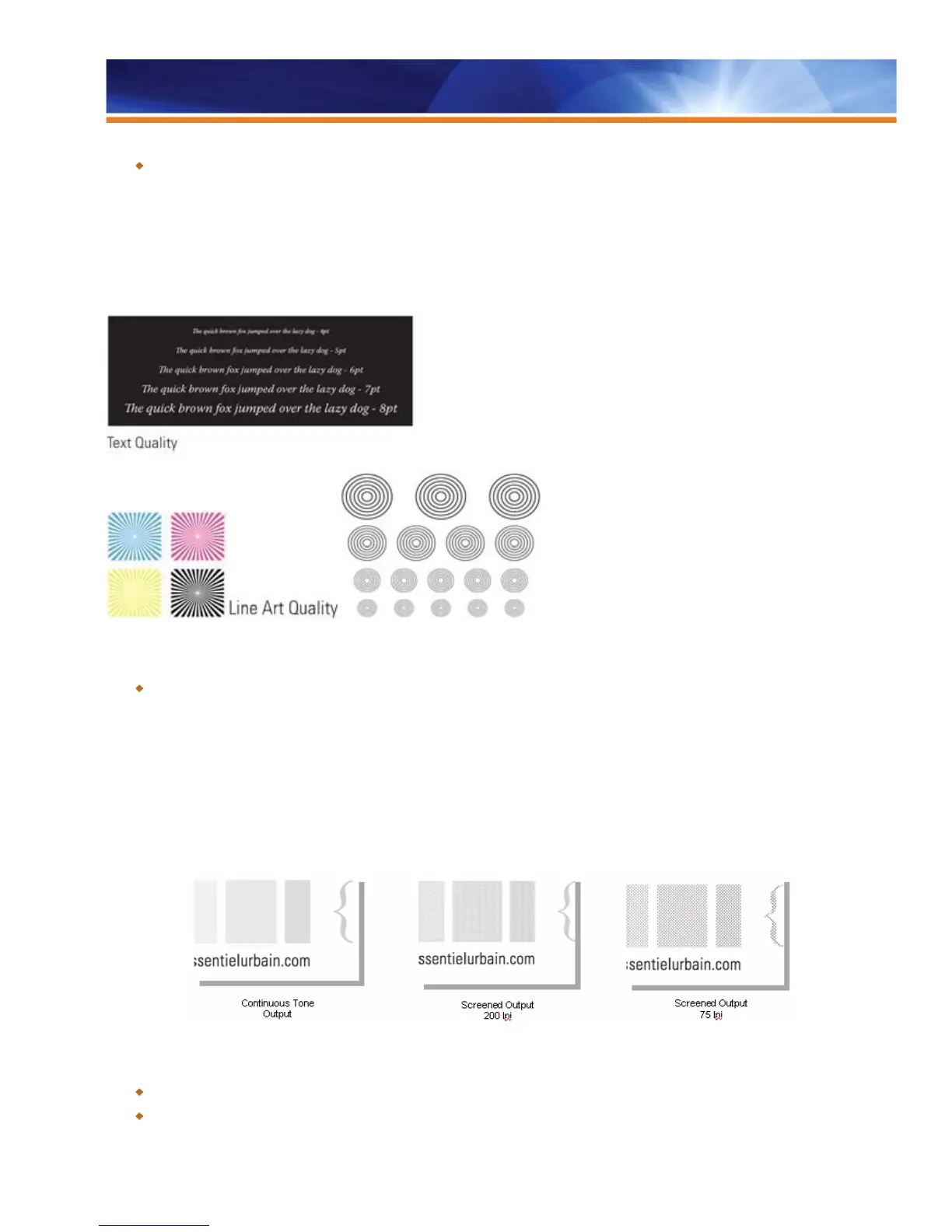
Text/Graphics Quality applies processing enhancement to text and graphics, sharpening the edges of text and graphic images.
Text/Graphics Quality is applied only when 100% color is used in the image. Because pure cyan, yellow or magenta elements are not a
part of typical output, and because it’s difficult to get 100% of toner in the output colors, the feature is mostly used in black elements for a
sharper and smoother text and line art with minimized “jaggies” at a resolution of 2400 dpi.
Benefit:
Increases output quality, achieving better definition of black text and optimized full-color images.
Black Custom Screening
Black Custom Screening allows the user to simulate a conventional halftone dot pattern for proofing output that will be run on a
conventional press. For Fiery servers connected to a black-and-white device, users now have the option of halftone screening for the
black channel. Operators adjust the screen angle and line-per-inch (LPI) values for halftone screening and control how the system applies
screens when processing jobs.
Benefits:
Simulates other print output, such as newspaper, exceptionally well.
Allows print providers to better simulate a single-color offset press.



 To Next Page