80
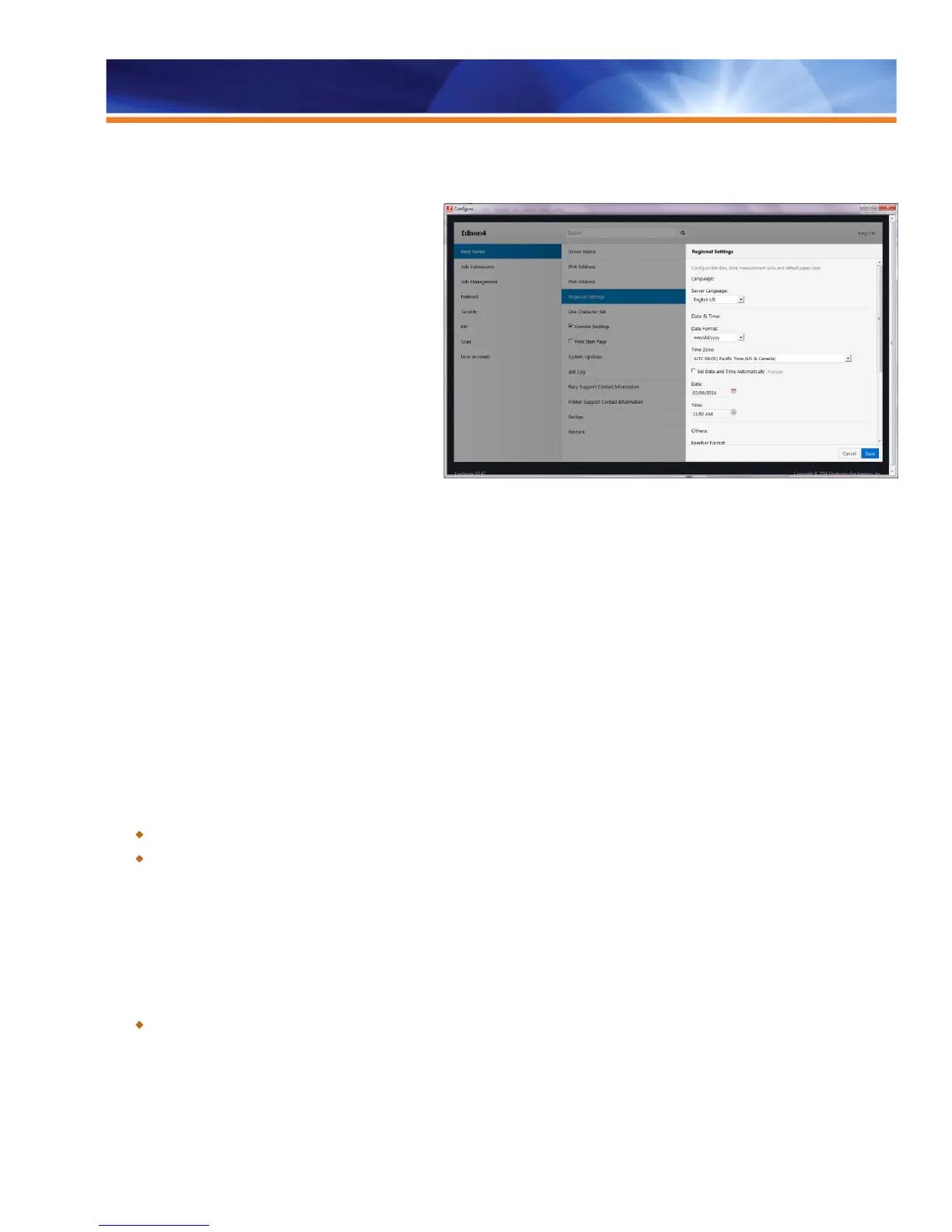
Fiery Configuration Tool
The Fiery Configuration Tool allows the Fiery
administrator to configure the Fiery server for a specific
print environment. It replaces the tool available after
selecting the Configure button in the Fiery Command
WorkStation Device Center under General/ Server
Configuration. When the Configure button is selected, the
Fiery Configuration Tool displays a browser-based user
interface with the following:
• The current Fiery configuration and access to
the Edit button to enter modifications.
• A check for the Product Updates button to open
a list of available software updates for that Fiery
server (these updates are the same as those
found using the old System Update page in
Configure).
The Fiery Configuration Tool provides the following:
• Support of all current Web browsers without the need for special plug-ins.
• Three menu levels to allow users to glide between settings easily.
• Inline guidance to minimize mistakes.
• Search function to access relevant settings more quickly.
• Support for constraints to guide users when selecting conflicting settings.
• Usability improvements that allow settings used in multiple places, such as email or proxy, to be linked for easy access.
• Restart handling: the tool is aware of which settings can be applied instantly and which require a restart or reboot. If the
settings chosen require a restart/reboot, the tool notifies the user at the top of the screen. Settings that can be applied
instantly are saved immediately.
• Data transfer over HTTPS for additional security.
• Updated config sheet to reflect the categories displayed in the current Fiery configuration view.
Benefits:
Helps administrators get the Fiery server ready for production in shorter time.
Minimizes service calls.
Simultaneous LCD/Keyboard Installation
This feature allows service technicians and analysts to use the LCD to complete the Fiery system software reinstall without connecting the
monitor, keyboard and mouse, regardless of whether the system is enabled for the Fiery GUI kit.
Benefit:
Makes it easier for service technicians or analysts to reinstall the Fiery system without connecting a monitor, keyboard and
mouse.



 To Next Page