117
Benefit:
On-the-fly correction for individual images yields higher-quality products in less time without the need to go back
to the original design files
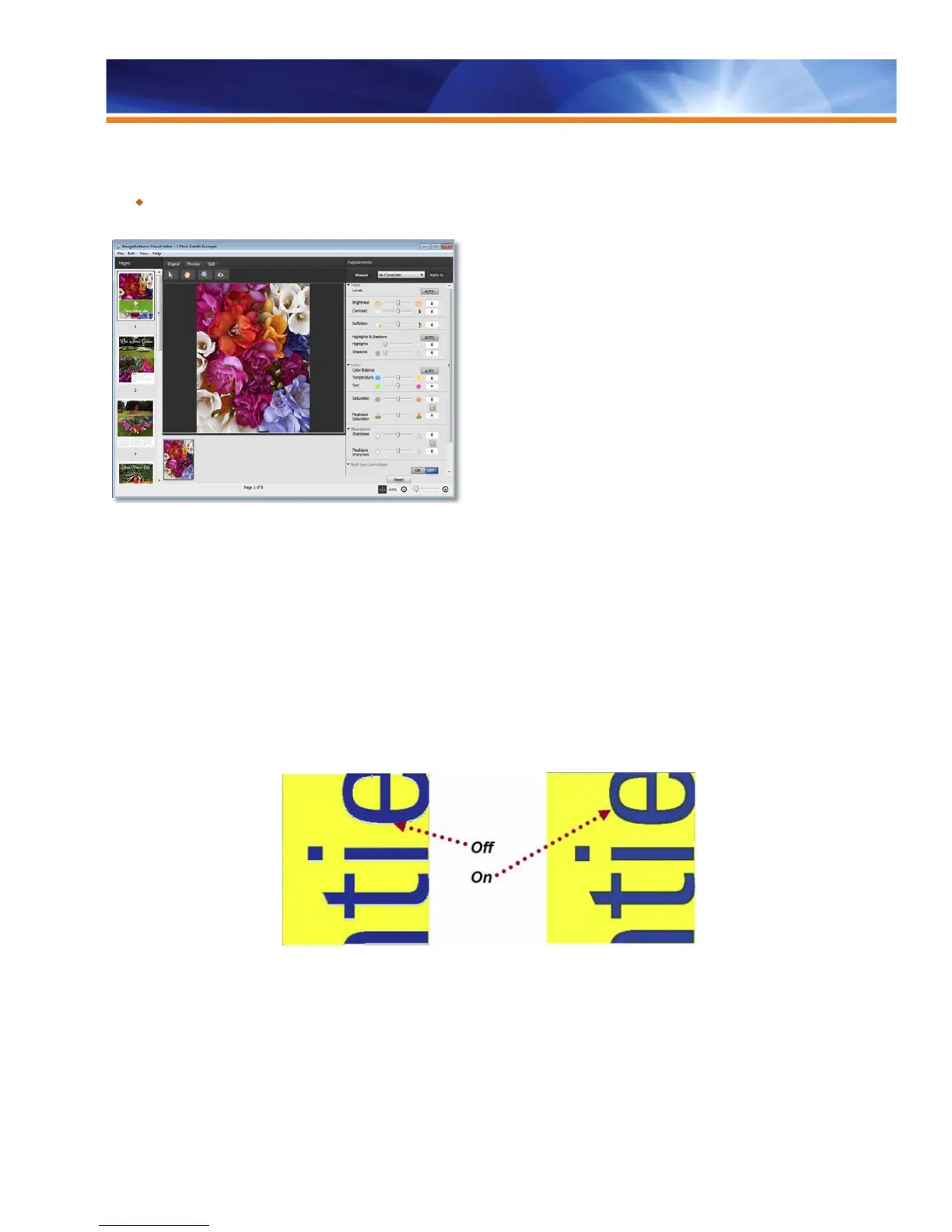
The new Fiery Image Enhance Visual Editor “definition” and “saturation” controls
Auto Trapping (fixed)
Professional-quality color documents are created by managing all aspects of color on the page, including how colors interact with one
another. Traditionally, this interaction of color on a page was managed by skilled operators using complex tools and techniques to
accomplish the highest-quality results. By using the Fiery Auto Trapping feature, operators can achieve professional-level results without
extensive knowledge of trapping rules. The feature accomplishes this by automatically adding a few pixels of the lighter color into the
darker colors so that the paper white does not show through registration errors.
The Fiery Auto Trapping feature applies trapping to jobs coming from any software application; it does not require the document designer
to insert any information, and it does not require special commands other than Auto Trapping: On/Off. The Graphic Arts Premium edition
extends this feature to allow trapping between image and graphic data as well as trapping of pixels within a single image. The Fiery Auto
Trapping feature is not a simulation of trapping on other devices.
Fiery Image Enhance
Fiery Image Enhance improves the output quality of digital photos and saves prepress time by eliminating lengthy image editing and file
manipulation tasks. Image Enhance addresses the widest range of images and jobs by supporting all color sources and the most
commonly used file formats, including Microsoft Office documents, making it the most flexible feature of this type in today’s market.



 To Next Page