EasyManua.ls Logo

EFI Fiery FS150 Pro - Usability Features

EFI Fiery FS150 Pro
156 pages
Print Icon
To Next Page IconTo Next Page
To Previous Page IconTo Previous Page
Loading...
42
Usability
Fiery Systems Deliver Ease of Use
The Fiery servers adapt to all skill levels. Job management and preparation become faster and more efficient, regardless of the jobs’
complexity, using award-winning Fiery Command WorkStation and Fiery Impose-Compose.
For example, Mixed Finishing Sets automate document production with multiple finishing requirements in a set. Fiery Impose supports
user-defined trim and bleed definitions, so the operator has more control over imposition settings
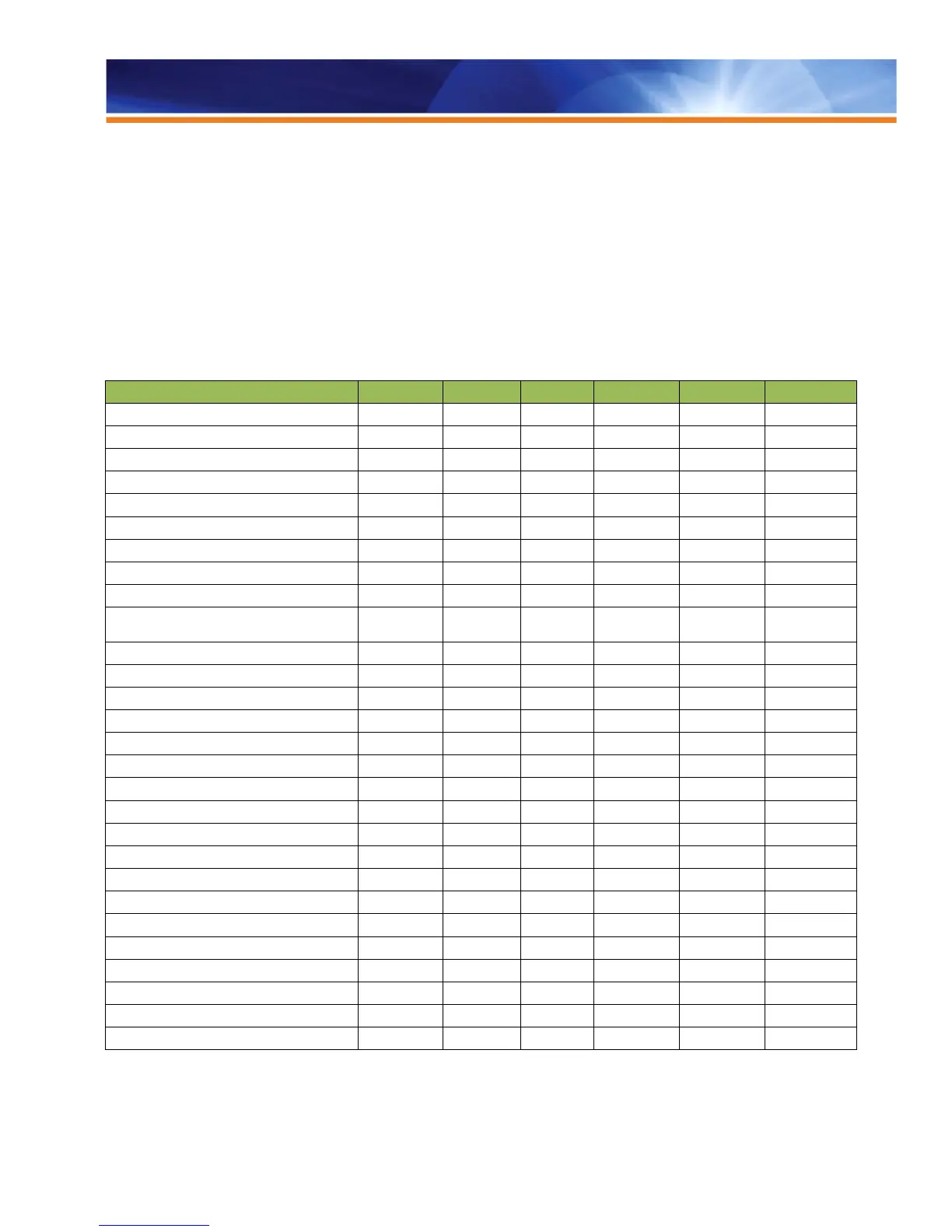
The following table represents the standard configuration for each respective Fiery server platform and system version combination. For
information on a specific Fiery model’s feature set, refer to the Fiery model’s feature matrix or ask your Fiery server vendor for
the support of a specific feature.

Usability
QX
100
PRO
90
PRO
80
PRO
80
BW
E
200
BW
E
200
Fiery Command WorkStation 5
Fiery VUE
SFM SFM SFM SFM SFM
Fiery WebTools
Fiery Ticker
-
Fiery Go
- -
Fiery Impose
Fiery Compose
Fiery JobMaster
SFM
User Defined Finish Size Preference
SFM
Mixed Media Viewer for Perfect
Binder
SFM
SFM
SFM
SFM
SFM
SFM
Fiery Driver
Fiery Job Properties
Fiery Remote Scan
Mixed Media Attributes Settings
Tab Shift
Insert Tab
SFM
Media Defined Profiles
- -
Define Covers
Booklet Maker
Paper Catalog
Pad Printing
-
Fiery Setup Wizard
Clear Server
Fiery Configuration Tool
Fiery Clone Tool for Embedded
- - - -
Backup and Restore
USB Media Server
Fiery Integrated Workstation
-
Standard Option - Not Available SFM = See Feature Matrix

Table of Contents

Related product manuals