136
Fiery JobFlow
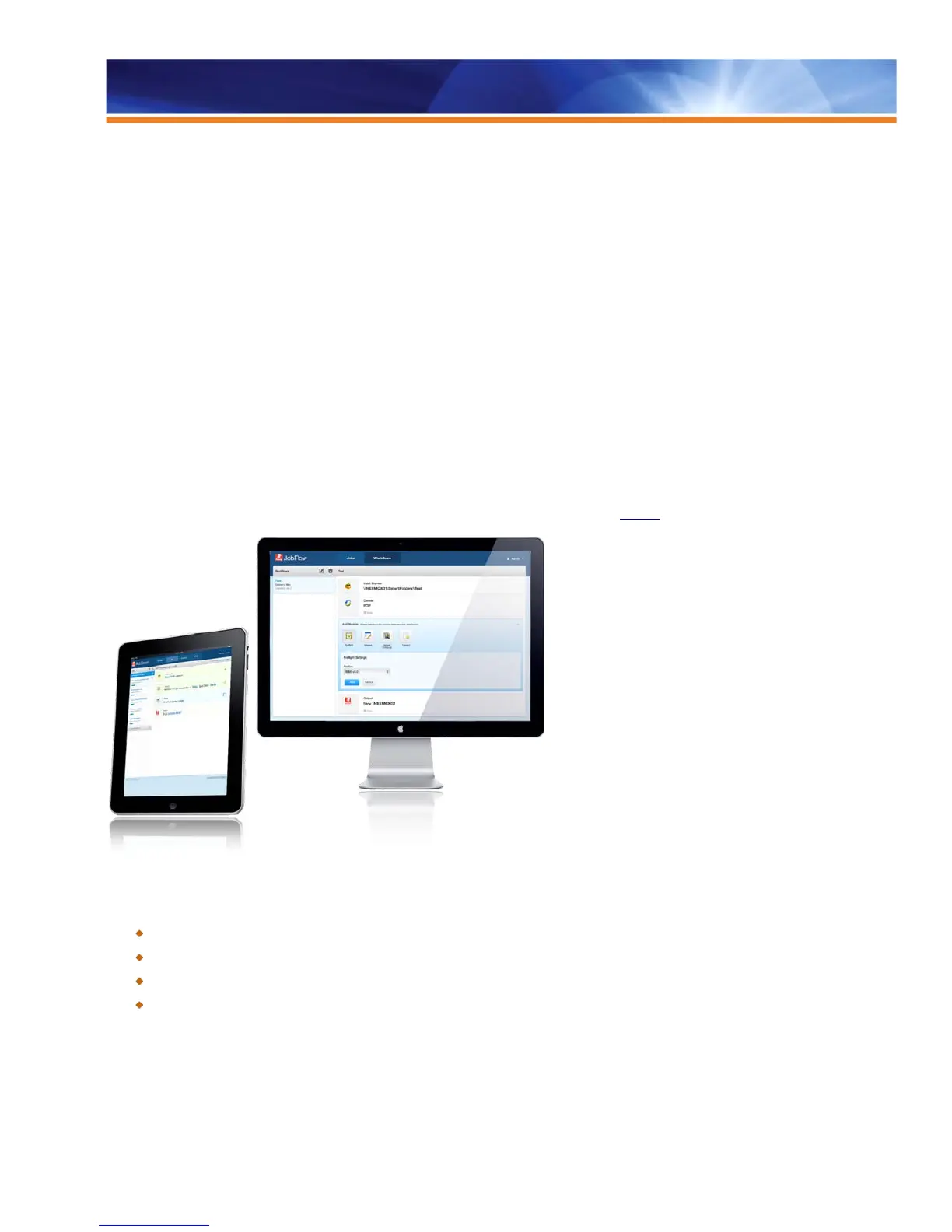
Fiery JobFlow delivers advanced prepress capabilities in a browser-based, cost-effective solution. Using best-in-class Fiery technology, it
enables end users to define powerful workflows simply and intuitively. Customers can easily configure automated job workflows —
including PDF conversion, preflight, correction and editing of PDF files, image enhancement, document imposition and job ticketing —
saving time, reducing rework and waste, and increasing customer communication.
Fiery JobFlow:
• Provides accurate print output by printing only the jobs that pass the preflight check configured for each workflow.
• Offers a flexible and open “Approve Anywhere” module to securely review and approve jobs by internal and external reviewers.
• Automatically corrects for wrong media size or page orientation and adjusts bleed and crop-box properties.
• Allows users to make critical last-minute changes and corrections without going back to native applications.
• Allows the use of templates created in Fiery Impose to create imposed PDFs at any stage of the workflow.
• Allows customers to set up jobs faster with preset workflows optimized for the job type.
• Uses simple and intuitive browser-based interface so it’s easy to use and customers don’t need to install clients.
Fiery JobFlow supports targeted external servers on System 9R2, System 10, FS100 Pro and FS150 Pro. Fiery JobFlow replaces the
previous Flow module for Fiery Central. For a complete list of supported printers, please visit
efi.com.
Fiery JobFlow saves time and money by automating repetitive tasks.
Benefits:
Cuts down on human errors by submitting jobs to the workflows you optimize for specific job types.
Saves time by allowing users to make critical last-minute changes and corrections without going back to native applications.
Saves time by proactively identifying file issues and applying corrections.
Improves client communications and keeps customers informed by sending email notifications about their jobs.



 To Next Page