81
Improved Serviceability
Fiery servers greatly improve the speed of resolving technical issues by automating
the transfer of all relevant information to technical support teams. That also reduces
operation costs and speeds up installation and configuration processes with the
following serviceability features:
• Improved server configuration sheet
• Job Error report
• Backup and Restore enhancement
• Clear Server enhancements
Improved Server Configuration Sheet
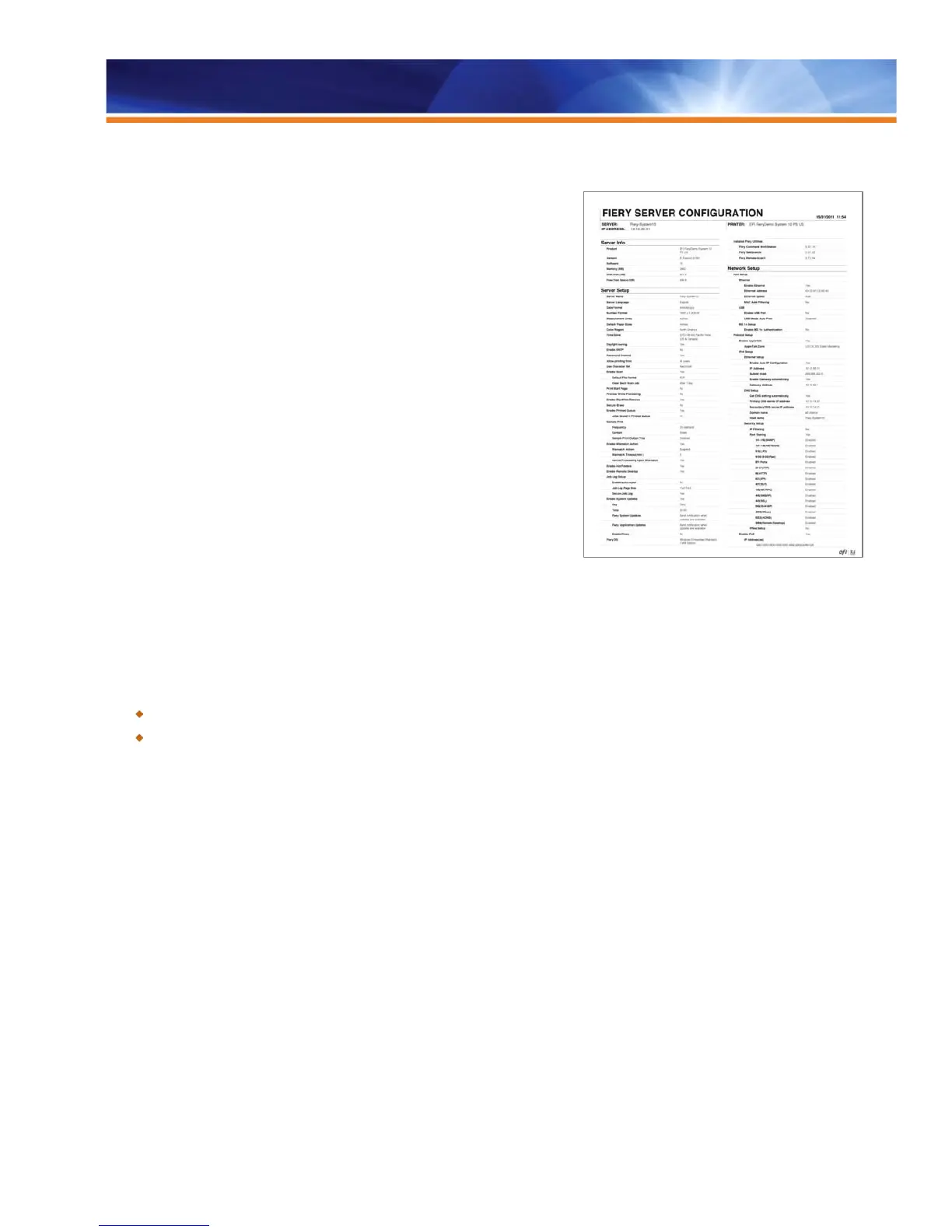
Fiery servers include a new version of the Fiery configuration sheet to improve
readability.
At the top of the new configuration sheet, operators now see commonly used items
such as server name, IP address and printer name. If printing the configuration
sheet from a Windows Fiery server, users will also see details of the Fiery
applications and the version numbers installed on the server — for example, Fiery
Command WorkStation 5.3.0.54 or Fiery Hot Folders 3.3.0.29. This makes it easier
for technical support staff to reproduce user scenarios.
Users can print the server configuration sheet or save it in a PDF or text format. When printing the server configuration sheet from the
Command WorkStation Device Center, administrators can also choose Job Properties so they can print on whatever media is loaded in
the trays.
Benefits:
Improves usability by making it easy to access all necessary system information from one location or in one printed document.
Allows administrators to print the configuration sheet on any paper size or weight.
Job Error Report
The Job Error Report captures important troubleshooting information that EFI Technical Support personnel use to resolve issues. This
feature automates collection of the raster file, native file, color profiles, job logs, configuration sheet, job and job ticket, engineering logs
and optional operator comments into a zip file that users can save on the desktop with a simple click. By using this collected information,
EFI Technical Support can provide faster problem resolution.
Improved server configuration sheet



 To Next Page