115
Image Quality Settings
Fiery Image Enhance Visual Editor
Image Enhance Visual Editor is an easy interactive Command WorkStation plug-in tool for adjusting image colors in a job without the need
to open the file in the originating application. This feature is part of the Fiery Graphic Arts Package, Fiery Graphic Arts Package, Premium
Edition and Fiery Productivity Package options. It provides real-time image editing with visual feedback and eliminates the need for
additional image-editing software. Image Enhance Visual Editor works with both PostScript and PDF files and supports XObject editing for
PDF files, so adjustments are applied to all instances of the image in the file.
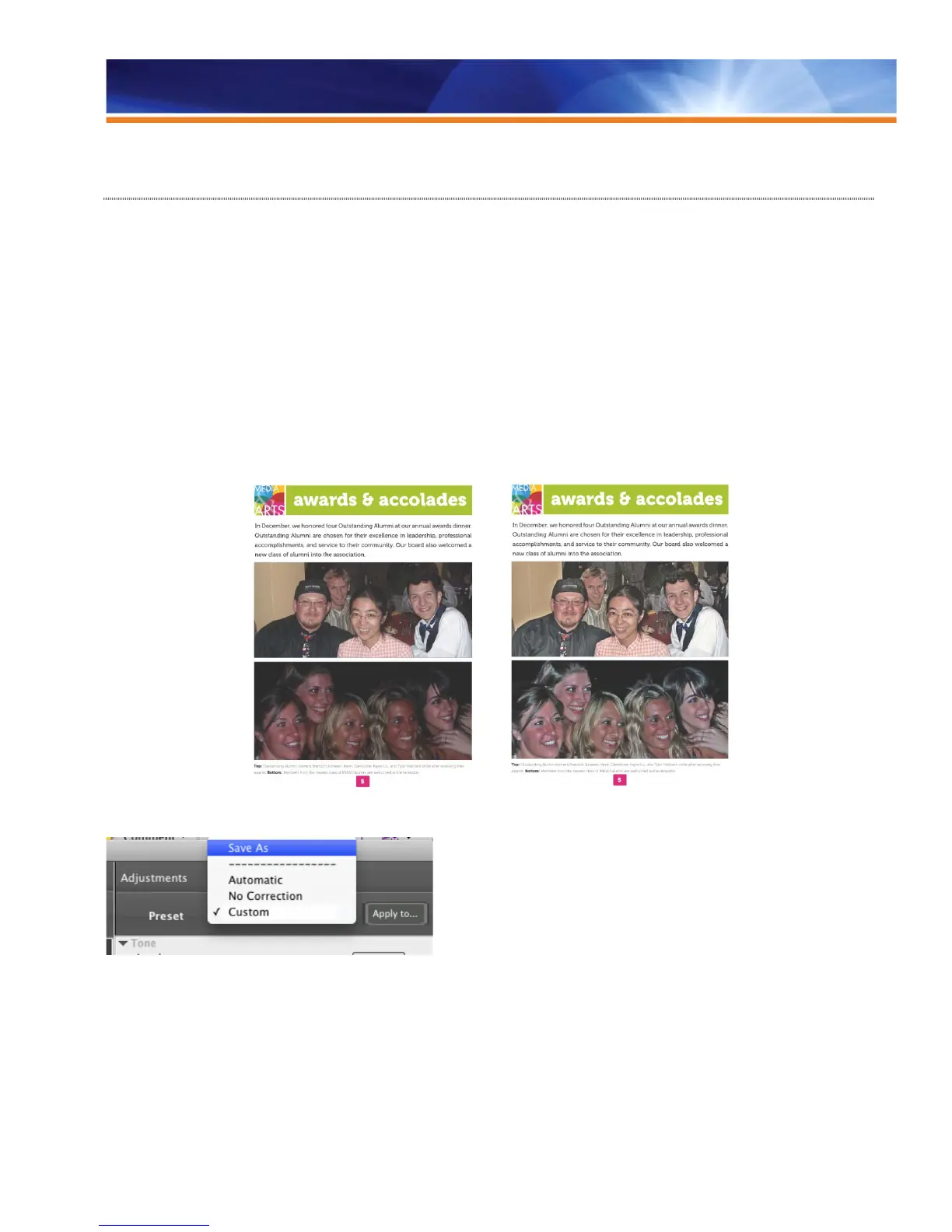
Image Enhance Visual Editor presets allow novice users to apply expert image enhancements and even assign the enhancements to a
range of pages in the file. The default preset for Automatic Correction from the Preset pull-down menu will analyze and automatically
enhance the image quality. For more advanced users, the feature offers manual controls to adjust tone, color and sharpness. Operators
can see image adjustments before they save changes.
Before Image Enhance After Image Enhance
Users may save manual image correction settings as a preset and apply it to other images, pages or documents.
Users can save custom image correction settings to reuse in other images.
Image Enhance Visual Editor also corrects for red-eye. When an operator has set red-eye correction for an image, marquees appear to
show all instances of red-eye in that image. Users can select additional red-eye regions to correct or deselect areas that don’t need
correction. The user can make these adjustments in the onscreen preview rather than wasting time and money on printing a sample.



 To Next Page