87
Color
The Fiery server delivers outstanding color across applications and platforms.
The Fiery server is ideal for producing marketing materials and packaging or for photo-publishing applications. The high-value, color-
intensive applications produce high-quality results because the Fiery server optimizes the printer to obtain superior color that amazes even
the toughest customers.
Now operators can take real-time image editing to the next level with Image Enhance Visual Editor. Service providers can increase
business and revenues by offering image correction services. The calibration process is dramatically simplified, and effectiveness is
increased with job-based calibration and a calibration guard.
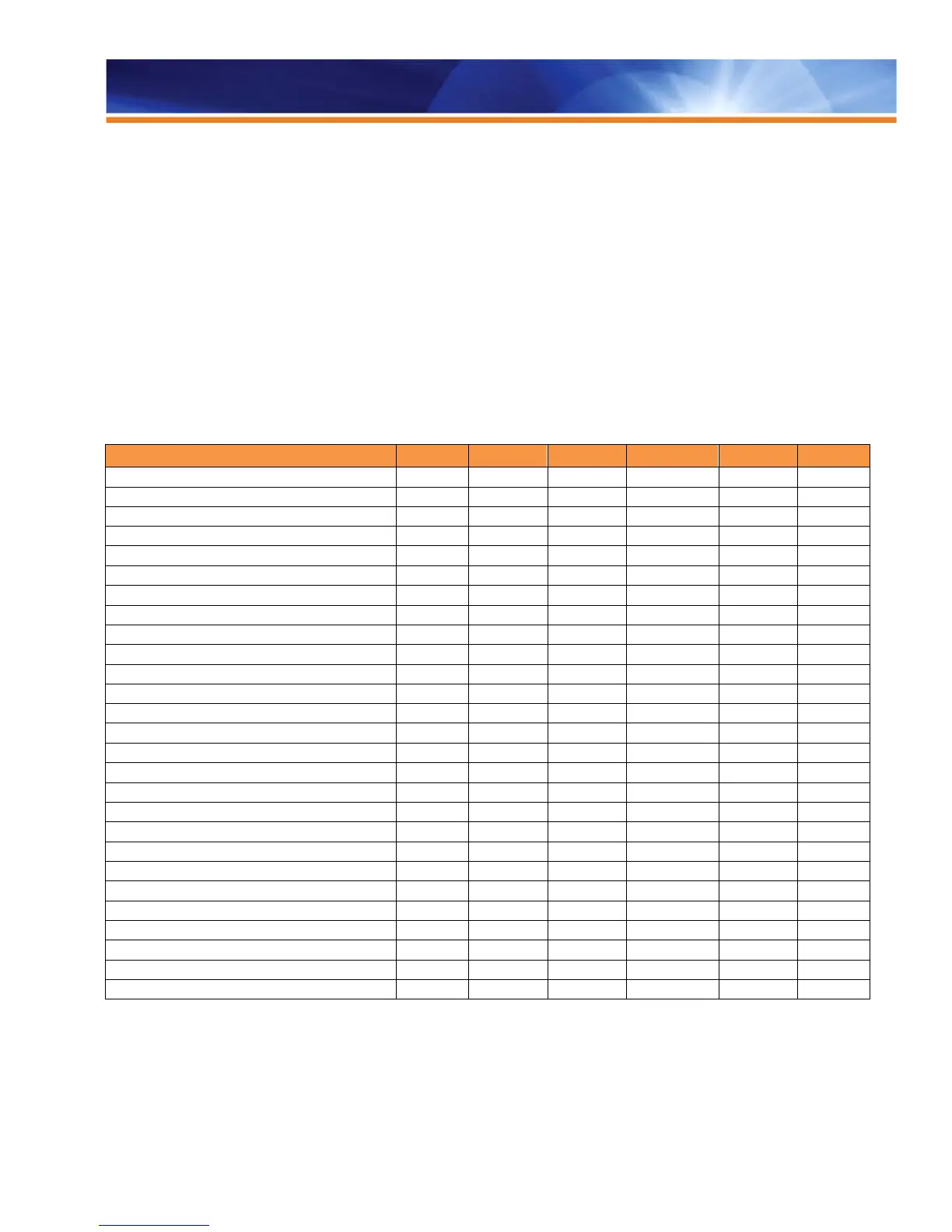
The following table represents the standard configuration for each respective Fiery server platform and system version combination. For
information on a specific Fiery model’s feature set, refer to the Fiery model’s feature matrix or ask your Fiery vendor for the
support of a specific feature.
✓ ✓ ✓
- -
✓
Image Quality
✓ ✓ ✓ ✓ ✓ ✓
Profile Manager for ICC Profiles
HKS, DIC, Toyo Ink Named Color Profiles
Composite Overprint for Spot Colors
Composite Overprint for CMYK
Grayscale Composite Overprint
Optimize RGB Transparency
CMYK Black Point Compensation
Embedded Profile Override
Text and Graphics Quality
Fiery Image Enhance Visual Editor
Fiery Color Profiler Suite
Fiery Graphic Arts Package, PE
- -
✓Standard Option - Not Available SFM = See Feature Matrix



 To Next Page