70
Paper Catalog
Digital document production tools demand a robust approach to paper management across the entire production environment. The ability
to have an all-encompassing view of paper stock with automated access is essential in a successful document-production facility.
The Paper Catalog is a centralized paper warehouse database that stores attributes of the media stock at the production site. Operators
can access the feature from applications such as the Command WorkStation, but the database resides on the Fiery server, where it is
protected against server reboot or clear server actions.
Instead of defining media for each job (with attributes such as size, media type, tray, media weight, color, etc.), Paper Catalog provides a
mechanism to define each media in the shop just once and then select that one definition for each job.
Paper Catalog uses the industry-standard job definition format (JDF) media attributes to define media, rather than printer/copier-specific
media attributes. This makes automatic mapping of media definitions from modern job-submission workflows much more accurate. In
addition, many of the attributes can be read directly from media packaging, making it very easy to define a new media on the system. This
reduces the number of times operators need to configure the same media for the same job in different workflow steps. It also allows
automated production data collection for the workflows server by management information systems (MIS), tracking precisely how many
sheets of which paper(s) were used to produce a job.
The media stock entries are stored in a database that does the following:
• Defines a name for each media attribute combination.
• Facilitates media selection at job submission by doing the following:
- Associating trays with loaded media stock
- Using color profiles easily and automatically for each media (Media Defined Profiles)
- Facilitating a centrally maintained paper catalog
- Allowing PPD-based jobs and Paper Catalog–based jobs to coexist in the server
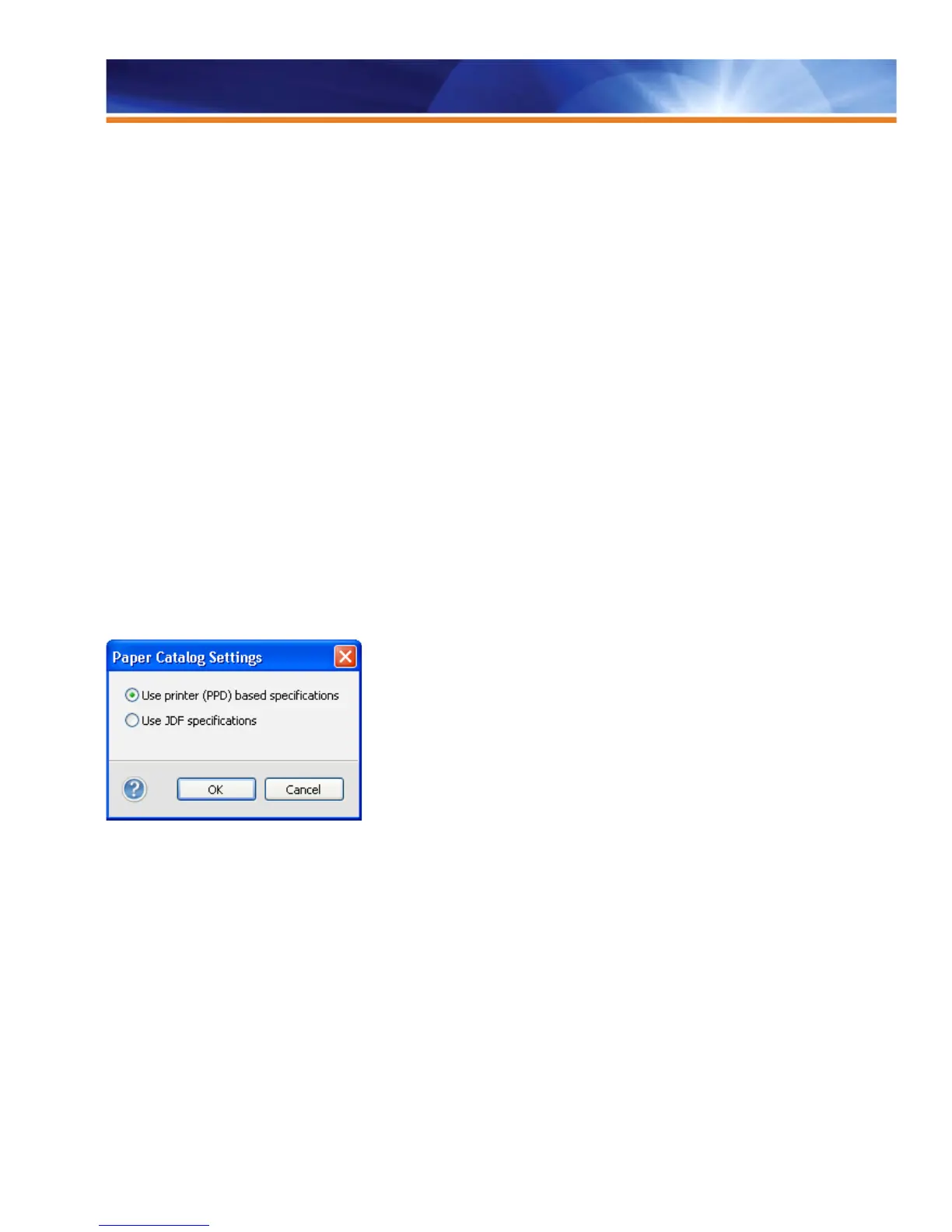
Paper Catalog Settings use PPD-based settings.
New features include the following:
• Use printer (PPD)-based specifications mode.
• Publish/unpublish selected entries.
• Highlight what’s loaded in the tray, and display tray number and paper levels (Windows only).
• Printer/copier catalog integrated into Paper Catalog.
• Export or delete selected entries.
• Color Profile Association for printer/copier catalog entries.
• Improved alerts and notifications.



 To Next Page