63
Section 508 Usability
The driver is designed to be Section 508 compliant. Navigation is done through the Tab key, and selection of different tabs is done through
Alt + number, which is displayed in a mouse-over event.
(NOTE: Section 508 was enacted to eliminate barriers in information technology and to make new opportunities available for disabled
people.)
Benefits:
The improved interface is extremely intuitive, with automation capabilities that reduce training and increase productivity.
The improved end user experience speeds up the process of job setup and submission.
It is simple to use, with UI suited for both types of end users:
• For the user in a distributed print environment: The interface offers basic printing options, more intuitive and faster access to
PPD options.
• For the skilled operator: The interface provides visual feedback of the output when selecting advanced settings such as
Mixed Media and Booklet Maker.
Full bidirectional capability to dynamically show connected engine options and status feedback. This feature also eliminates the
need for the user to walk up to the printer to check engine status.
Fiery Job Properties
Fiery applications use the Job Properties module to set attributes for jobs. While behavior between modules varies, depending on the
intended workflow (configuring a Virtual Printer, creating PostScript with a print driver, setting attributes on a job already on the Fiery
server, etc.), all Fiery applications use the same module, the same graphics, the same source code and, where the workflow allows, the
same behavior. The Job Properties module controls the implementation for specific workflows.
In the Fiery Servers, the Print Actions from Job Properties have been extended to include Print and Hold, Print and Delete, Process and
Hold and Proof Print. This enables users to accomplish the required steps with fewer clicks.
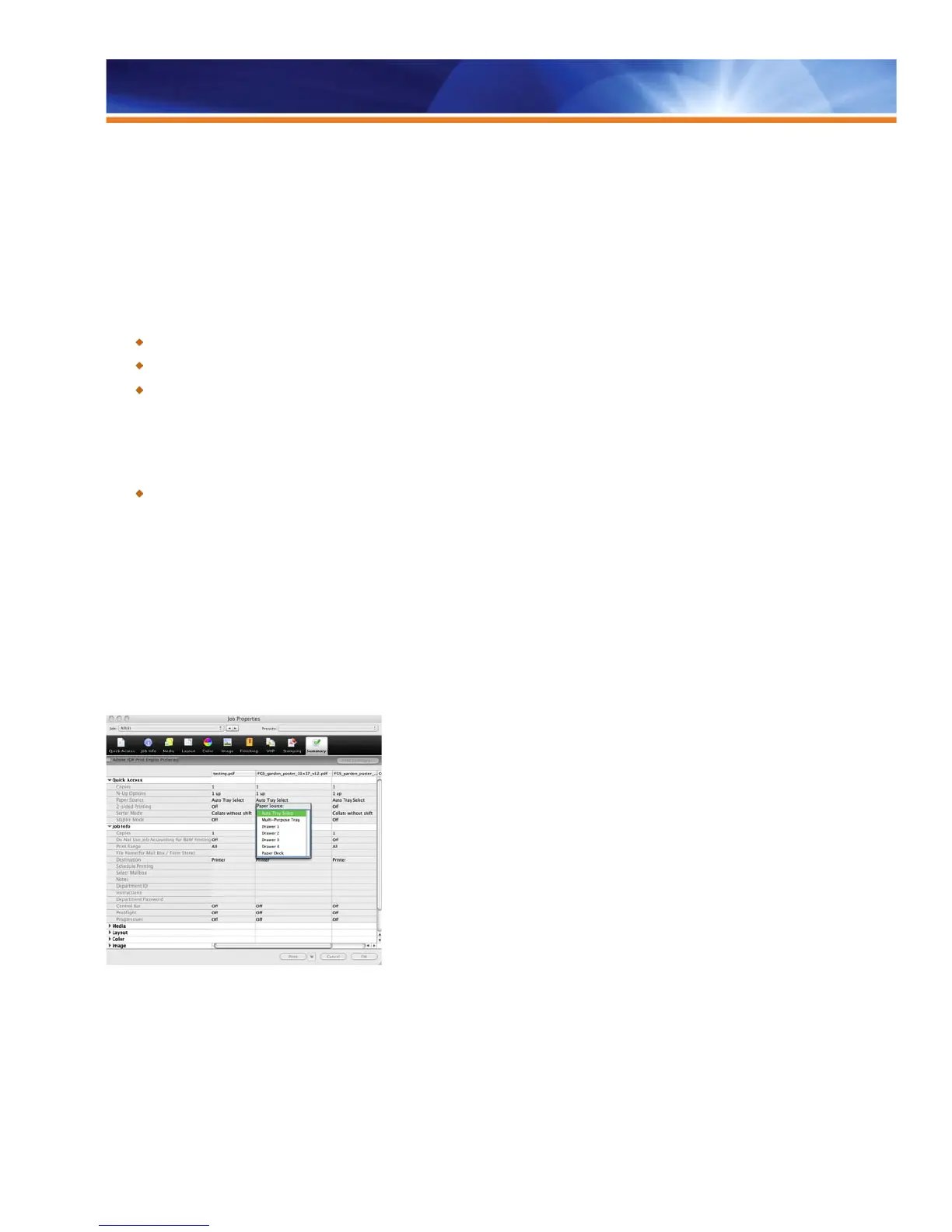
See the summary of multiple job settings and make modifications in a single user interface



 To Next Page