95
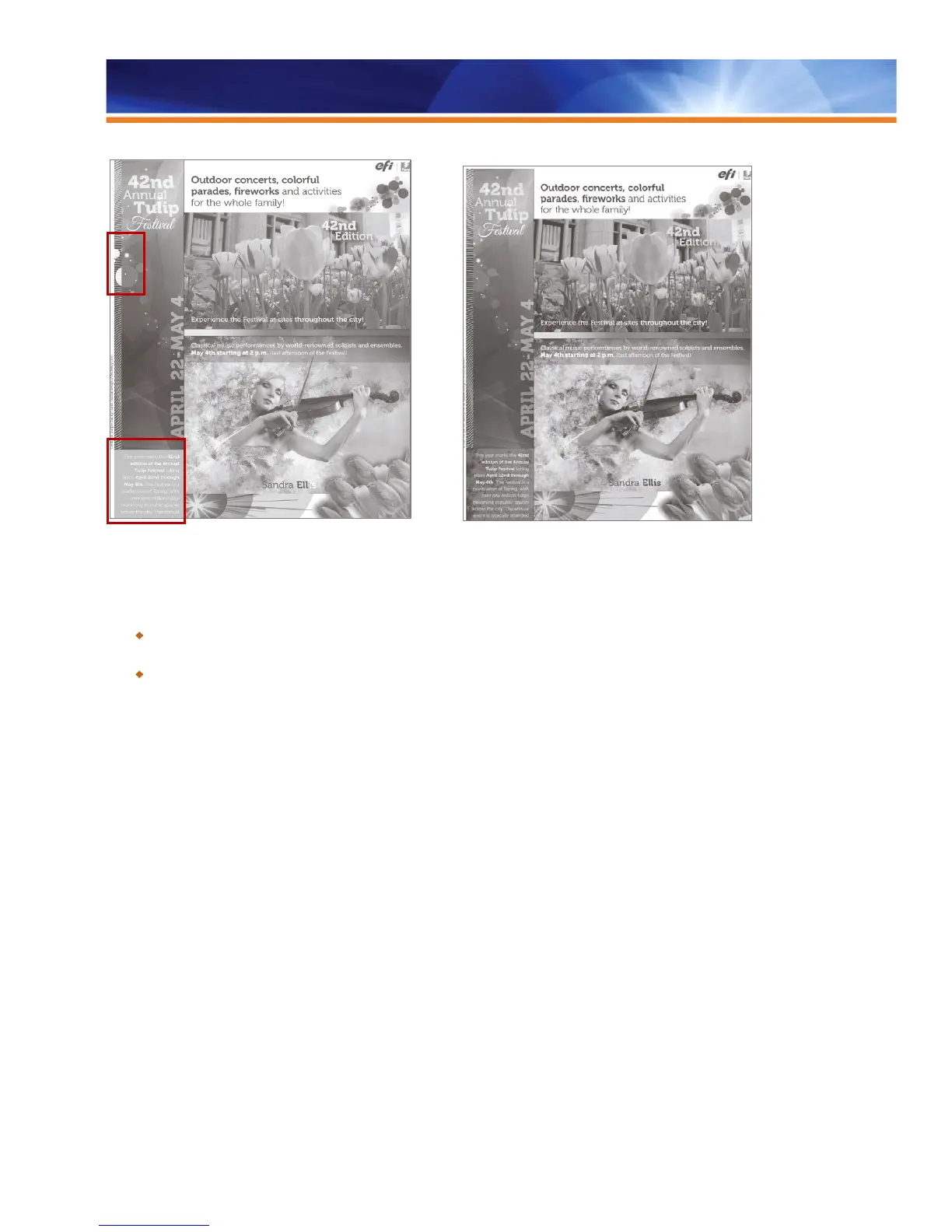
Red boxes indicate where errors occur because overprint With Grayscale Composite Overprint enabled
is not applied
Benefits:
Guarantees black-and-white output that matches the design on the first print, even if the designer has used techniques such as
overprinting.
Saves cost while producing black-and-white output and preserves the appearance of complex design elements.
Automatic, In-RIP Processing for Smoother Workflow
With Fiery servers, color processing takes place only once, in RIP at the Fiery server near the printer — not at the workstation. And it is
automatic. There’s no need to manually balance different color management systems that can work against one another within various
applications. Fiery color management technology doesn’t rely on the skills of individual operators to check job settings. Once specified, the
correct settings are applied consistently and are not subject to operator error. Fiery servers maximize color quality quickly and intelligently,
enabling workflows to run smoothly.
These features allow print jobs to be generated faster and to free the operator’s system up sooner for greater productivity. Fiery color
management technology also allows people to use a variety of software applications, operating systems, and virtually any file format while
working in any color space — CMYK, RGB, spot colors or CIE L*A*B*.



 To Next Page