51
Make-Ready Solutions
Fiery Impose
Imposition errors in complex jobs are costly and drain time from tight production
schedules. Fiery Impose streamlines and automates the imposition process,
making production more efficient. The flexible Impose software option launches
on Command WorkStation 5, so it can run on the user’s desktop or locally at the
Fiery server.
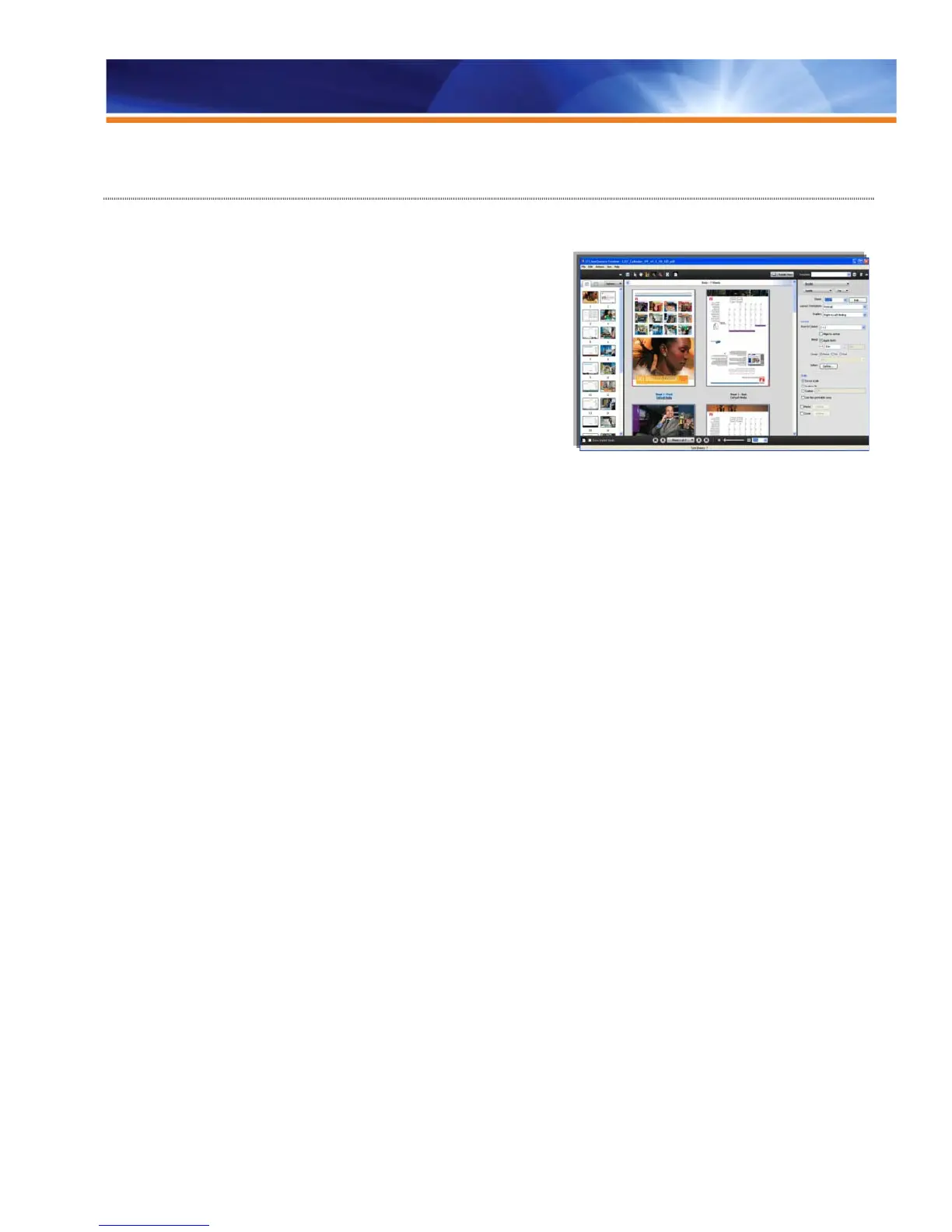
Fiery Impose is an intuitive WYSIWYG solution designed for production
environments. The robust toolset delivers a fast, automated approach to tedious,
time-consuming tasks that leave operators open to errors. It extends the driver-
based imposition capabilities offered by Booklet Maker and includes content-
editing capabilities without modifying native files or adding/deleting pages. With
Impose, variable data jobs with multiple records of variable length can be
imposed in specific sequences to produce a variety of applications and materials, including booklets, books, coupons and business cards.
Plus, productivity features streamline workflow and leverage automation. Users can create unlimited user definable imposition templates
and can apply imposition templates from Job Properties and Virtual Printers. It has a quick and easy way to view thumbnails and full-
screen previews of actual page content in the imposition signature. Users are also able to manage the production of imposed jobs with
mixed-media requirements. Impose offers Page and Sheet View of the imposed job.
Use a unique working space for all document layout tasks by adding Fiery Compose. With it, customers incorporate visual and intuitive
document assembly and page-level ticketing. Fiery Impose and Fiery Compose work together to simplify labor-intensive document
preparation activities to shorten job setup times of even the most complex jobs.
Features of Fiery Impose:
The solution works within the Fiery Command WorkStation
®
5 interface, and imposition tasks can be done at the Fiery server or remotely
on Windows
®
or Macintosh clients.
• Unlimited Imposition Templates: Creates and saves custom templates for reuse, eliminating redundant tasks and reducing errors.
• User Defined Finish Size: Honors the designer’s intent by automatically detecting the trim box and bleed box defined in the source
document.
• Document Assembly and Edit: Allows viewing of thumbnails and full-screen previews. Adds and deletes pages. Offers last-minute
text and image editing.
• VDP Workflows: Includes raster preview, sample proof printing and Control Strip for quick identification of spoiled sheets.
• Unique Cut and Stack: Enables users to start cutting, sorting and packing before jobs finish printing.
• PDF Archive: Archives imposed jobs as PDF files for easier reprinting.
• Gangup Styles: Has traditional Unique and Repeat and other gangup styles available for VDP and non-VDP jobs.
• Nonprintable Area Indicator: Detects overlap of image and nonprintable area and adjusts layout before RIPping.
• Define Scaling Factor: Provides increased control over scaling options.
• Delivery Options: Changes the output sequence to optimize the finishing process.
• Cover Setup: Changes pagination dynamically by inserting the required blank pages for cover and back cover inside pages.
• Mixed Media: Specifies media assignment from interface with visual reference to final content, reducing errors.
• Paper Catalog Definition: Defines custom substrates and adds them to the paper catalog to make media specification faster and
easier.



 To Next Page