36
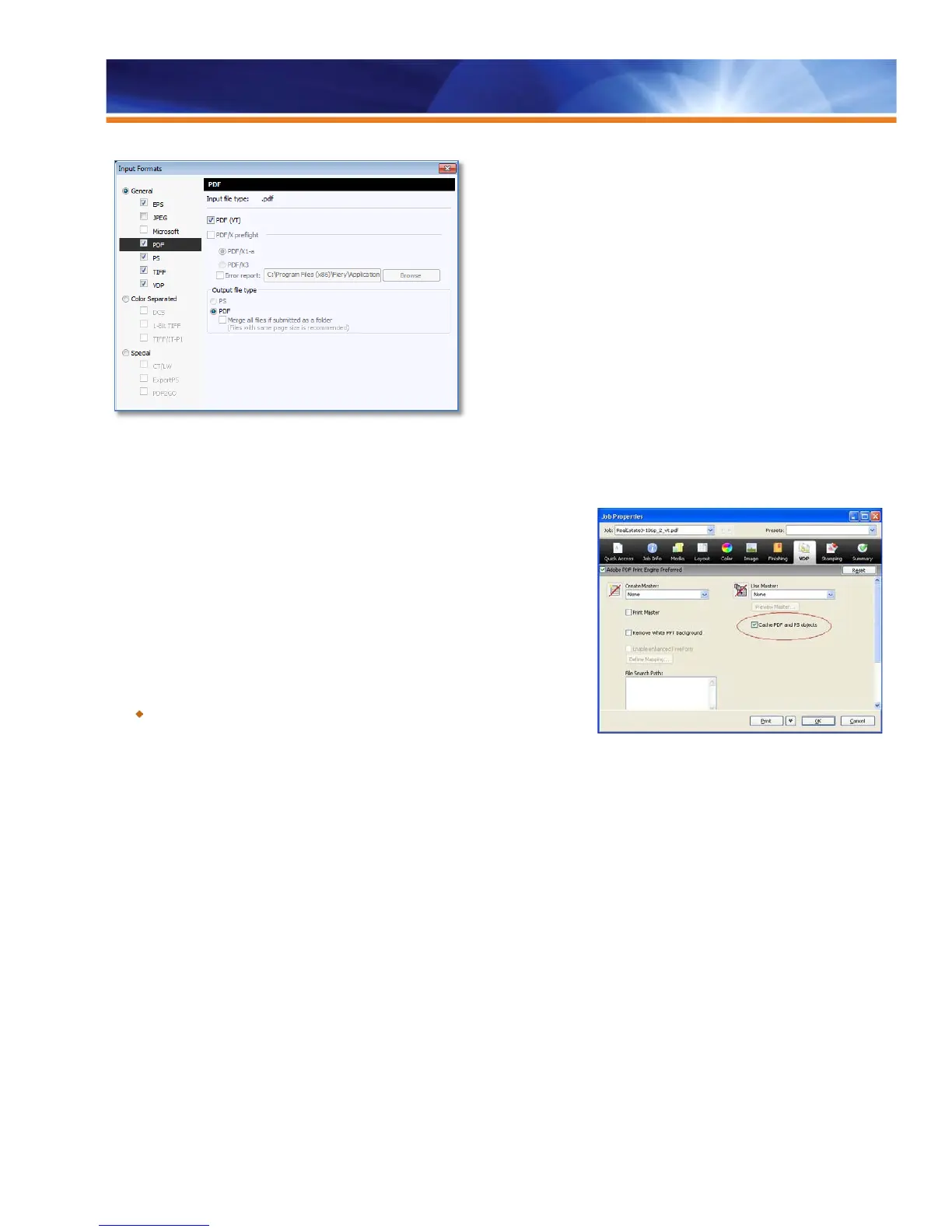
Users can select PDF/VT as input file type in Hot Folders settings.
Processing Optimization for PDF and PostScript VDP Files
Some customers use PDF or PostScript formats for creating VDP jobs. PDF uses
XObjects, and PostScript uses Forms, to convey information about repeating objects
in the file. Prior to System 10/10e, Fiery servers supported the PDF XObjects. Now,
they also support PostScript files with Forms. Users can gain a huge performance
boost by using the information from PDF XObjects and PostScript Forms to RIP the
repeatable elements only once and then caching them.
This feature is available in both the CPSI and APPE processing paths through the
VDP tab of Job Properties.
Benefit:
Increases speed and performance while processing PDF and PostScript
format files in VDP applications.
Definition of Record Length
In VDP workflows where VDP applications generate PostScript or PDF files as output formats, print servers don’t have a way to know the
number of records within the job or how many pages the records contain. Consequently, some finishing options such as VDP Imposition
or subset finishing with Mixed Media will not be fully functional.
In order for the correct finishing options to be available to such jobs and to allow for PostScript and PDF files to be processed as VDP
jobs, operators need to be able to define how many records are in a job and how many pages are in a record.
Define Record Length allows a user to define the fixed record length for a VDP job when it is provided in PostScript or PDF format. This
Define Record Length setting can be found at the Fiery Driver and Job Properties utilities. Two new columns display this VDP job ticket
information on the Command WorkStation:
• Number of Records: Displays the number of records contained in the file.
• Pages per Record: Displays record length information. Variable record lengths are displayed as a range, from smallest to largest.



 To Next Page