77
Tools for Technical Support
Fiery Setup Wizard
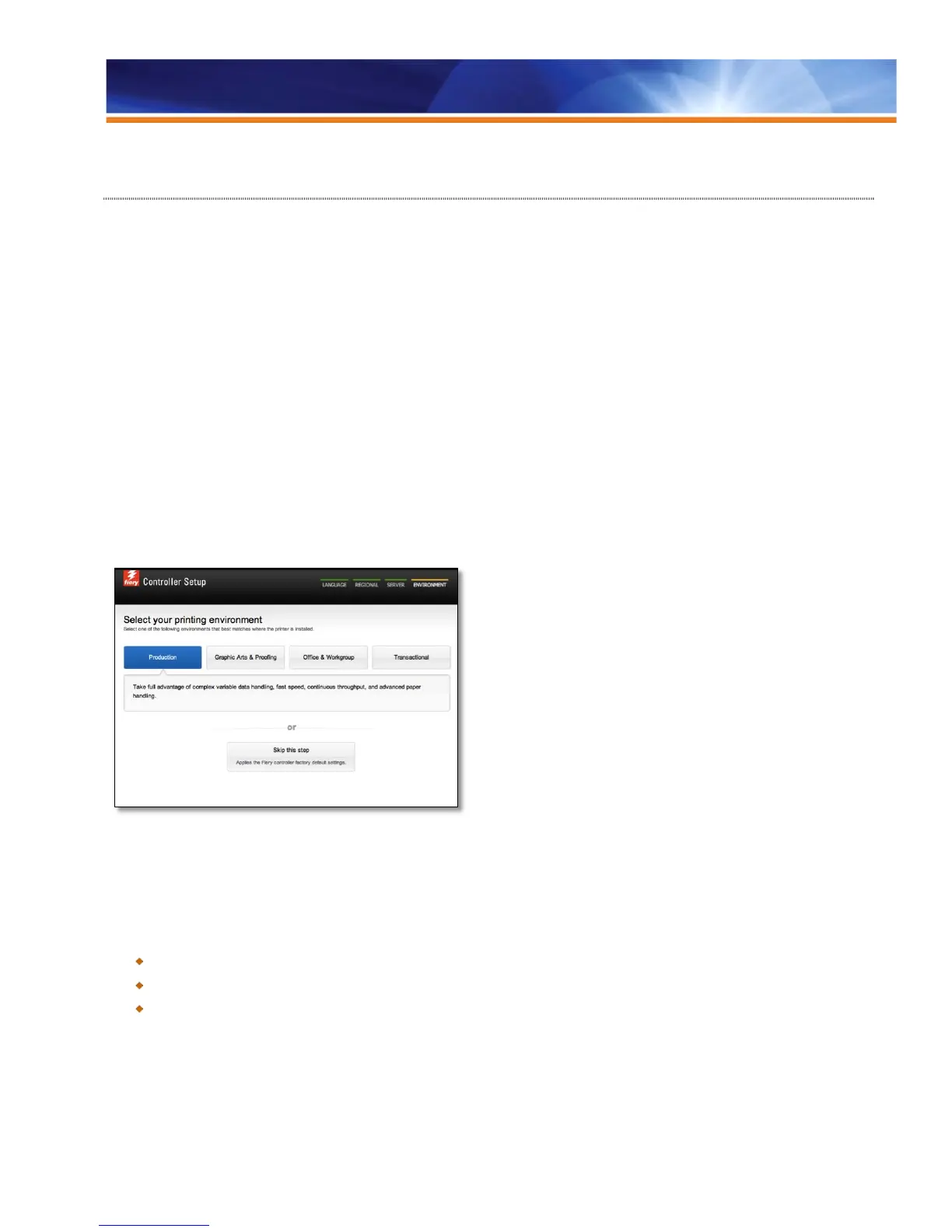
Fiery Setup Wizard optimizes settings for the customer’s particular printing environment during the install process. It allows the
administrator to quickly and easily specify basic Fiery server settings such as language, region, server and environment (a group of
standard settings used in a particular printing environment). The available environments are the following:
• Production
• Graphic arts and proofing
• Office and workgroup
• Transactional
By presenting a simple wizard with four screens, Fiery Setup Wizard makes the setup process easier and more accurate. Fiery Setup
Wizard is compatible with FS100/FS100 Pro or later Fiery servers, Linux and Windows.
The Fiery Setup Wizard is available from the following locations:
• Command WorkStation
• WebTools
Settings are customized for each printing environment.
If users do not initially configure the Fiery Setup Wizard from the Fiery Advanced Server Interface, it is still available from
WebTools > Home and from Command Workstation > Configure.
Benefits:
The Fiery server is correctly set up for the user’s environment and language.
Best out-of-box experience for users and administrators.
Faster installation for technicians.



 To Next Page