39
Transactional Printing
Set Page Device Support
Set page device (SPD) refers to a group of PostScript commands that describe the printing characteristics of a file. This includes aspects
such as paper attributes, finishing options and number of copies. SPDs are primarily used for specialized applications that require dynamic
mixed media or data-driven mixed media such as transactional applications that have a variable number of pages per document, where
media requirements may be different for each page.
SPD support enables Fiery servers to translate or map the paper attributes to the Fiery Paper Catalog, and finishing options to specific
output bins. This eliminates the need for human intervention, saves time, increases productivity and automates workflow.
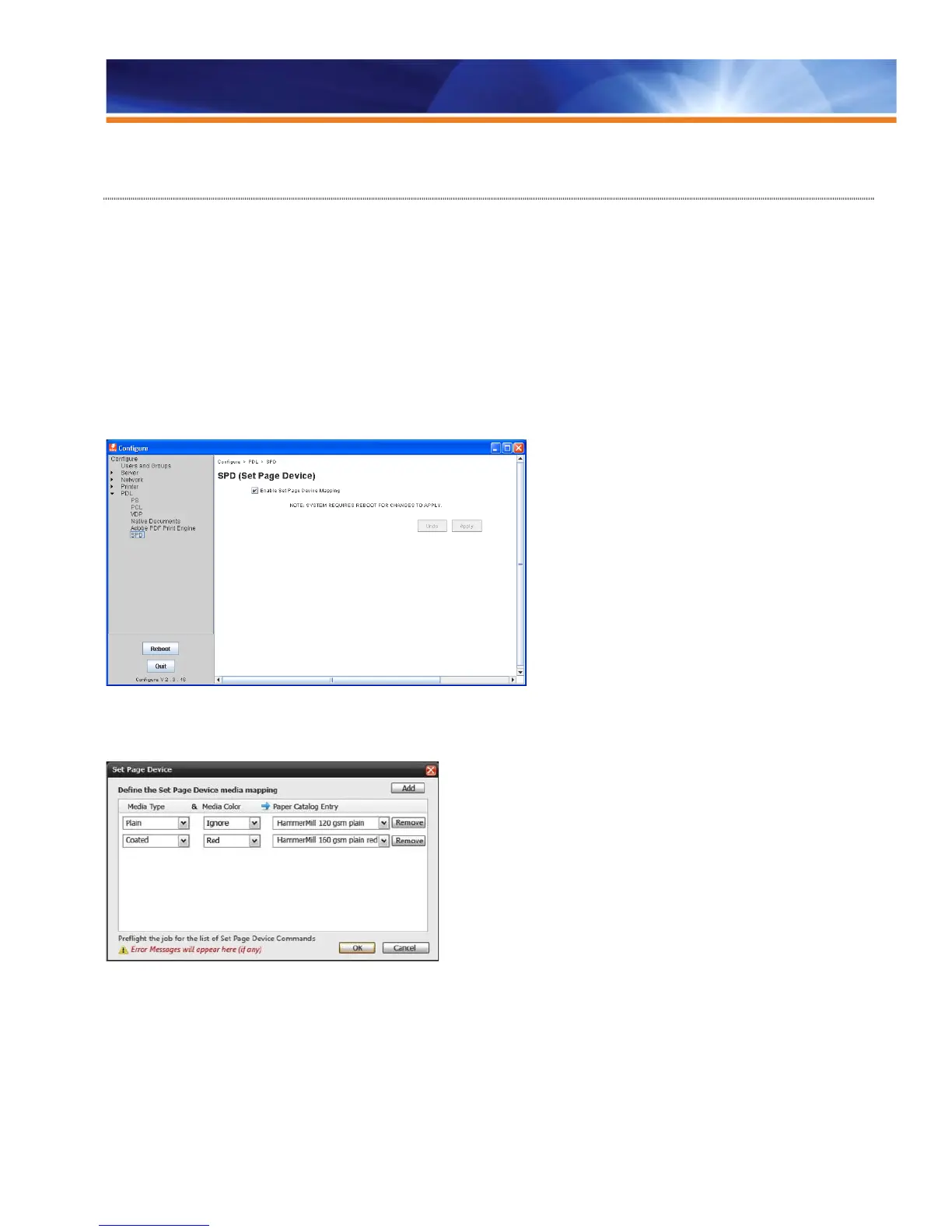
Operators enable SPD in the Device Center so that SPD is selected in Job Presets, Virtual Printers or Hot Folders for automation. SPD
commands are supported only in PostScript base languages (PS, VPS, VIPP) and are not device dependent.
Enabling SPD in Configure
Once SPD Media Mapping is activated, operators need to define the actual media mapping and finishing mapping in Job Properties.
Defining media mapping and finishing mapping in Job Properties
If print operators want to see and verify the embedded SPD commands in the PDL file, they can use Fiery Preflight to generate a report of
the SPD commands in the file.



 To Next Page