64
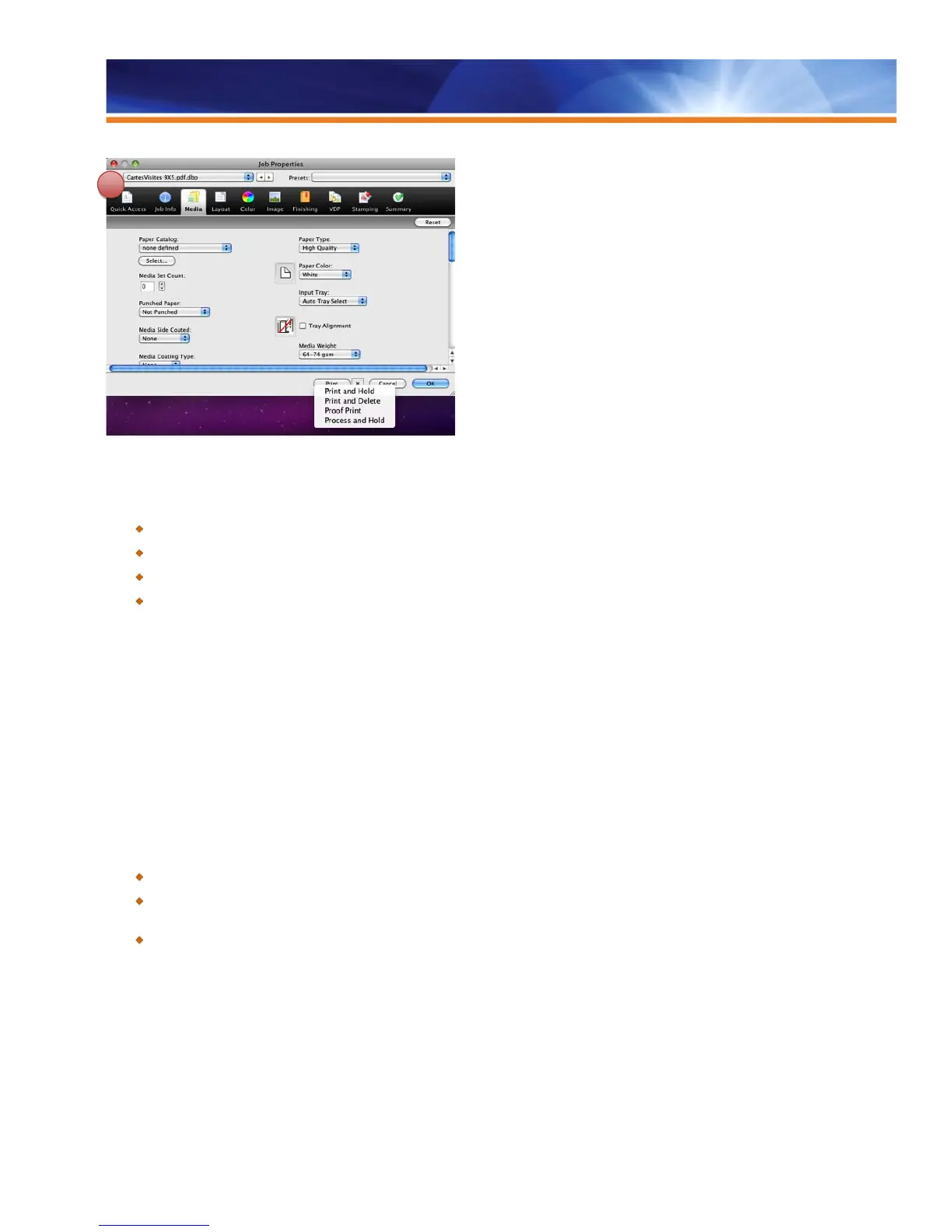
Print Actions extended
Benefits:
Shortens the learning curve by allowing users to set up jobs once and create a process that works for all jobs.
Minimizes operator errors and increases productivity with an intuitive and flexible user interface to set up jobs.
Simplifies job submission with fewer steps in Command WorkStation.
Saves time and clicks for regularly performed actions.
Mixed Media Attributes Settings
To completely automate document production, it is essential that production systems manage and implement all of the media functionality
offered in the current and future generations of digital output devices. This enables print providers to streamline the process of mixing
specific media in a single, collated document.
Fiery Mixed Media offers a robust architecture — a single, consistent workflow for all jobs and comprehensive integration with other
features such as VDP and EFI Impose.
Users select the Mixed Media settings directly from the Fiery Driver and Job Properties, and specify various finishing options and media
types for certain sections or chapters.
Benefits:
Tools are easy to use and integrated with the entire Fiery workflow, reducing bottlenecks and operator errors.
Fully automated process digitally prints finished documents with minimal operator intervention using Mixed Media, subset
finishing and tabs.
Consistent workflow for traditional and VDP jobs.
Tab Shift
Most applications allow only a single page size within a document (Word, Acrobat and InDesign are exceptions), so the Fiery system
provides the ability to shift certain pages one-half inch horizontally, making it possible to print the predefined tab text on the tab ear when
tab pages are already included in the source document.
The user must precisely orient the text on the page, predict the ear position and specify the page number that should be shifted. The Tab
Shift option is in the Mixed Media settings in Fiery Compose.



 To Next Page