41
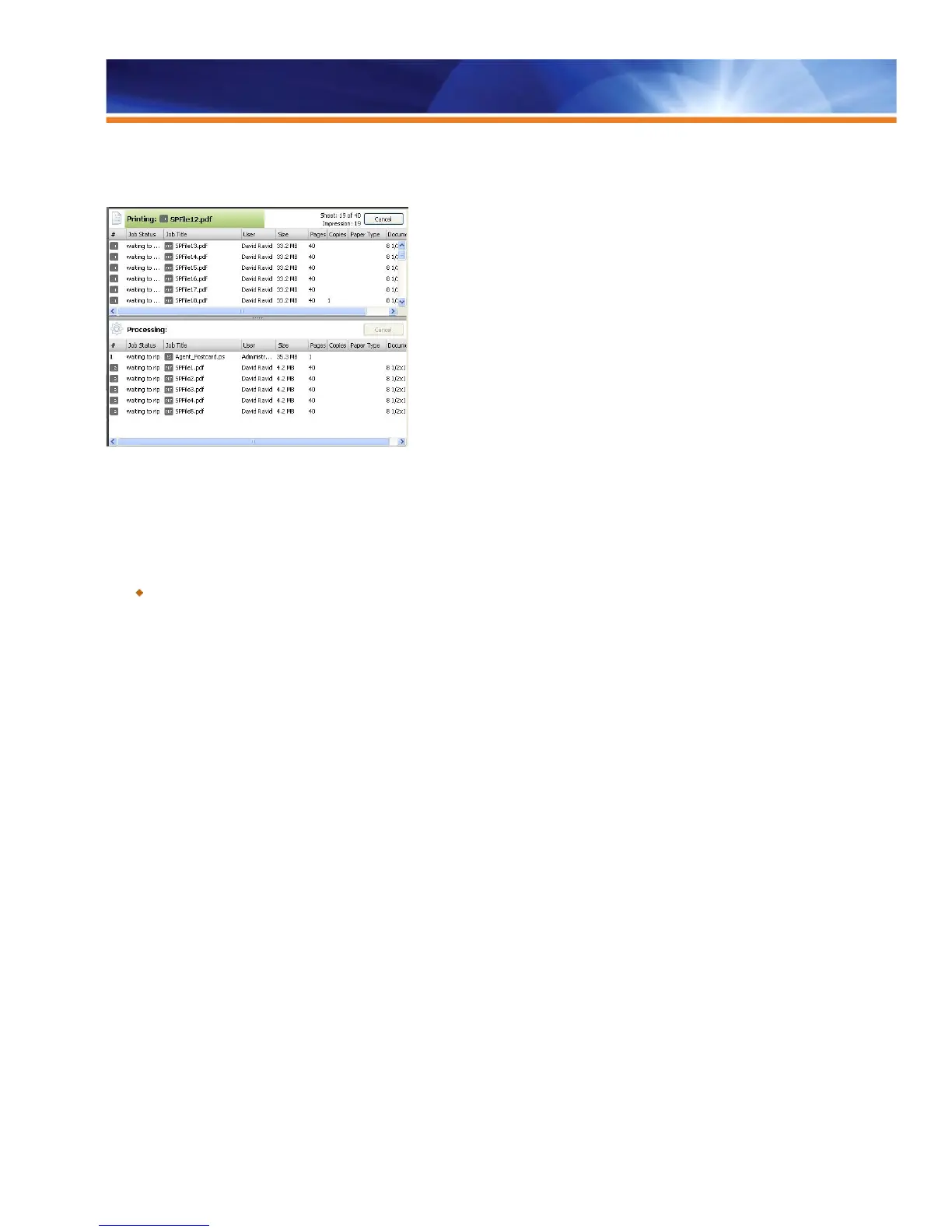
Sequential printing begins when the first file is spooled to the Sequential Print queue. Each Sequential Print run will display a unique group
ID icon. When a Sequential Print run starts, other print jobs will wait to process until the Sequential Print run is completed.
Identification of Sequential Print jobs in Command WorkStation
While a Sequential Print run is taking place, the Fiery server will still allow the operator to select actions such as Rush Print, Process Next,
Print Next, Suspend on Mismatch, Preview, Hold and Cancel. These actions will override and disrupt the Sequential Print run.
Benefit:
Guarantees production of jobs that need to be printed in a specific sequence, such as variable printing application for postal sort.



 To Next Page