125
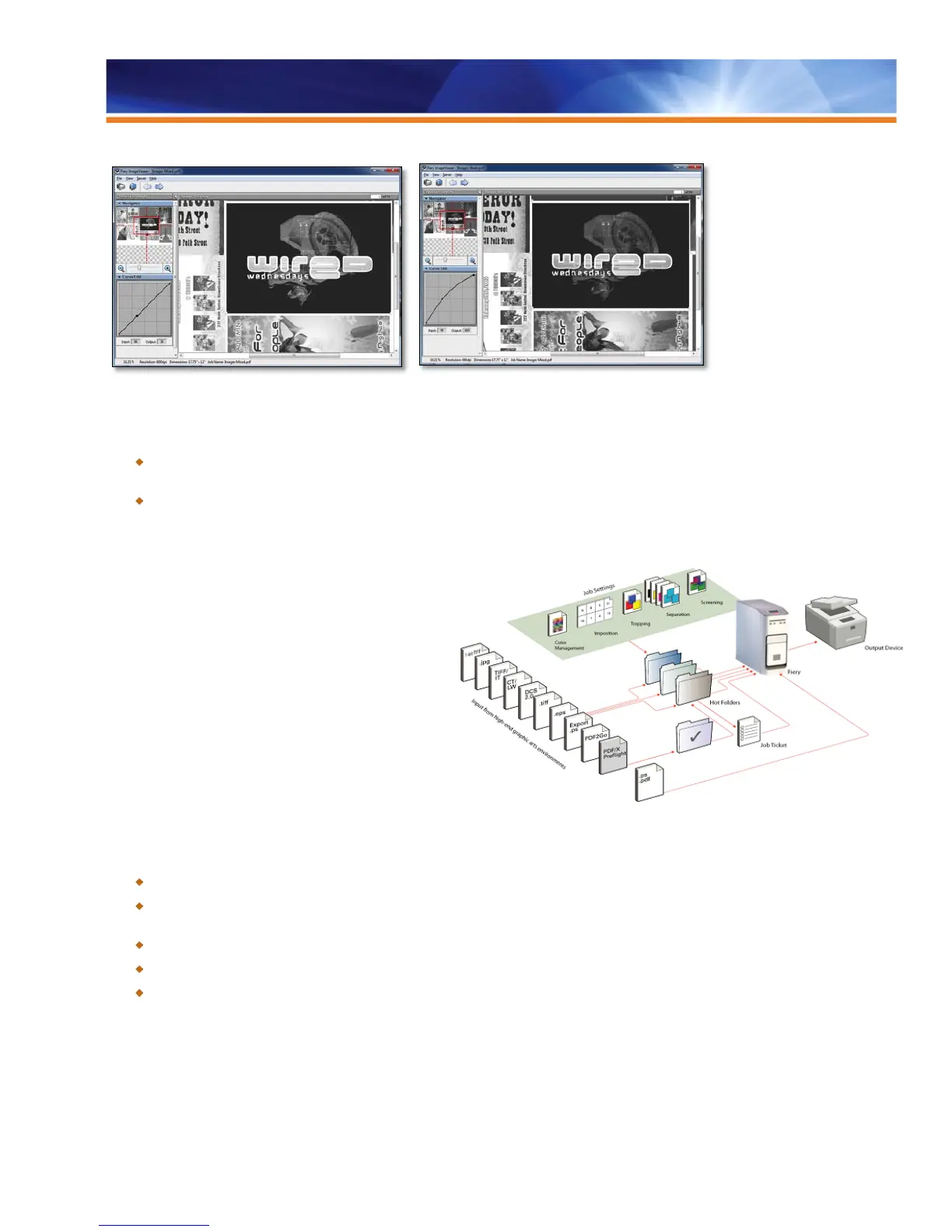
Before After
Benefits:
Full resolution previews allow operators to review the content and check for missing fonts, images, PS errors and layout issues.
All this without the need to print the job, saving clicks and minimizing waste.
Black tone curve adjustments can be saved and applied to other jobs or Fiery-driven engines to ensure consistency of the output
at all times.
Filters for Hot Folders
In a prepress-intensive, commercial or in-plant environment,
graphic artists demand compatibility and integration in their
existing workflow. They also insist on proper file conversion
with optimal productivity.
EFI Hot Folders, a separate EFI utility, is designed to provide
users with an automated method for sending print files to a
Fiery through simple drag-and-drop or print-to-file actions.
Graphic Arts Package, Premium Edition adds a set of
expert-level filters designed for Hot Folders, allowing users to
submit jobs in native file formats. In Hot Folder workflows,
jobs may be routed to a Fiery server with predetermined
settings, including PPD overrides, imposition attributes and
file format conversions.
Benefits:
Offers seamless integration of proofing and digital production in high-end graphic arts workflows.
Relieves users from the repetitive task of configuring multiple jobs. Maximizes resources, reduces errors and decreases
workflow redundancies.
Saves time and increases productivity by sending files directly to printing without the need to launch an application.
Reduces backlog by converting files of various formats in the Hot Folder application, not in the server.
Publishes and shares Hot Folders with multiple users across a network and/or enterprise. Allows sophisticated, automated
workflows for novice users. Also, offloads production workflow steps.



 To Next Page