19
Server Job Presets
Previously, users could create local Job Presets, which were available for use only on the user’s workstation. Now administrators can
create and share Server Job Presets to automate the selection of Job Properties for commonly used tasks, saving time and maximizing
productivity.
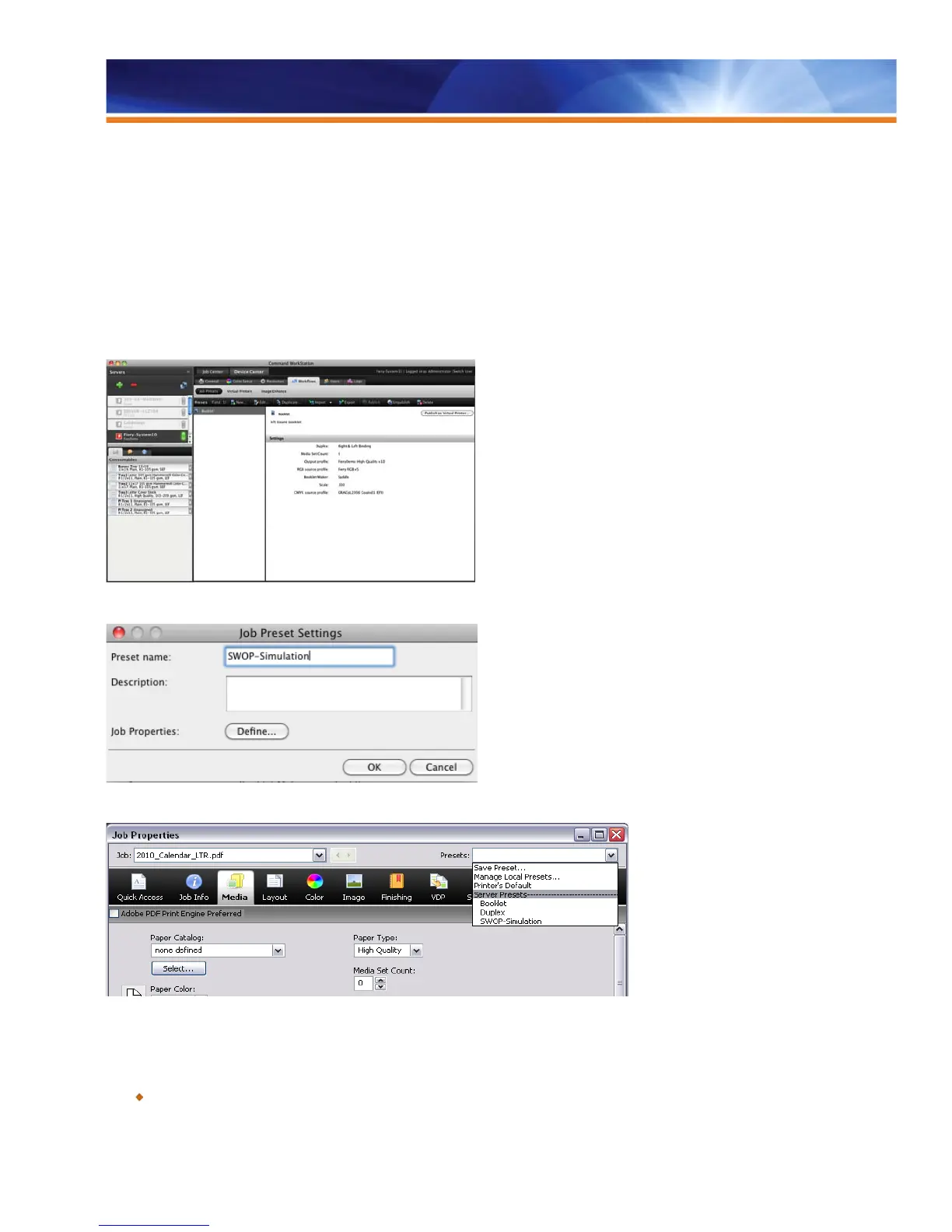
Administrators can save, edit, publish and delete Server Presets from the Command WorkStation Device Center. They can also create
Server Presets from within Job Properties in the Command WorkStation right after selecting the applicable job settings — simply provide a
name and description. Other users can access the centrally stored presets through workflows such as Virtual Printers, Hot Folders, Job
Properties and Print Drivers.
Save, edit, publish and delete Server Presets from the Command WorkStation Device Center.
It is easy to create server Job Presets by providing a name and description.
Select Job Presets from Job Properties.
Benefits:
Allows all users to access commonly used settings in all workflows.



 To Next Page