54
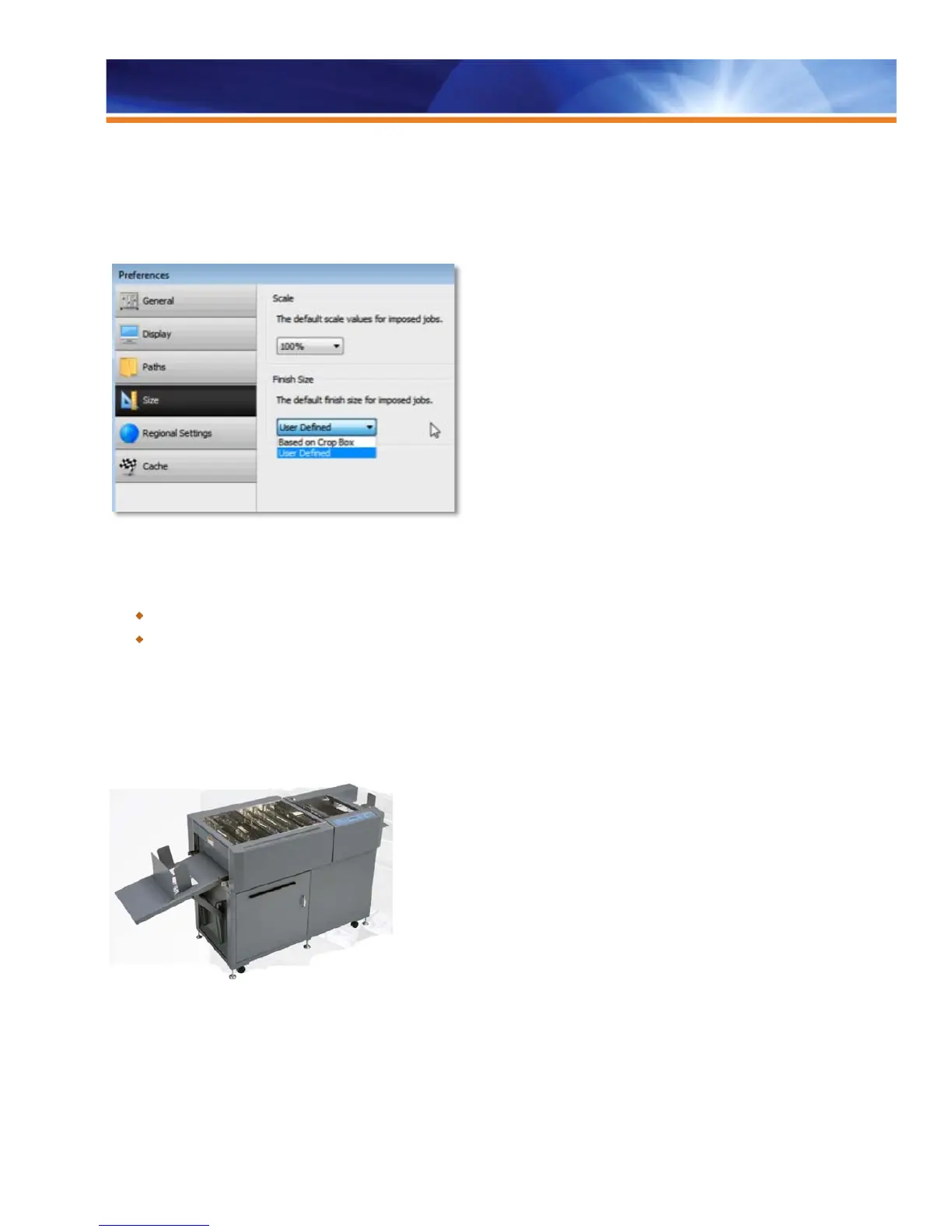
size (trim box), rather than on the default crop box, now have a way to specify either crop box or user-defined finish size for all jobs
opened in Impose. This gives users two options for imposing jobs: the crop box and the trim box. The new preference allows operators to
choose a default imposition method.
User Defined Finish Size is compatible with Fiery System 9 Release 2 and higher.
Choose the defaults for Fiery Impose.
Benefits:
Provides additional flexibility.
Allows the user to select a setting in Preferences and maintain that setting, never having to change it in Impose again.
Duplo Support for Barcode and Registration Marks
Fiery servers support Duplo USA’s DC-615, DC645 and DC745 offline finishers. Fiery servers can print preconfigured barcode and
registration marks in the upper right corner of a sheet. The barcodes and registration marks instruct the Duplo finisher on how to position
its blades, cutters and creasers to finish the document appropriately. This feature also allows operators to offset the sheet contents away
from the Duplo registration marks to prevent the trimming of job content.
Duplo DC-645 Slitter/Cutter/Creaser



 To Next Page