Commissioning Operating manual - Fan CF-C
50 of 84 www.elektror.com 2004930 10.19/0.2
EN
− The electric motor must be protected against re-start.
−
Mark the hazard area using the placard.
− Confirm the absence of voltage.
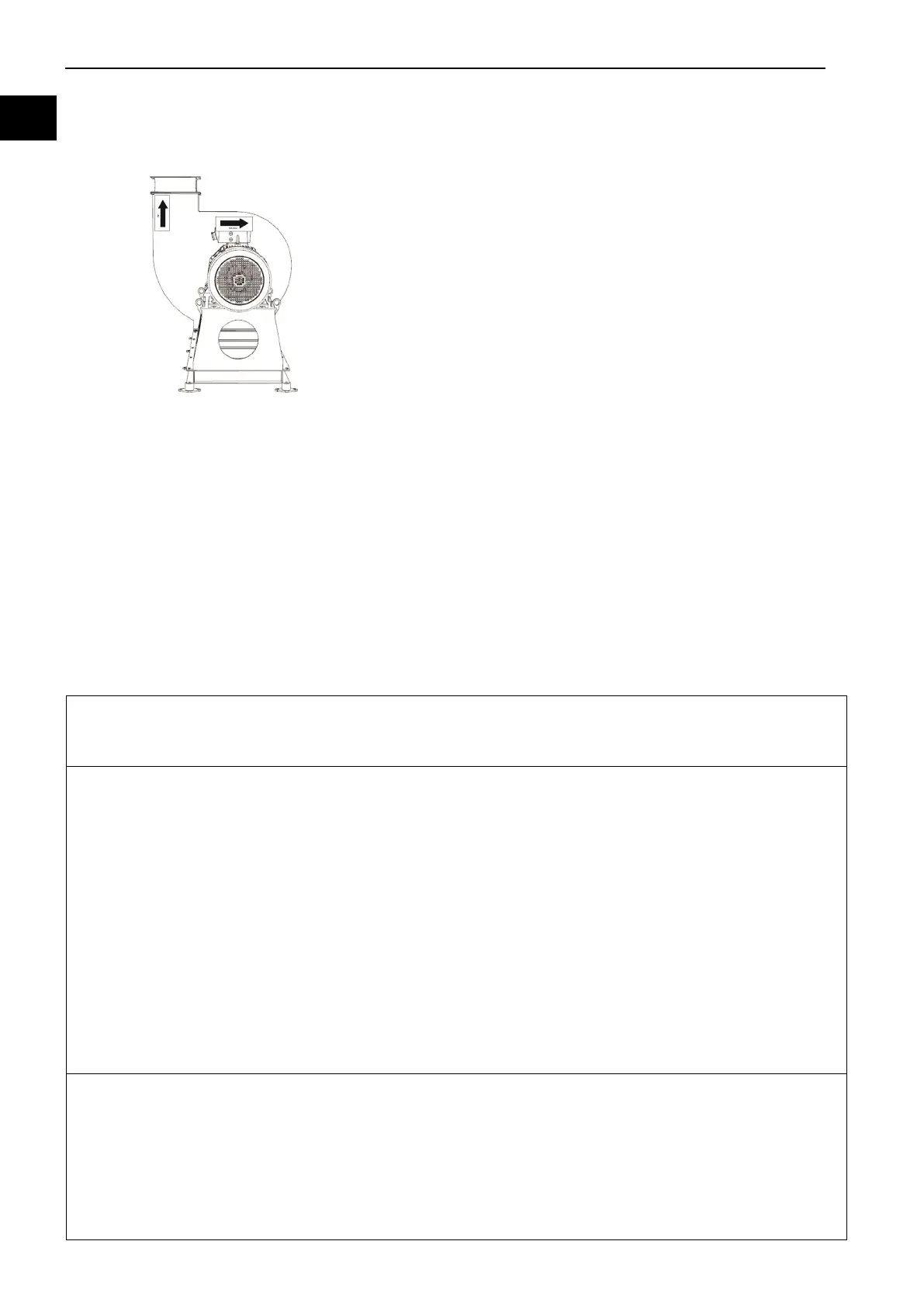
Rotation direction control
− Verify that the shaft rotates when it is moved by hand
−
Turn on the electric motor (see chapter 7.3.2).
Check the rotation direction of the electric motor to see
if it matches the arrow on the housing.
In the event of a wrong direction of rotation, the
appropriate switching must be made.
7.3.3 Switching the wrong direction of rotation
Switching the direction of rotation is possible after changing the connection points of any two
connecting cables. Follow the wiring diagram in the junction box.
7.3.4 Installation and assembly of the fan
The fan cannot be started until a sufficient acceleration torque is present throughout the entire
start
-up range.
To start the fan, perform the steps given below.
1. Fan operation in the closed condition of the throttling device.
Note:
When the final fan speed is reached, the throttling device should be opened.
2. Connect the fan via the main switch or the power switch.
Note:
The following values should be observed and recorded.
During start-up
- current requirement,
- voltage,
- vibration (quiet running),
- noises.
After start-up
- current / voltage,
- vibration,
- noises,
- bearing temperatures,
- heating of fan housing.
3. After the start-up, the fan should be loaded.
Note:
The following values should be observed and recorded.
- current requirement / voltage,
- vibration (quiet running),
- noises,
- bearing temperatures.



 To Next Page