Product description
BA_Elmasolvex_VA_EN_Vers.05.2018 © Elma Schmidbauer GmbH
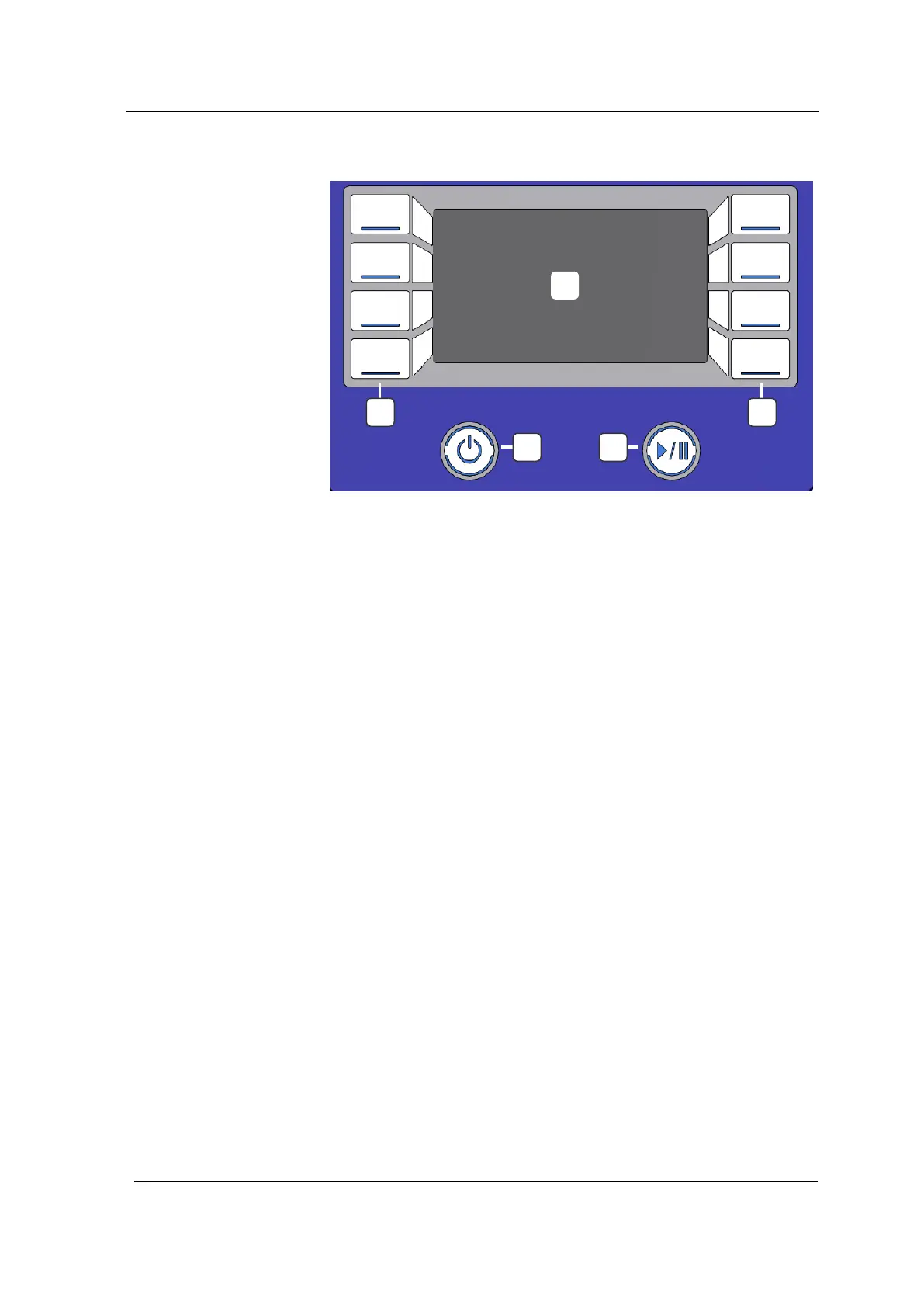
3.9 Control panel description
Fig. 3.9.1 View of control panel
Operating buttons for selecting functions and settings and
navigation in the software menu
On / Standby button for switching on the control panel
Start / Pause button for starting or interrupting the cleaning
process
Display shows the setting options and the current status of the
cleaning process
A A
B C
D




 To Next Page