Settings
BA_Elmasolvex_VA_EN_Vers.05.2018 © Elma Schmidbauer GmbH
7.1.4 Changing user language
The user language specified during the first start-up can be
changed at any later time.
Starting from the display Program Select List):
1. Press .
The display Unit Settings (Fig. 7.1.2) is shown.
2. Using / select Set language in the selection list and
confirm with .
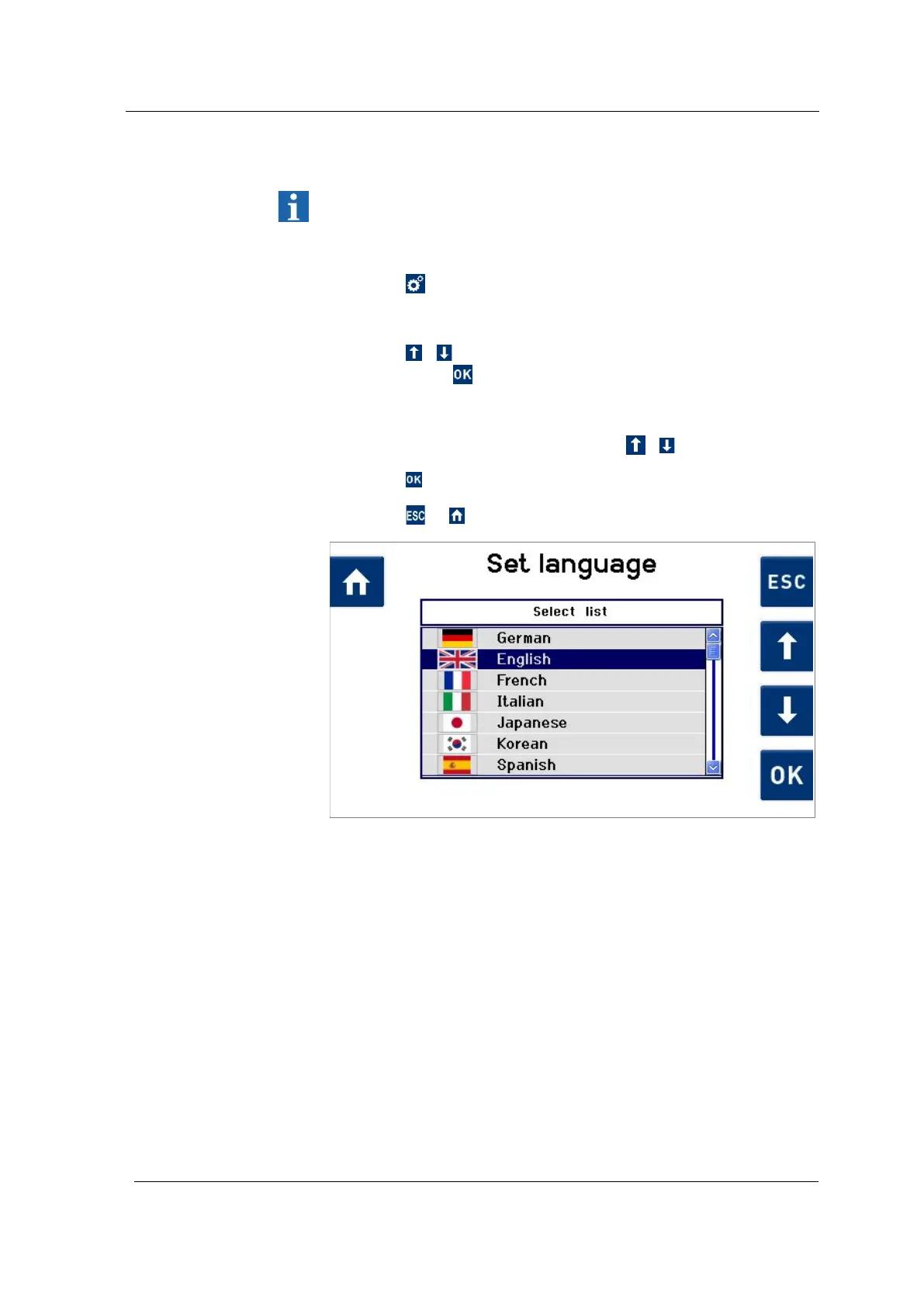
The Set language (Fig. 7.1.4.1) display is shown.
3. Select the required language using / .
4. Press to apply the changes.
Press or to exit from this display without changes.
Fig. 7.1.4.1 Display Set language




 To Next Page