Settings
© Elma Schmidbauer GmbH BA_Elmasolvex_VA_EN_Vers.05.2018
After entry of the program name, the display with the program
parameters of the process step Clean (Fig. 7.2.1.3) is first
shown.
The already existing program parameters of the copied cleaning
program can now be adjusted individually.
Proceed as described in Chapter 7.2.1.
7.2.3 Modifying existing cleaning program
The predefined cleaning programs stored in the cleaning
machine at the factory cannot be modified.
Programs you create yourself can be copied, modified or
deleted at any time.
In order to change a factory predefined cleaning program, it
must first be saved as a copy (Chap. 7.2.2).
If there is still no own cleaning program apart from the standard
programs available, the message that no modifiable program
has been found is shown on the display when selecting Modify
existing program.
On the display Modify / Create Programs (Fig. 7.2.1.1), select
Modify existing program using / and confirm with .
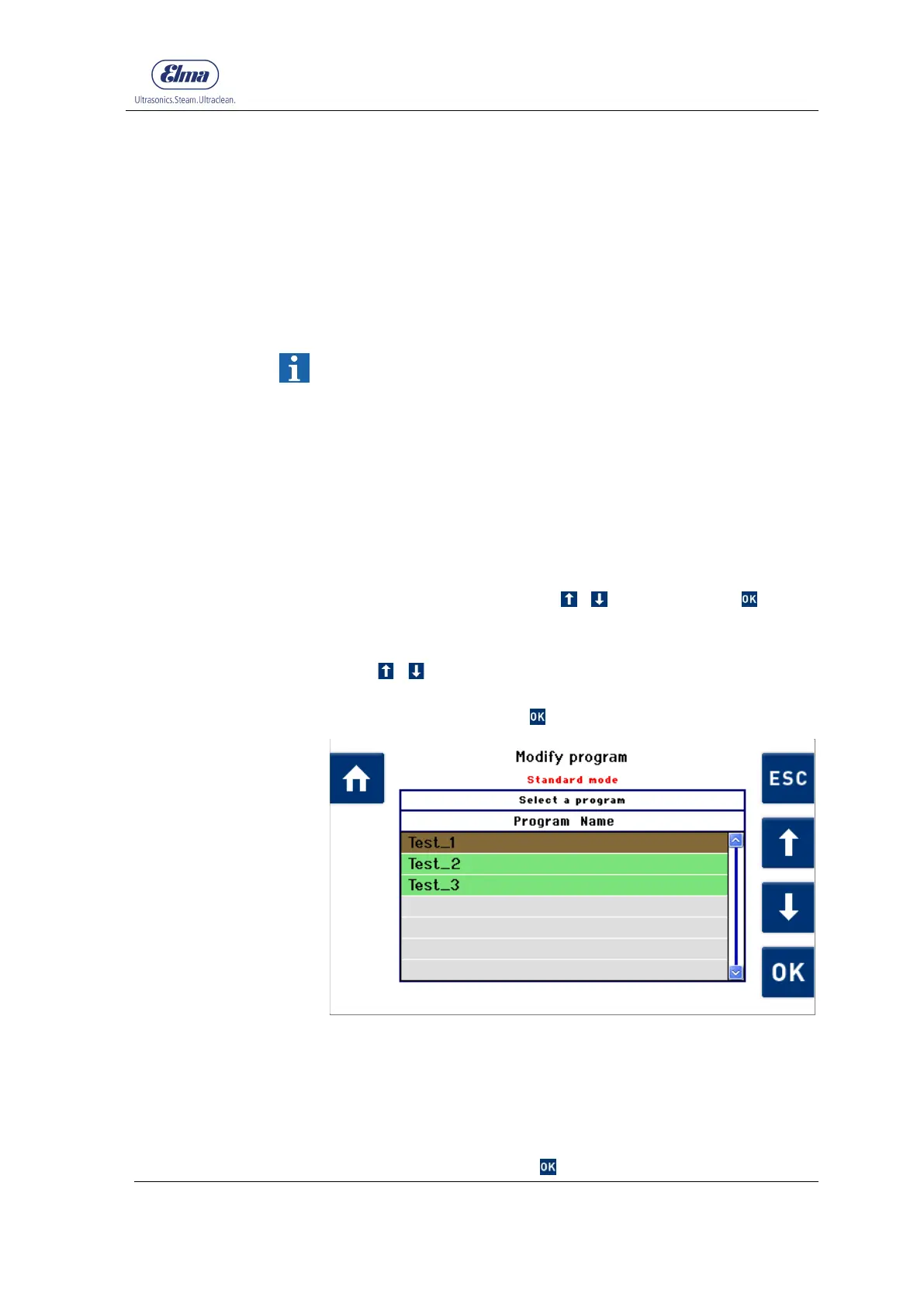
The display Modify program with the already existing cleaning
programs (Fig. 7.2.3.1) is shown.
Using / , select the cleaning program which should be
modified (in the example Standard_0) (Fig. 7.2.3.1).
Confirm the selection with .
Fig. 7.2.3.1 Display Modify Program
After selection of the cleaning program to be modified, the
Program name display (Fig. 7.2.2.2) is shown.
The name can be changed individually or retained as described
in Chapter 7.2.1.
To save the program name and continue with setting the
program parameters, press .
Editing program
parameters
Selecting program to
be modified
Rename program if
necessary




 To Next Page