Settings
© Elma Schmidbauer GmbH BA_Elmasolvex_VA_EN_Vers.05.2018
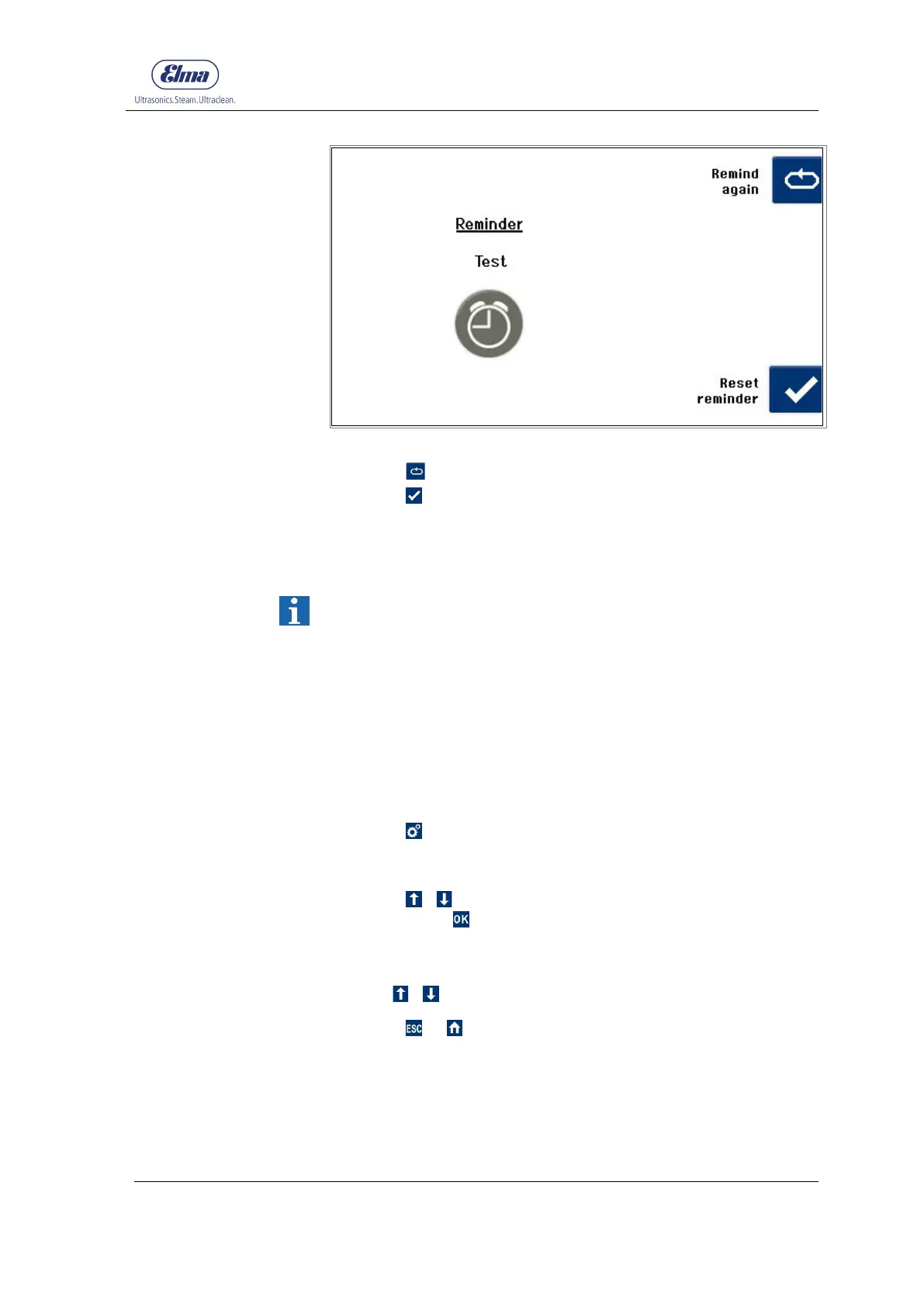
Fig. 7.1.6.11 Display Reminder
11. Press to be reminded again.
12. Press to reset the counted cycles / days to 0.
The counting starts again from 0.
7.1.7 Display Operating Hours
The Operating Hours menu item enables a view of the usage
time to date of the cleaning machine and individual
components.
The usage time is shown in cycles or hours and minutes.
Every component required for the cleaning process is shown
separately with the respective usage time.
Only completely executed cycles are added.
Starting from the display Program Select List:
1. Press .
The display Unit Settings (Fig. 7.1.2) is shown.
2. Using / select Operating Hours in the selection list and
confirm with .
The Operating Hours display is shown (Fig. 7.1.7.1).
3. Use / to be able to see all entries in the list.
4. Press or to exit from this display.




 To Next Page