Daily cleaning operation
© Elma Schmidbauer GmbH BA_Elmasolvex_VA_EN_Vers.05.2018
6 Daily cleaning operation
Switch on the cleaning machine at the main switch
(Fig. 3.7.1.B).
The internal fans are started (fan noise audible).
6.1 Checking filling levels of the media tanks
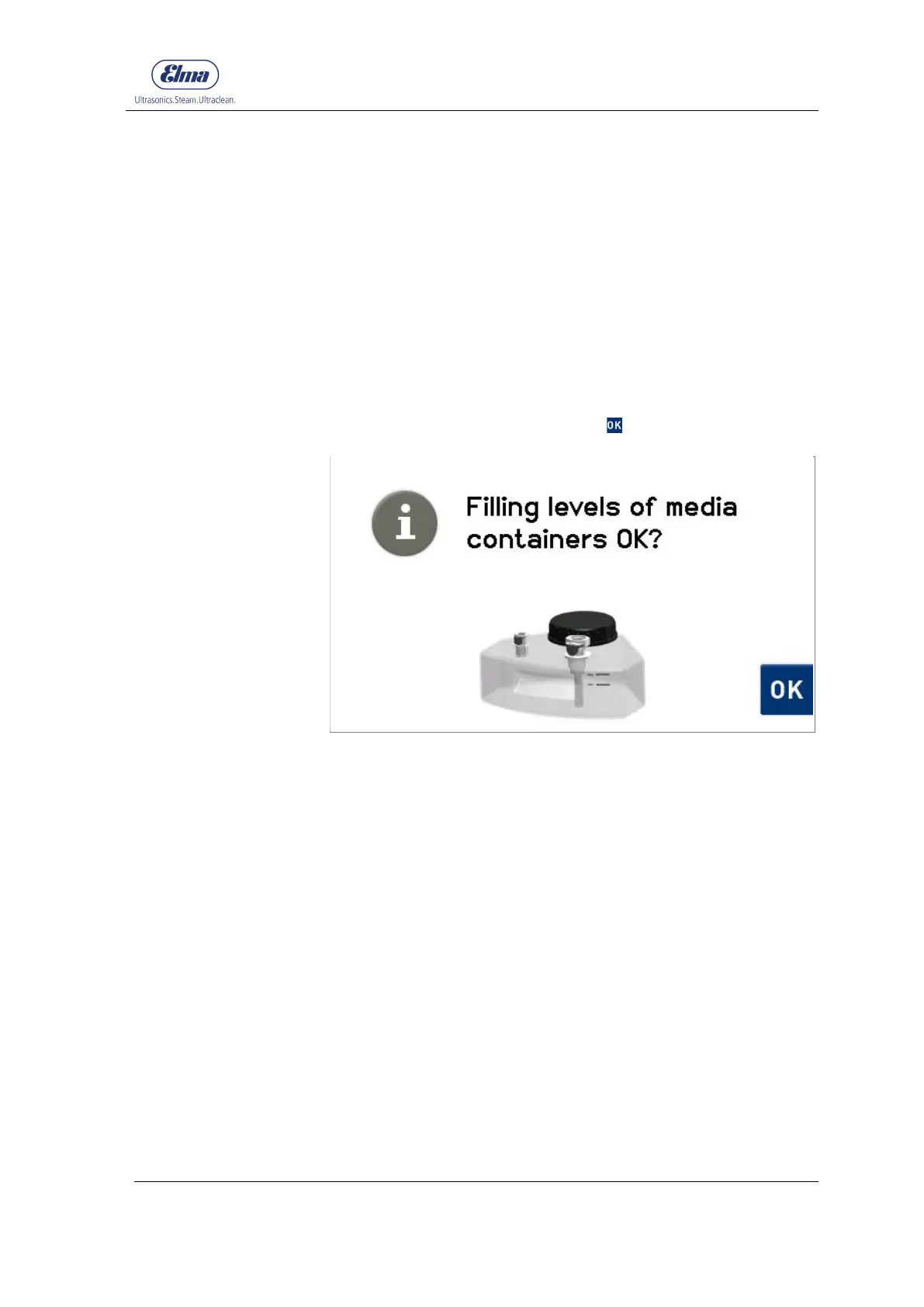
The retrieval of the filling levels of the media tanks is shown on
the display (Fig. 6.1.1).
Check the filling levels and fill or empty the media tanks if
required to the correct filling level (Chapter 4.4).
Confirm the correct filling levels with .
Fig. 6.1.1 Display Check filling level of the media tanks
The display automatically switches to the Start menu with
display of the cleaning programs (Fig. 6.3.1).
Checking media tank
filling level




 To Next Page