Product description
BA_Elmasolvex_VA_EN_Vers.05.2018 © Elma Schmidbauer GmbH
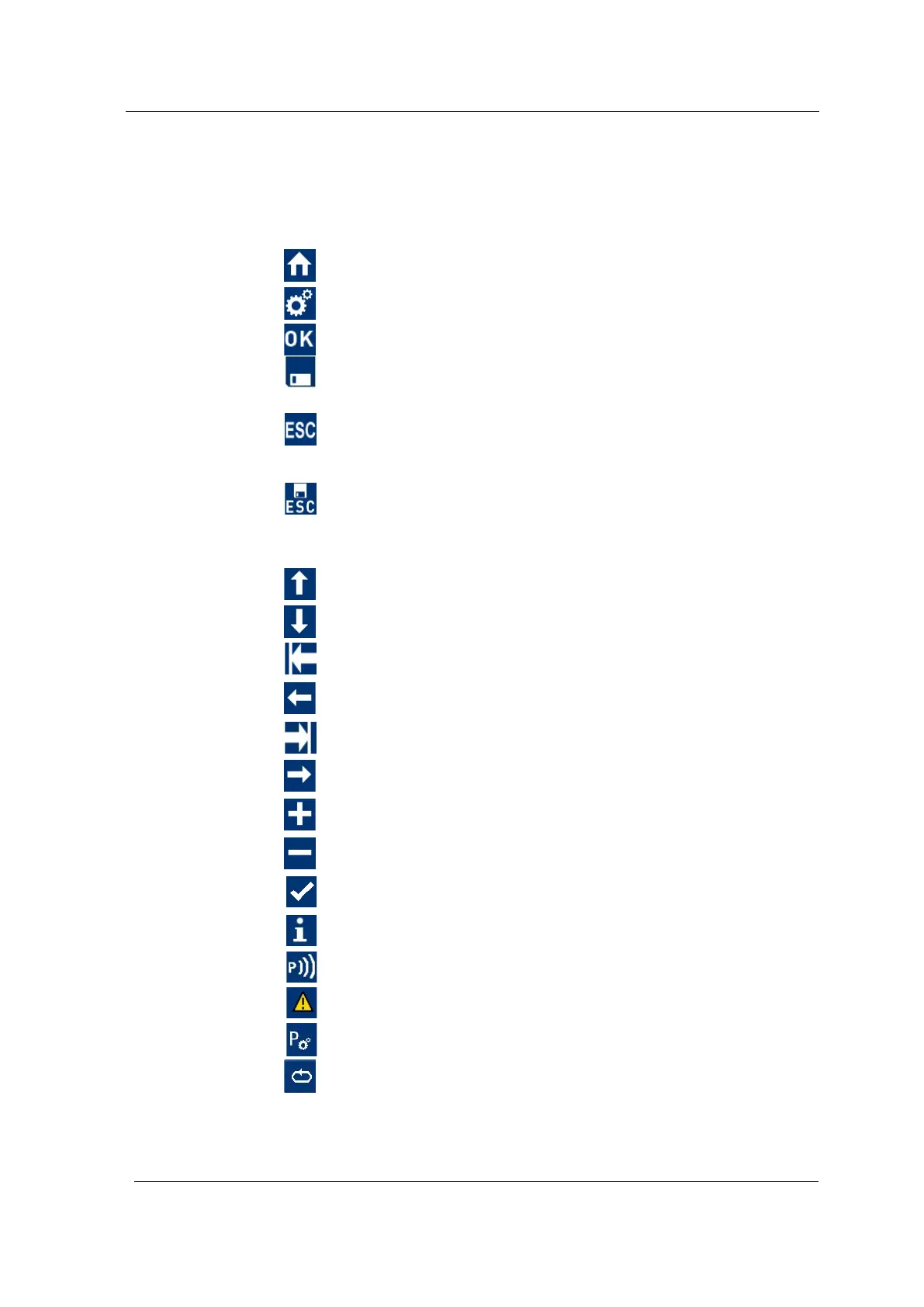
3.11 Description of the menu icons
The activation of the respective menu icons using the assigned
operating button triggers the following actions:
Navigates back to the display Program Select List (home
screen)
Navigates to the Unit Settings menu
Confirms an entry
Used to save the recent changes
Saves the recent input and returns to the previous display (in
the case of program changes the changes must be confirmed
beforehand)
Navigates to the previous display. Invokes a confirmation
screen where the changes can be saved or discarded. 'Cancel'
can be selected as option.
Navigates up by one menu item in the menu selection
Navigates down by one menu item in the menu selection
Navigates one step to the left in the screen display
Navigates one step to the left in the screen display
Navigates one step to the right in the screen display
Navigates one step to the right in the screen display
Increases the value in a selection field
Reduces the value in a selection field
Adopts an entry
Refers to further information
Indicates that the pager (optional accessory) can be initialised
Refers to the description of a fault
Editing program
Reset reminder / Remind again




 To Next Page