Settings
© Elma Schmidbauer GmbH BA_Elmasolvex_VA_EN_Vers.05.2018
7.1.8 Setting signal tone for program end
The Signal tone setting menu item enables the activation of a
signal tone at the end of any program run.
Starting from the display Program Select List):
1. Press .
The display Unit Settings (Fig. 7.1.2) is shown.
2. Using / , select Signal tone setting in the selection list
and confirm with .
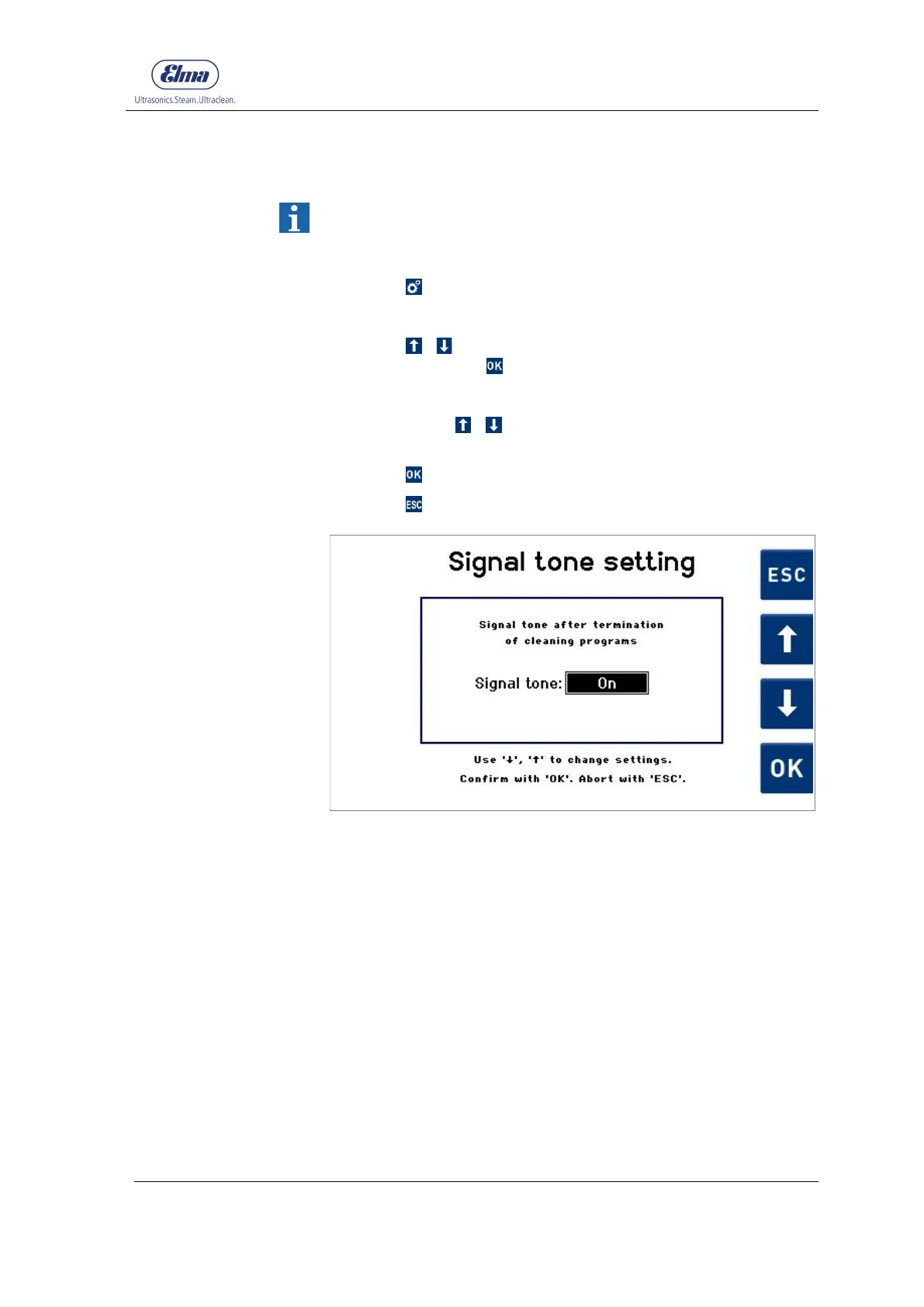
The Signal tone setting (Fig. 7.1.8.1) display is shown.
3. Select using / whether a signal tone (On) or no signal
tone (Off) should sound at the end of the cleaning program.
4. Press to confirm the input.
Press to exit from this display without changes.
Fig. 7.1.8.1 Display Signal tone setting




 To Next Page