Settings
© Elma Schmidbauer GmbH BA_Elmasolvex_VA_EN_Vers.05.2018
7. Enter the same number again as previously described and
press .
Press or to exit from this display without changes.
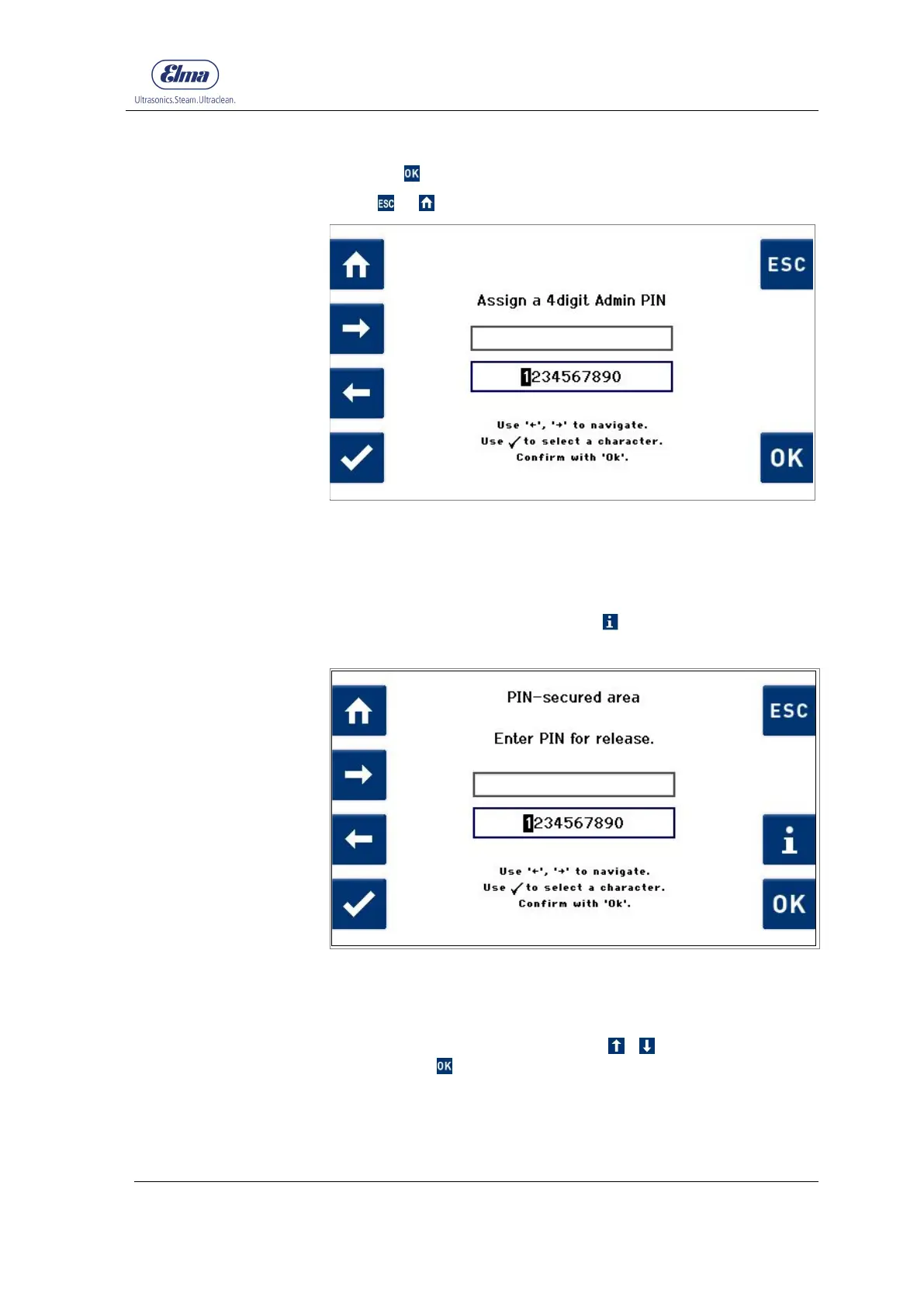
Fig. 7.1.2.2 Display Assign Admin PIN
The Administrator PIN has now been set. A dialogue box
requesting the Admin PIN will be displayed the next time
Program Settings or Unit Settings is called.
If you have forgotten the PIN, press (Fig. 7.1.2.3) and follow
the instructions.
Fig. 7.1.2.3 Display Enter PIN
Proceed as for the Admin PIN activation procedure.
After input of the previously set Admin PIN, select the setting
Off in the display (Fig. 7.1.2.1) using / and confirm the
selection with .
Procedure for
deactivating Admin PIN




 To Next Page