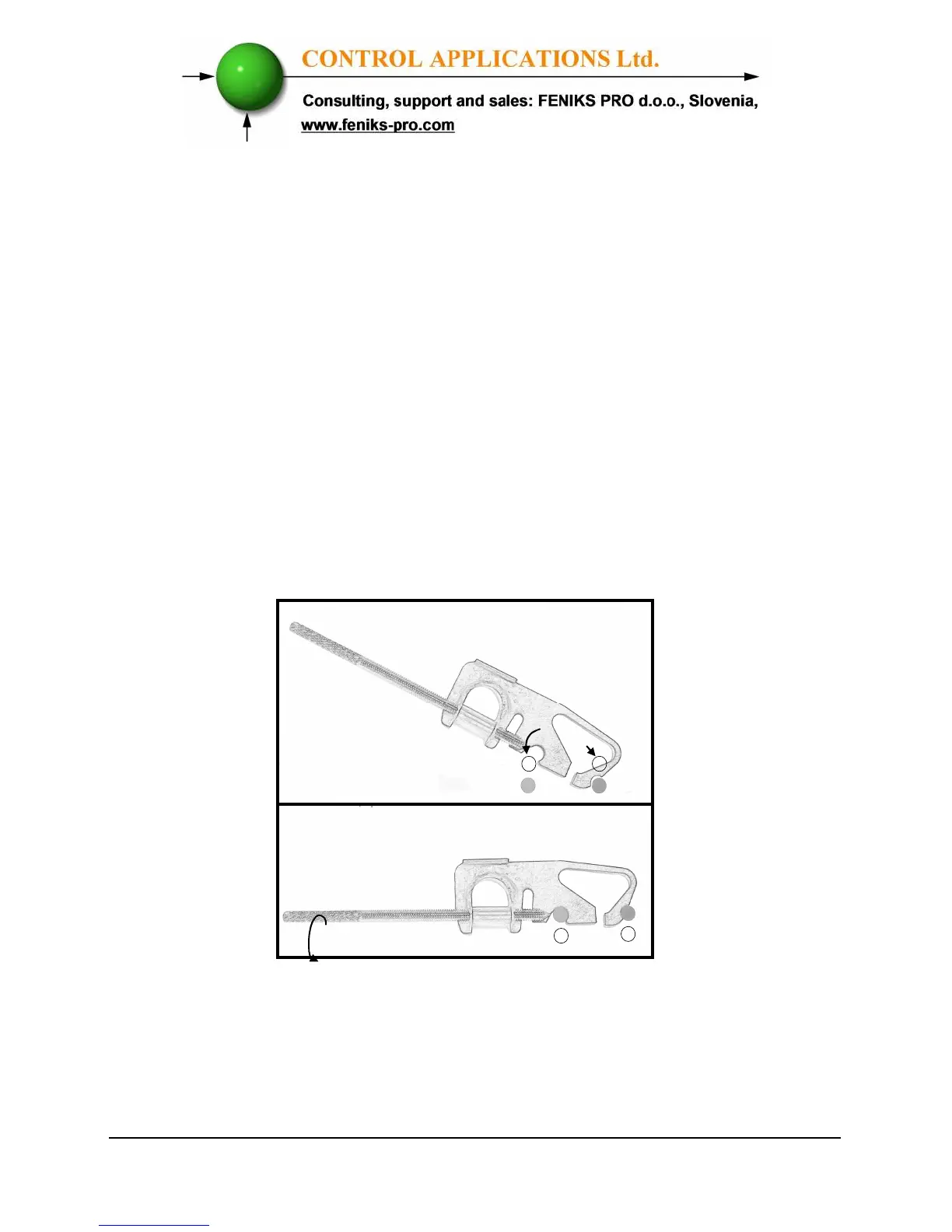
• Slide the
ElNet
Energy & Powermeter
into the pre-prepared
rectangular hole (ensure
it is the right way up), then
push the two
mounting clips provided in the packaging into
position. Use mild force to ensure the clips are
securely positioned on the outer case of the
ElNet
Energy & Powermeter
.
• Tighten the two mounting screws and ensure
the
ElNet
Energy & Powermeter is
firmly in place.
Figure 2.2. Mounting Clips



 To Next Page