4.9 Demand Setting.
The ElNet GR/PQ can determine the demand cycle time
.
In order to change the cycle time connected to the Elnet GR/PQ
See Section 4.1 for instructions to arrive at the Technical Menu.
1 From Technical Menu scroll to "Next" and Click “Enter”.
2 Scroll to “Demand Setting” and Click “Enter”.
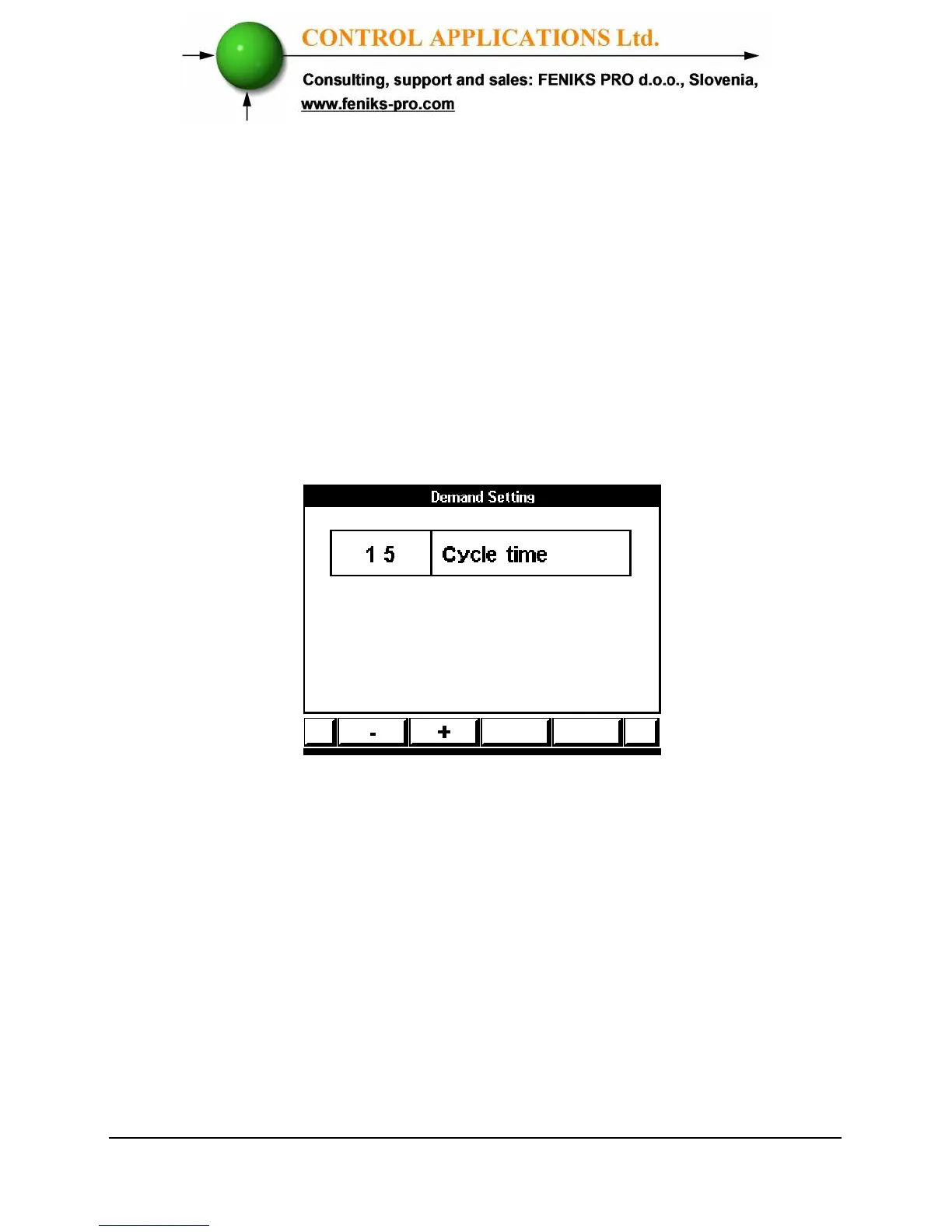
3 The Demand Setting screen appears.
Figure 4.14 Demand Setting
4 Use “F1”/ "F2" in order to change the cycle time. The
cycle steps are: 1, 2, 3, 4, 5, 10, 15, 20, 30 and 60 minutes.
5 Click “Enter” for saving the change.



 To Next Page