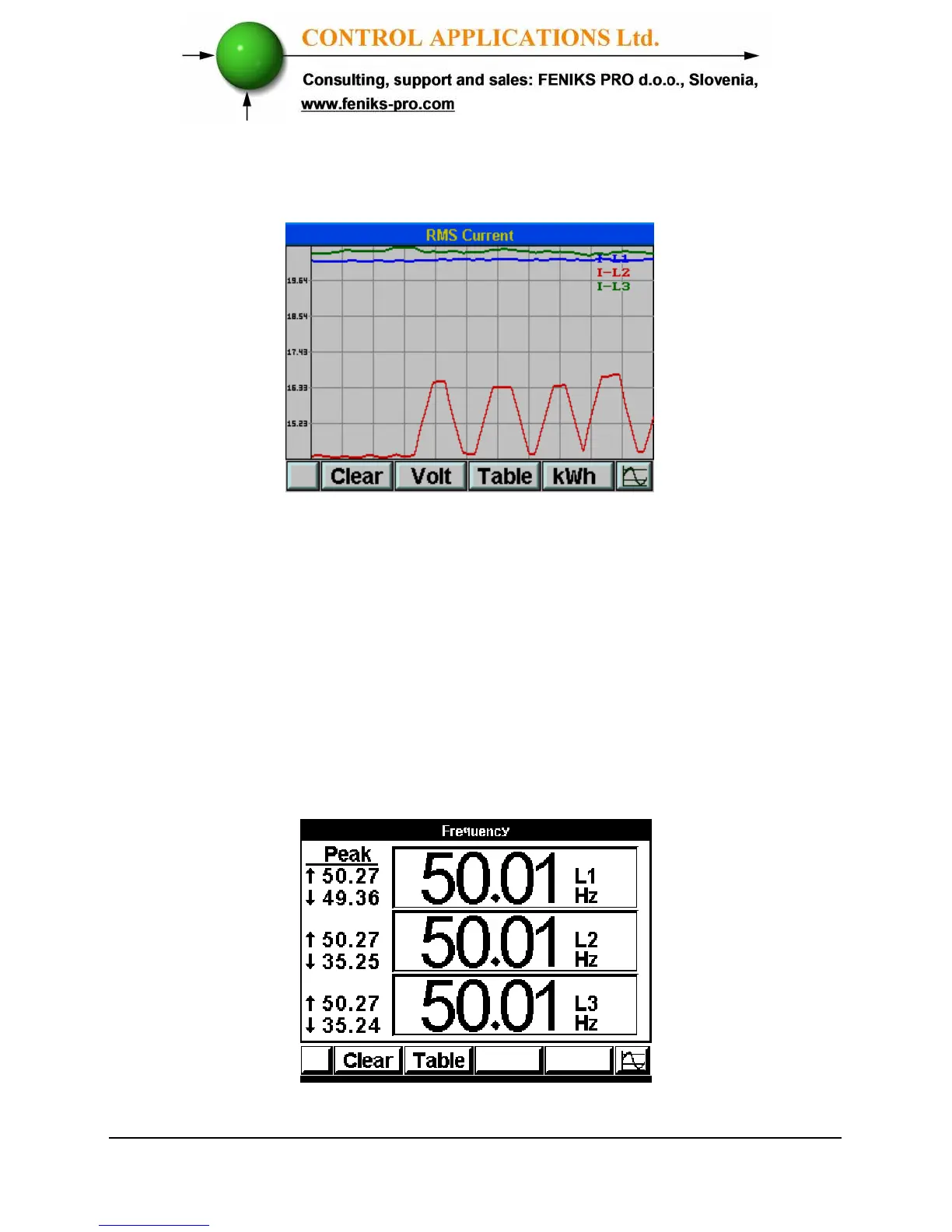
5 The online graphical data screen appears.
Figure 5.2. Current graphic Display
5.2 Frequency for 3 Phases
To display Frequency for all 3 Phases
1 Display the current screen as described in section 5.1.
2 Click “F3” - “ TABLE”.
3 Click “F3” - “ Hz”.
The Frequency screen appears.
Figure 5.3. Frequency for all 3 Phases



 To Next Page