42
4.6 Date Settings
To set Date
See Section 4.1 for instructions to arrive at the Technical Menu.
1 From Technical Menu scroll to Set Date.
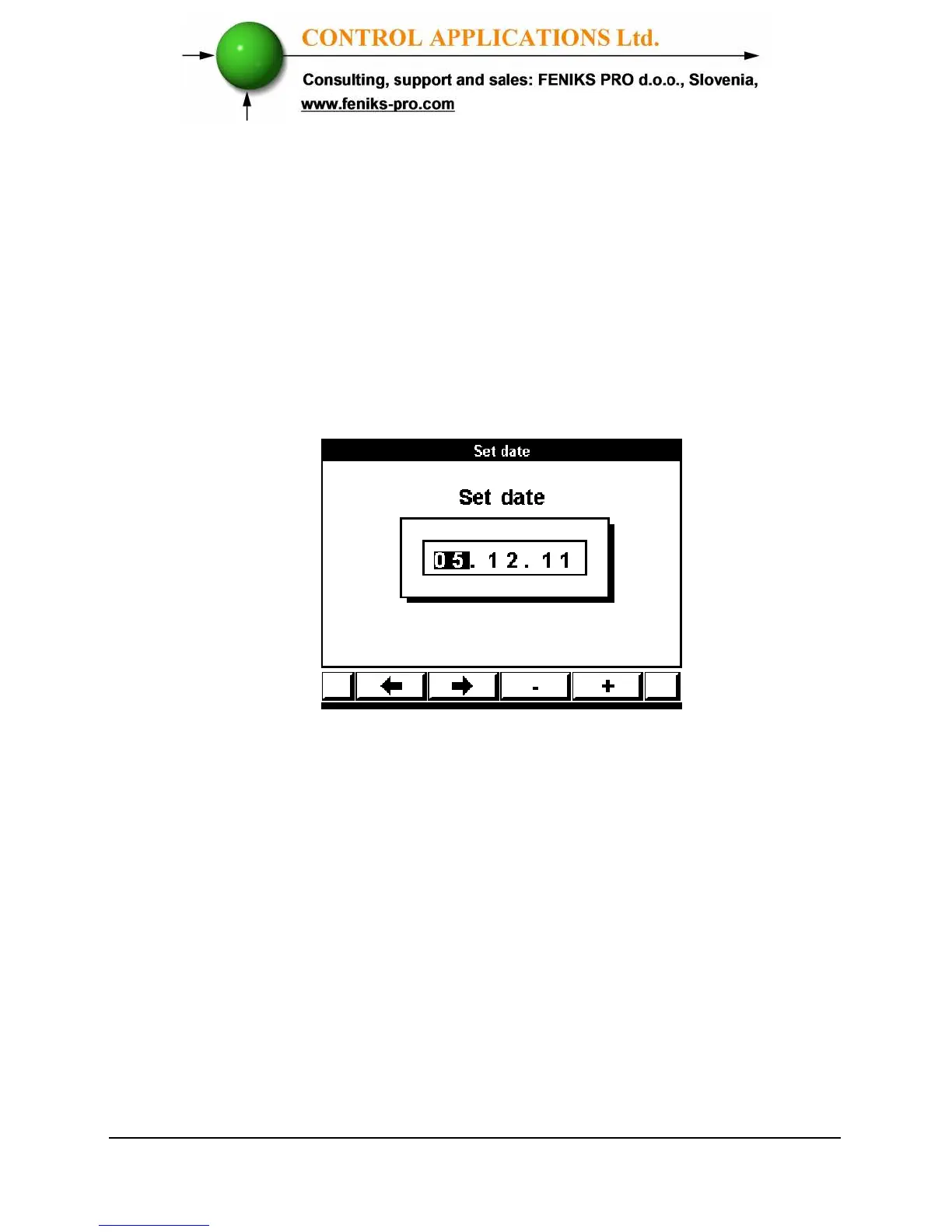
2 Click “Enter” The Set Date screen appears.
Figure 4.11. Set Date
3 Use “F1” or “F2” to select Day, Month, Year.
4 Use “F3” or “F4” to change Day, Month, Year.
5 Use “Back” to return to Technical menu.



 To Next Page